AI Changes the Director’s Workflow by Making Ideas Visible Earlier
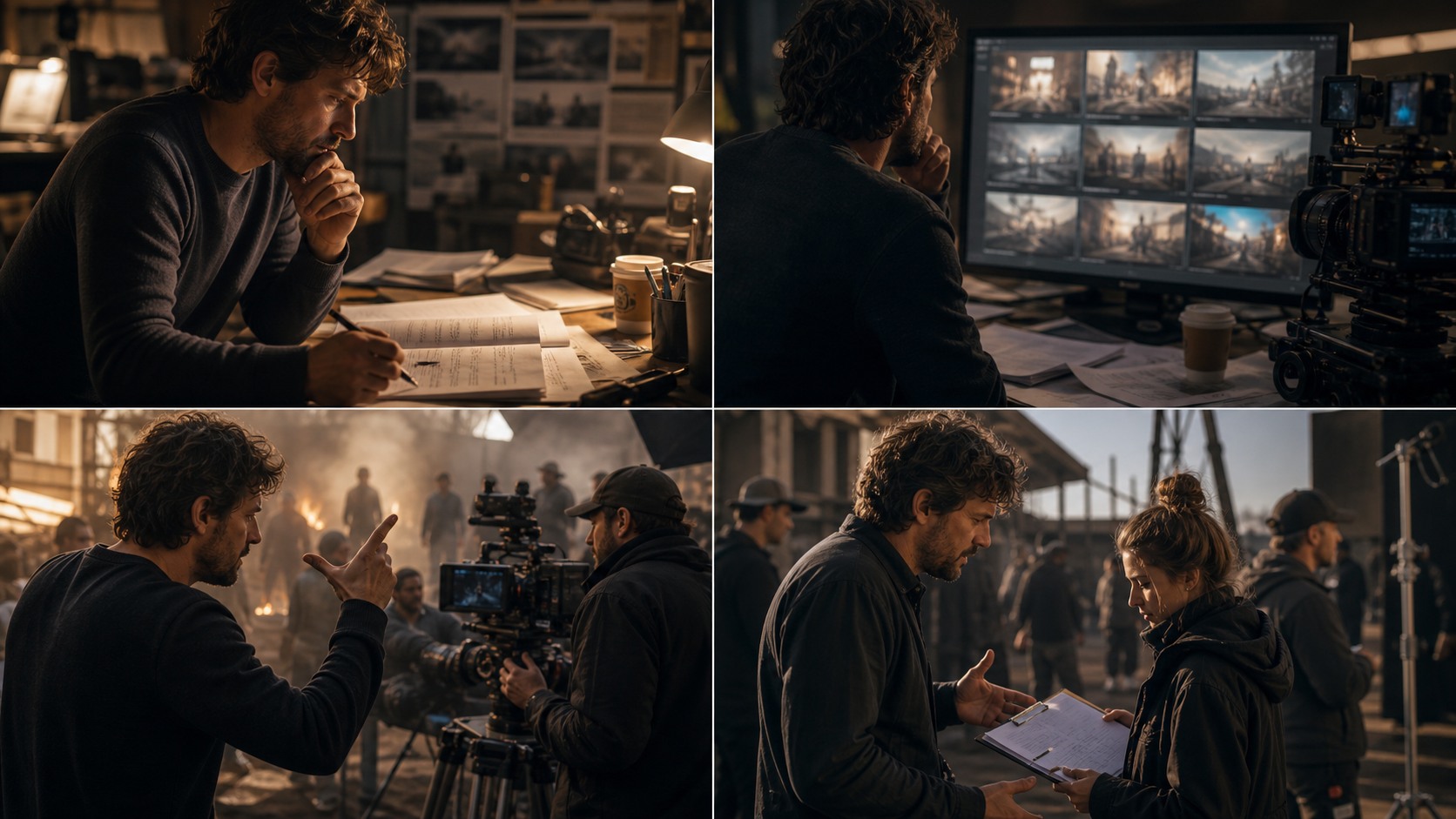
AI is transforming the director’s workflow by making early ideas easier to see, compare, organize, and share. A director can now move from script notes to mood frames, rough boards, shot options, and edit questions faster than before. That does not make directing automatic. It changes the rhythm of preparation. The director’s job becomes less about waiting for every visual question to move through a long chain and more about judging which fast options actually serve the film.
Development Becomes More Visual
In development, directors often work with abstract questions. What is the tone. What does the world feel like. How close should the audience be to the character. AI can help create rough images and references that make those questions easier to discuss.
This can speed up early exploration, especially when the film has a strong visual identity. A director can test whether a scene wants realism, stylization, warmth, distance, or visual restraint. The images are not final, but they make the director’s instincts visible.
The risk is premature certainty. A generated image may feel persuasive simply because it exists. Directors need to treat early AI visuals as questions, not answers.
Script Breakdown Gets Faster
AI can help summarize scenes, identify characters, list locations, extract props, and surface repeated motifs. This can make script breakdown faster and help directors prepare for deeper creative work.
But breakdown is not only administrative. A director still needs to know what each scene is doing emotionally. AI can list events, but the director interprets meaning. A scene’s true purpose may be hidden beneath dialogue or action.
The best workflow uses AI to accelerate the first pass, then uses human reading to find the living center of the scene.
Previsualization Becomes Routine
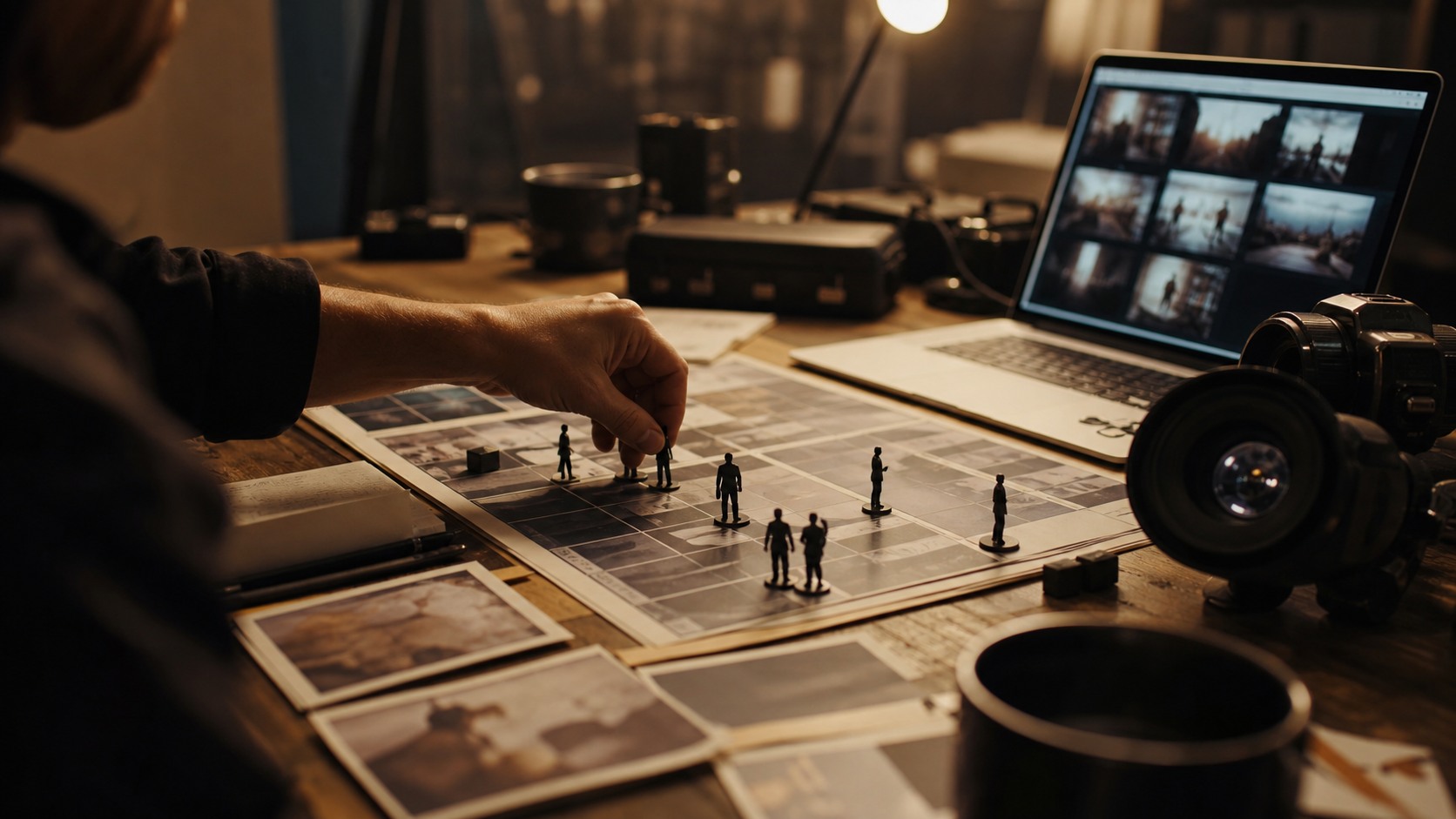
Previsualization used to be reserved for bigger productions or technically complex scenes. AI makes rough previs more available to directors at many budget levels. Directors can test boards, camera ideas, and tone without waiting for a full previs department.
This changes expectations. Directors may begin bringing visual references to meetings earlier. Producers and department heads may expect clearer visual thinking before production. The workflow becomes more image-driven before the shoot.
Previs should still be purposeful. It should answer scene questions, not create decorative folders.
Collaboration Starts Earlier
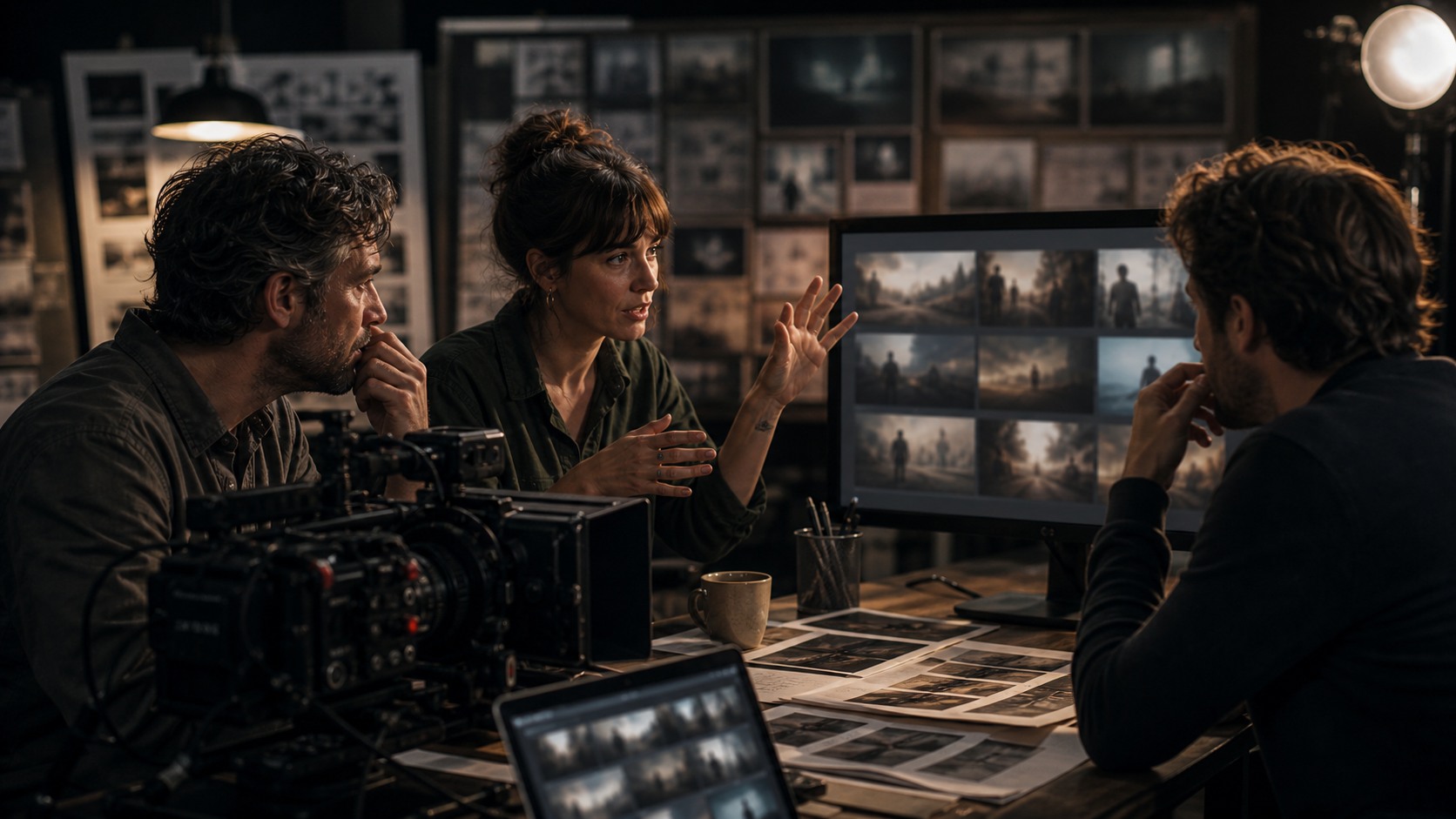
AI references can bring collaborators into the visual conversation sooner. A cinematographer can respond to light and framing. A designer can respond to materials and space. An editor can respond to sequence. A producer can respond to scope.
This earlier collaboration can prevent misunderstandings. It can also reveal disagreements before they become expensive. If the director’s imagined film and the producer’s budget film are different, AI visuals may expose that gap quickly.
The director should welcome this. A visual reference is useful when it starts the right conversation, not when it ends the conversation.
Shot Planning Becomes More Iterative
AI lets directors compare shot options quickly. A director can test wide, close, overhead, profile, or point-of-view approaches before choosing coverage. This can make shot planning more iterative and more collaborative.
The danger is option overload. If every scene has endless possible frames, the director may lose momentum. The workflow needs limits: generate for a question, review, choose, and move on.
Strong directors will use AI to sharpen shot priorities. Weak workflows will use AI to avoid making decisions.
Meetings Become More Concrete
AI can make production meetings more concrete because people can respond to visible material. Instead of discussing a vague tone, the team can discuss three possible visual directions. Instead of guessing a scene’s scale, the producer can look at rough frames and ask what they imply.
Concrete meetings are faster when materials are labeled. A frame should say whether it is about mood, camera, design, or blocking. Without labels, people may critique the wrong thing.
The director’s workflow improves when each meeting ends with a clearer decision. AI visuals should support that clarity.
On-Set Workflow Changes Less
On set, the director’s workflow changes less dramatically than in prep. The set is still a live environment of actors, crew, time, and physical constraints. AI may support quick reference checks or continuity notes, but it should not pull attention away from the people working.
The best AI transformation may happen before the shoot. Better preparation means fewer emergencies. Clearer references mean faster alignment. Stronger shot priorities mean better decisions when time runs short.
Directors should be cautious about making the set dependent on live AI generation. The human pace of performance and crew work still matters.
Post Review Gets More Organized
Post-production can benefit from AI organization. Directors can use tools to search transcripts, summarize notes, compare versions, locate moments, or organize feedback. This can make review sessions less overwhelming.
AI may also help test temporary ideas, such as sound references or visual effects concepts. These can support communication with editors and finishing teams.
Final post decisions still require human taste. The director and editor must decide what the film feels like in time. AI can organize the material, but it cannot feel the silence for the audience.
The Director Becomes a Stronger Curator
As AI adds more options to the workflow, directors become stronger curators. They must choose what to keep, what to reject, and when to stop exploring. This is not a smaller creative role. It may be a more demanding one.
Curation requires point of view. If the director does not know what the film wants, AI can generate endless plausible distractions. If the director has a strong point of view, AI can help test and refine it.
The transformed workflow rewards taste, clarity, and restraint.
Setting Workflow Limits
A transformed workflow needs limits. Directors can decide how many AI options are enough for a scene, who reviews them, and when exploration ends. Without limits, AI can turn every decision into an open question and make the director’s day feel busier rather than clearer.
Limits can be simple. Generate three tone directions, not thirty. Create a first-pass board, then revise only missing shots. Use AI summaries after meetings, not during sensitive performance notes. These boundaries keep the tool in service of the work.
Limits also protect collaborators. A cinematographer should not have to review every generated angle. An editor should not receive a flood of speculative sequences. A producer should not be asked to budget images that were never meant as real plans.
A director who sets limits is not using AI less creatively. They are using it with stronger intention. Creative tools become more powerful when they are given a purpose and a stopping point.
The future director’s workflow may be fast, but it still needs rhythm. There should be time to generate, time to review, time to decide, and time to be present with people.
How the Workflow Changes Director Prep Time
AI can shift director prep time from waiting to reviewing. Instead of waiting days for every rough reference, a director may have many options quickly. That sounds efficient, but it means the director must spend more time evaluating. The bottleneck moves from production of options to selection of options.
This changes how prep days should be planned. Directors may need dedicated review blocks, not scattered moments between meetings. Looking at AI output requires attention because small differences can imply major production decisions. A frame may suggest a costly location, a difficult lighting setup, or an unclear emotional direction.
Prep also becomes more iterative. A director may generate references, discuss them with departments, revise prompts, update boards, and then return to the script with new clarity. That loop can improve the film if it is controlled. It can become exhausting if it never ends.
The healthiest workflow treats AI as a first-draft accelerator. It helps the director reach a visual draft sooner, but the real prep still involves conversation, rehearsal, scouting, budgeting, and editing judgment.
In other words, AI does not remove prep time. It changes what prep time is spent doing. Directors who understand that shift will plan their days more realistically.
How the Workflow Changes Communication
AI also changes how directors communicate. Instead of describing every visual idea from scratch, they can bring rough references to the conversation. That can be efficient, but it also requires more precise language. The director must explain what the reference means and what it does not mean.
For example, a generated image may be about loneliness, not costume. Another may be about camera distance, not color. If the director does not label the purpose, collaborators may spend time critiquing irrelevant details. Better visuals require better framing from the director.
Communication also becomes more iterative. A department can respond to a reference, the director can revise the idea, and the next meeting can begin from a clearer place. This loop can improve the film quickly when everyone understands the status of the materials.
The workflow is transformed not because AI speaks for the director, but because it gives the director more concrete objects to speak through. That is useful only when the director remains clear about intention.
Why Workflow Reviews Matter
Directors should review the AI workflow itself, not only the outputs. After a prep week, they can ask whether the tools made meetings clearer, whether boards improved, whether decisions happened faster, or whether the team felt overwhelmed.
This feedback prevents bad habits from becoming permanent. A workflow that helped during development may be wrong for production. A tool that impressed the director may frustrate the editor. Regular review keeps the process honest.
A transformed workflow should stay adaptable. The point is not to prove that AI belongs everywhere. The point is to keep the director and team working with more clarity.
How Assistants and Producers Fit In
Assistant directors, producers, and coordinators can help make the AI-assisted workflow practical. They can track which materials are current, which references are approved, and which generated ideas imply schedule or budget changes. This support keeps the director from becoming the only person managing the tool layer.
That division of labor matters because directors still need creative attention for actors, scenes, and collaborators. If AI adds more organizational work than it removes, the workflow is not mature yet. A good production process assigns ownership so the director receives clear options rather than a messy stream of outputs.
When assistants and producers understand the AI workflow, they can also protect the schedule. They can say when exploration has to stop, when a reference needs approval, and when a generated idea is too expensive for the day.
What Should Not Change
The director’s responsibility should not change. The tools may become faster, but the director still protects performance, meaning, collaboration, and audience trust. The film is not the workflow. The film is the experience created through the workflow.
Directors should adopt AI where it makes them more prepared and more precise. They should resist it where it makes them generic, distracted, or less present with collaborators.
AI transforms the director’s workflow by speeding up visibility and organization. Human direction still transforms that workflow into a movie.