Image-to-Video Starts With a Visual Anchor
Image-to-video AI models create motion from a still frame. Instead of asking a model to invent everything from text, the creator provides an image that anchors the subject, composition, color, world, or character design. The model then predicts how that still frame might move. For filmmakers, this can be a powerful bridge between concept art and moving scenes, but it still requires careful direction. A still image can guide the look, while the filmmaker must judge whether the motion actually works.
What Image-to-Video Does
Image-to-video models take a still image and generate a moving clip from it. The input might be a concept frame, production still, storyboard image, character design, environment painting, or AI-generated mood frame. The model uses that visual anchor to decide what should stay recognizable as motion begins.
This can give creators more control than text alone because the starting frame already contains composition, subject, light, and design. The model does not have to imagine the entire scene from language. It has a visual reference to extend.
The result is still a prediction. The model may move the camera, animate the subject, shift the environment, or add atmosphere in ways that look plausible but not necessarily correct.
Why Still Frames Are Useful Anchors
A still frame can capture a decision that words struggle to describe. It can show the exact angle of a face, the mood of a hallway, the shape of a creature, or the balance of light and shadow. When that image becomes the input, the model has a clearer target.
This is valuable in film workflows because teams often approve images before they approve motion. A director may like a concept frame but need to know whether it can become a shot. Image-to-video can help test that transition.
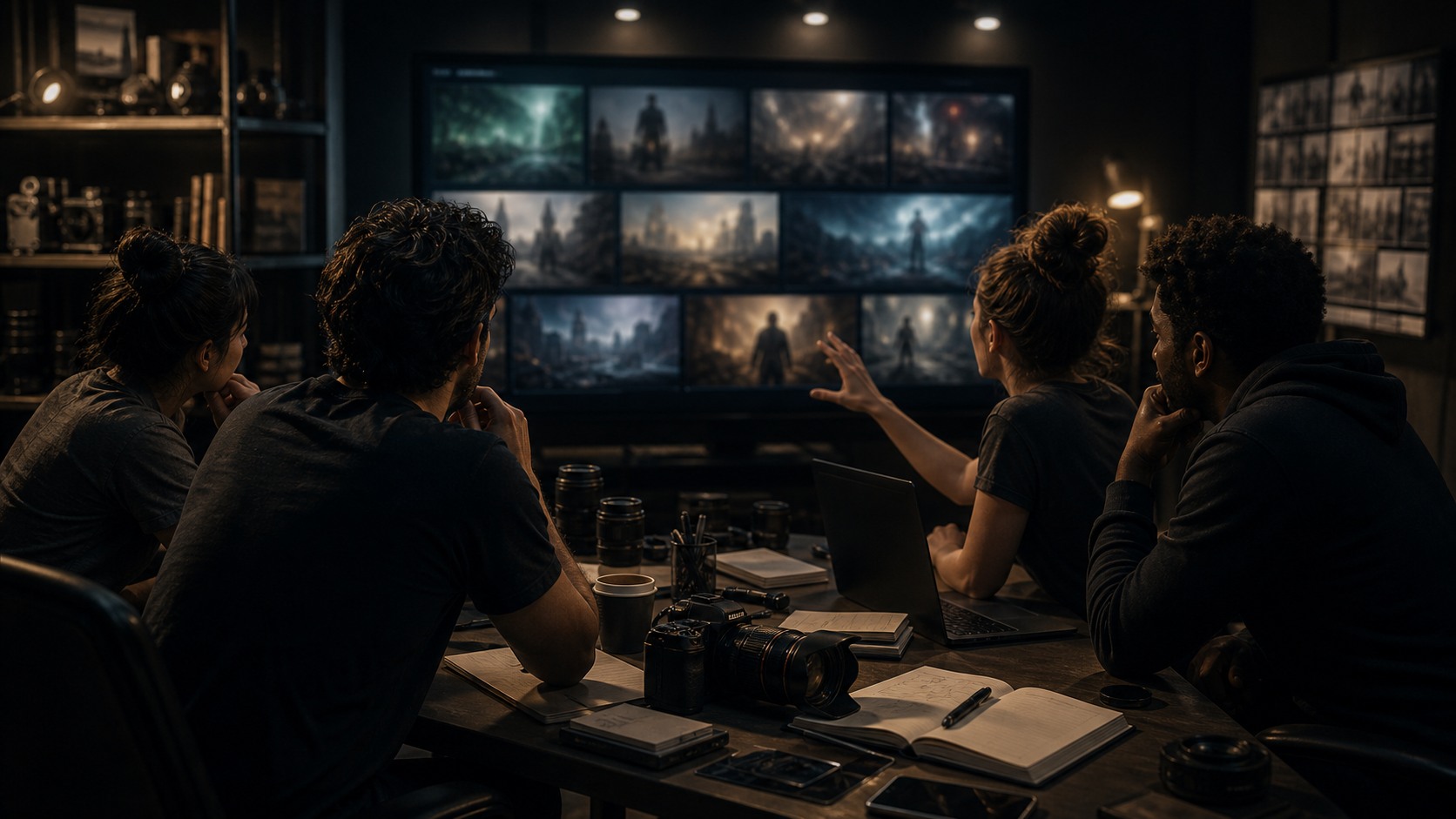
The anchor also helps collaboration. Designers, directors, and editors can point to the same frame and discuss what kind of motion it needs. That shared reference makes the generation process less abstract.
How Motion Gets Added
The model predicts changes across frames. It may create a slight camera push, drifting smoke, turning heads, moving cloth, passing light, environmental movement, or a larger action. Some systems let the creator guide motion with text or controls, while others infer movement from the image and prompt.
The quality of motion depends on the model, input image, prompt, and complexity of the request. A simple atmospheric move may work better than a complicated action scene. A clear subject with visible structure may animate more convincingly than a crowded image with unclear details.
Filmmakers should think of motion as a performance test. The question is not only whether the image moves, but whether the movement supports the shot's purpose.
Where Filmmakers Use It
Image-to-video can help with previsualization, pitch pieces, look development, animated storyboards, scene transitions, dream imagery, and early effects tests. It lets filmmakers see whether a strong still frame has cinematic potential when time is added.
It can also help turn concept art into a rough moving reference for collaborators. A production designer can see how atmosphere might shift. A cinematographer can discuss camera energy. An editor can test whether a moment deserves to be held or cut quickly.
The tool is especially useful when the starting image is already approved. Instead of inventing a new direction, the model explores motion around a selected look.
Common Failure Points
Image-to-video can fail when the model changes what should remain stable. A face may drift, a prop may deform, a background may slide, or a camera move may bend the space. The first frame may be beautiful while the final frame no longer matches it.
Motion can also feel unmotivated. A clip may add drifting movement simply because motion is expected, even if the scene needs stillness. Filmmakers should not assume movement improves a frame. Sometimes the best shot is quiet.
Another risk is hidden detail. A still image may contain shapes that look fine until the model tries to animate them. Hands, reflections, signs, crowds, and complex patterns can reveal problems quickly.
How to Prepare the Input Image
A good input image should be clear about the subject and composition. If the image is cluttered, the model may not know what to preserve. If the subject is partly ambiguous, the motion may become strange. Clean visual hierarchy helps.
Creators should remove or avoid readable text, logos, unclear hands, and accidental details when the clip is for public use. They should also decide whether the image is meant to preserve a character, a setting, a camera angle, or only a mood. That decision shapes the prompt.
It is often useful to create several input frames and test which one animates best. The most beautiful still is not always the best motion source.
How Prompts Help the Animation
Even though the image is the main anchor, text can guide the motion. A prompt might ask for a slow camera push, wind through curtains, a cautious head turn, flickering practical light, or a calm wide shot. The prompt tells the model what kind of change to attempt.
Prompts should be modest when continuity matters. Asking for too much action from one still frame can create distortions. A small controlled move often looks more cinematic than an ambitious broken one.
The best prompt describes motion in film terms, not only mood terms. It says what changes on screen and why that change belongs in the shot.
Reviewing the Moving Result
Review should compare the first frame, middle frames, and final frame. Does the subject remain recognizable. Does the space stay coherent. Does the movement feel physically believable. Does the clip still match the approved look.
The clip should also be reviewed in the timeline. An image-to-video result may look good alone but fail between surrounding shots. Editing reveals whether the motion has the right duration, direction, and energy.
If the clip fails, the solution may be a better input image, a simpler prompt, a shorter duration, or a different production method. Regeneration is only useful when the filmmaker knows what problem needs solving.
How Storyboards Can Become Motion Tests
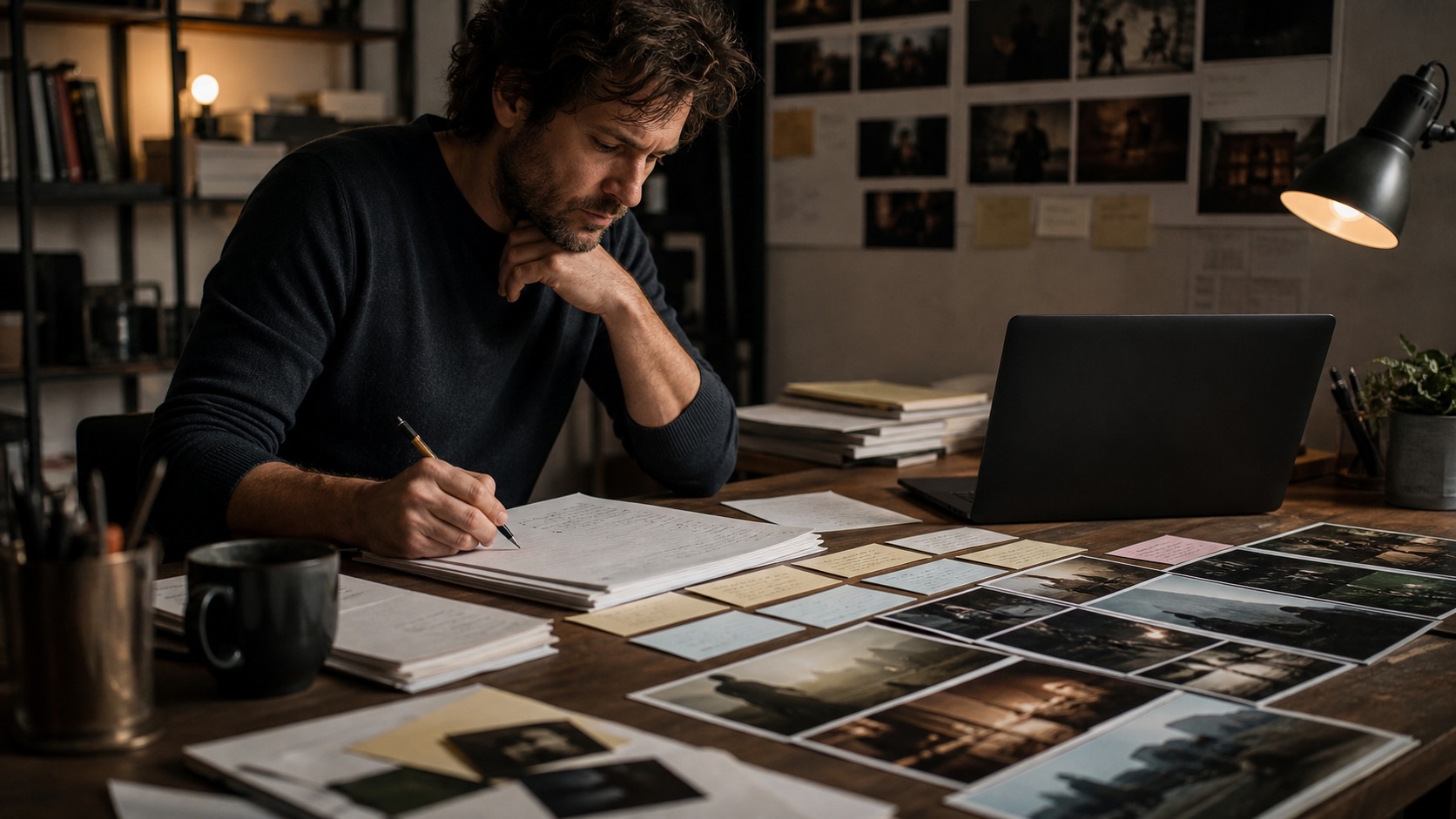
Storyboards are a natural source for image-to-video experiments because they already describe shot order and composition. A filmmaker can take a board frame, animate it lightly, and see whether the planned camera energy makes sense. This can reveal pacing questions before production begins.
The animated board does not need to be beautiful to be useful. It may only need to show whether a move feels too slow, whether a reveal needs more time, or whether a transition is confusing. Image-to-video can turn a static planning tool into a rough timing tool.
Creators should still keep the purpose clear. If the storyboard test is for blocking, do not judge it like final footage. If it is for a pitch, the visual standard may be higher. The intended use determines the review standard.
When the Input Should Be Handmade
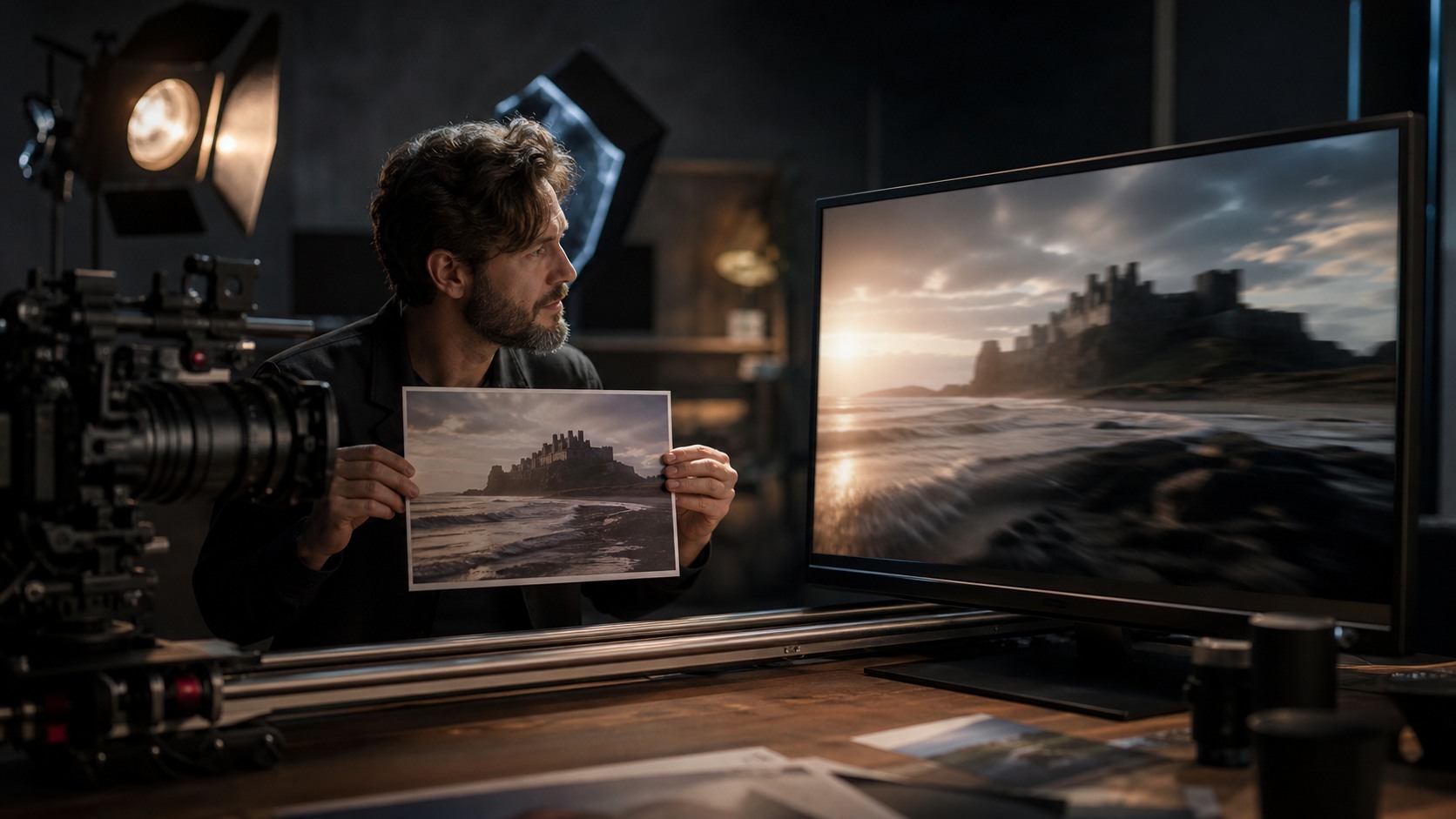
Not every input image needs to be AI-generated. A handmade sketch, photographed miniature, production still, or concept painting may provide a stronger anchor because it carries deliberate design choices. Image-to-video can then explore motion around that human-made source.
This can be a respectful hybrid workflow. Artists define the look, and the model tests movement. The filmmaker still credits the design work and reviews the generated result as a separate step.
Handmade inputs can also reduce sameness. If the source image has a unique visual idea, the motion test begins from a more specific place than a generic prompt-generated frame.
How to Use Several Input Frames
A filmmaker may need several input frames for one scene. One frame can anchor the wide shot, another can define a close reaction, and another can test a detail or transition. This approach gives the edit more options than trying to stretch one still into every need.
Using several frames also helps continuity. If the frames are designed as part of one visual set, the generated clips have a better chance of feeling related. The creator can compare whether motion drift is acceptable across the group.
The method requires organization. Each frame should be named by shot purpose, not only by version number. That makes review easier later.
How Image-to-Video Supports Previs
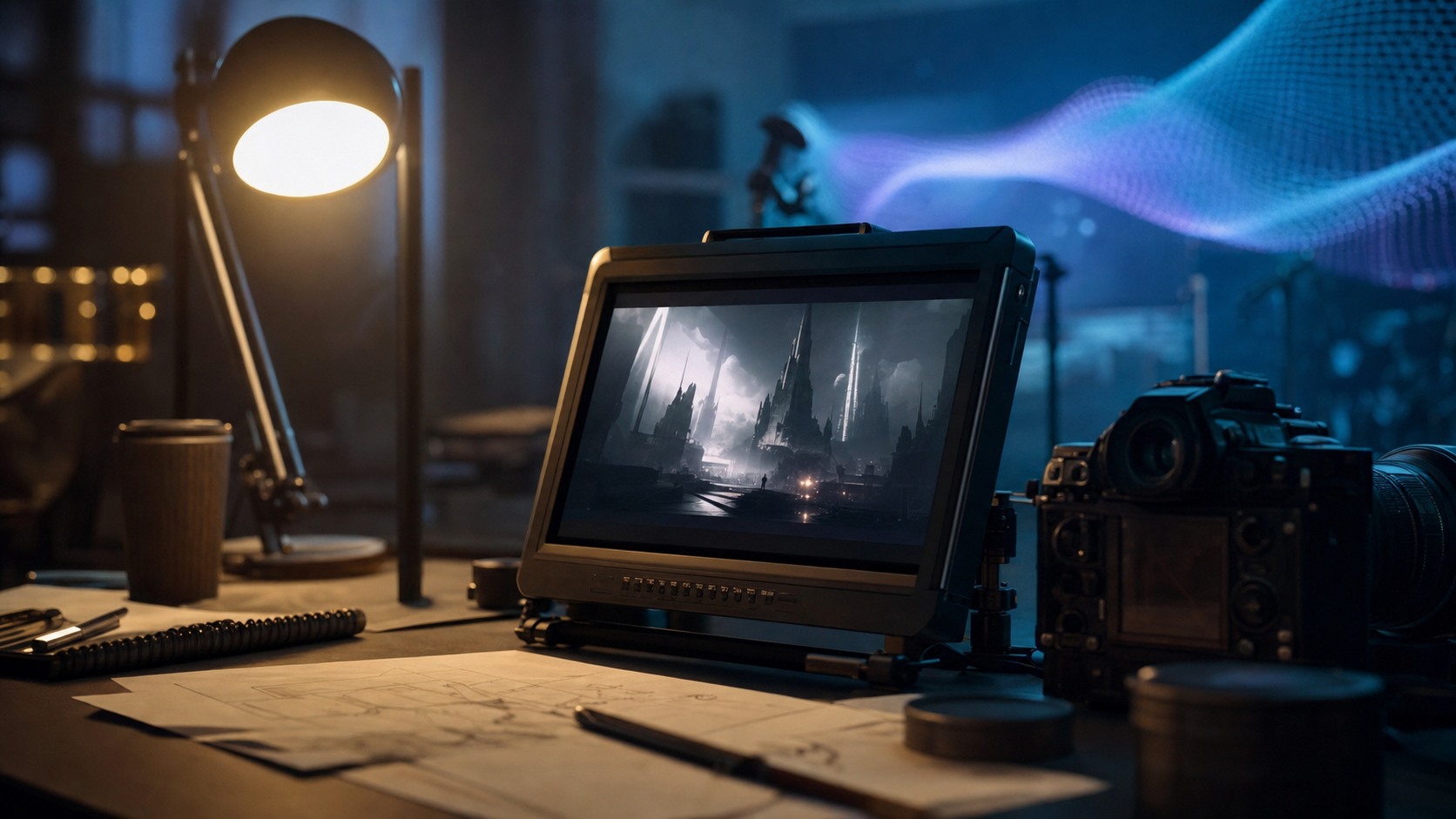
Previs often asks a practical question: how might the scene play before the team spends money making it. Image-to-video can help answer that by adding rough timing and movement to selected frames. The result does not need final polish to be useful for planning.
A director might learn that a wide frame needs a slower move, that a reveal should begin closer, or that a concept image loses power when animated too aggressively. These discoveries can shape camera planning, shot lists, and visual effects conversations.
Because the starting image is fixed, the team can focus on motion rather than debating the entire look again. That makes image-to-video especially helpful after a design direction has already been chosen.
Why Duration Should Stay Modest
Shorter clips are often easier to control. The longer an image-to-video output runs, the more chances the model has to drift away from the source frame. A brief motion test may preserve the approved look better than a long attempt at complex action.
Filmmakers should decide how much duration the edit actually needs. If a shot only needs two seconds of atmosphere, asking for a much longer clip may introduce avoidable problems. The best output is not the longest output; it is the one that serves the cut.
This is a practical filmmaking habit. Generate only as much motion as the scene can use, then review that motion carefully.
How to Decide Whether to Keep the Clip
A filmmaker should keep an image-to-video clip only if it improves the scene's communication. The clip may be technically interesting, but if it confuses geography, weakens the character, or distracts from the beat, it should be replaced or trimmed.
A useful test is to mute the excitement of the tool and watch the clip like ordinary footage. Does it begin clearly. Does it move with purpose. Does it end in a usable place. If the answer is no, the clip needs another pass.
Keeping fewer, stronger motion tests is often better than collecting a folder full of almost-right outputs. Selection is part of the craft.
What Makes a Still Worth Animating
A still is worth animating when it already contains a strong cinematic idea. The frame should suggest a point of view, a mood, a relationship, or a question the viewer wants answered. If the still has no dramatic center, motion may only make that weakness more obvious. A strong source frame gives the model and the filmmaker something real to protect.
Why It Matters
Image-to-video matters because film is built from images changing over time. A still frame can inspire a scene, but motion tests reveal whether that inspiration can become cinematic. The tool gives filmmakers a way to test that possibility early.
It is not a magic animator. It is a bridge between a selected image and a potential shot. The bridge still needs inspection before anyone walks across it.
Used well, image-to-video can help creators turn visual ideas into moving possibilities while preserving more direction than text alone. Used carelessly, it can turn strong stills into unstable clips. The difference is supervision.