Turning Screenplays Into Visual Blueprints With AI Works When the Visual Plan Protects the Story
Turning Screenplays Into Visual Blueprints With AI is useful because modern filmmakers need to explain visual intent before a crew, client, investor, or department can act on it. A screenplay becomes production-ready only when its beats turn into visible choices and practical questions. AI can speed that translation by creating boards, reference frames, shot options, blocking ideas, and mood studies. The strongest workflow is not a machine replacing judgment. It is a practical planning method that helps writers, directors, producers, assistant directors, and visual planners decide what the scene should communicate, what the camera must support, and what the production can actually deliver.
Begin With the Dramatic Job
The first question is what the scene has to do. A screenplay becomes production-ready only when its beats turn into visible choices and practical questions. A visual storyboard or pre-viz pass should clarify the dramatic job before it chases attractive images. Is the audience meant to feel pressure, discovery, intimacy, confusion, danger, scale, or release. Those answers shape camera distance, blocking, light, rhythm, and the amount of visual detail the plan needs.
When teams begin with the dramatic job, AI becomes a way to test intention. Without that anchor, the process can create frames that look polished but say very little. A useful board should make the next creative decision easier, not simply decorate the idea.
Translate Script Beats Into Frames
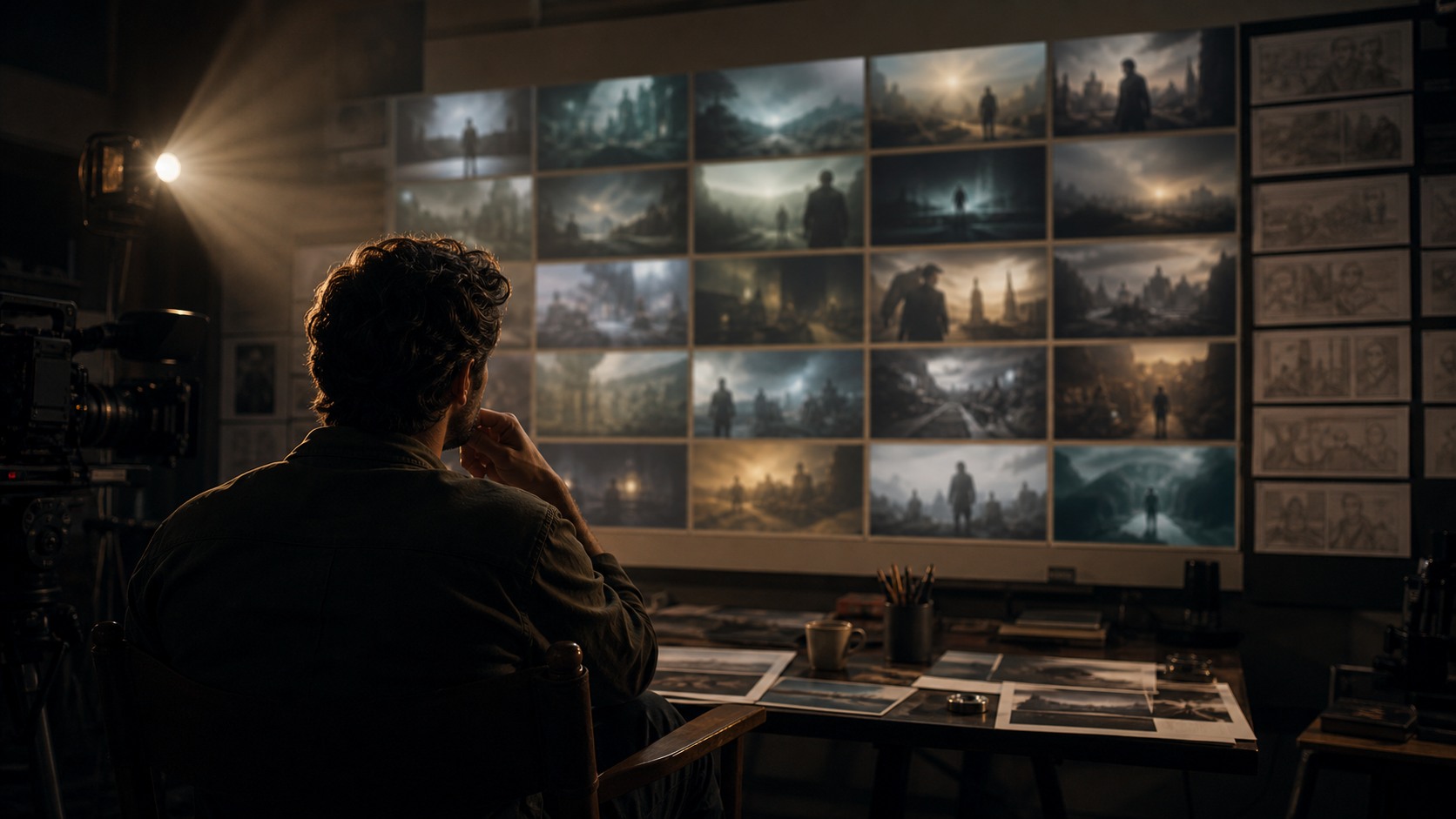
Turning Screenplays Into Visual Blueprints With AI turns written beats into visible choices. A screenplay may imply action, emotion, geography, and pace, but each collaborator imagines those details differently. Visual planning gives the team a shared object that can be discussed, revised, simplified, or approved. That shared object is especially valuable when the production has limited prep time.
The translation should stay honest about what is known. A frame may show emotional direction while leaving lens, location, or set design open. Another frame may be a technical shot target. Labeling the purpose of each visual prevents the team from treating every generated image as the same kind of commitment.
Shot Design and Camera Logic
Shot design is where turning screenplays into visual blueprints with ai becomes more than a mood exercise. The filmmaker has to decide where the camera lives, what it reveals, what it hides, how it moves, and how the audience understands the scene. AI can create options quickly, but the director and cinematographer still choose the camera language.
The best boards show why a shot exists. A wide shot may establish geography. A close shot may protect performance. A moving shot may carry tension or discovery. If a visual plan cannot explain the role of a shot, the image may be attractive but weak as production guidance.
Blocking, Space, and Continuity
Visual planning should make space understandable. A screenplay becomes production-ready only when its beats turn into visible choices and practical questions. Characters need positions, entrances, exits, eyelines, and relationship to objects or set edges. AI-generated boards can help reveal whether the imagined scene has enough room to work. They can also expose confusing geography before the shoot day.
Continuity grows from these spatial decisions. If the plan changes actor direction, prop placement, wardrobe state, or camera side without a reason, the edit may suffer. A storyboard should help the crew protect cause and effect across the sequence.
Collaboration Across Departments
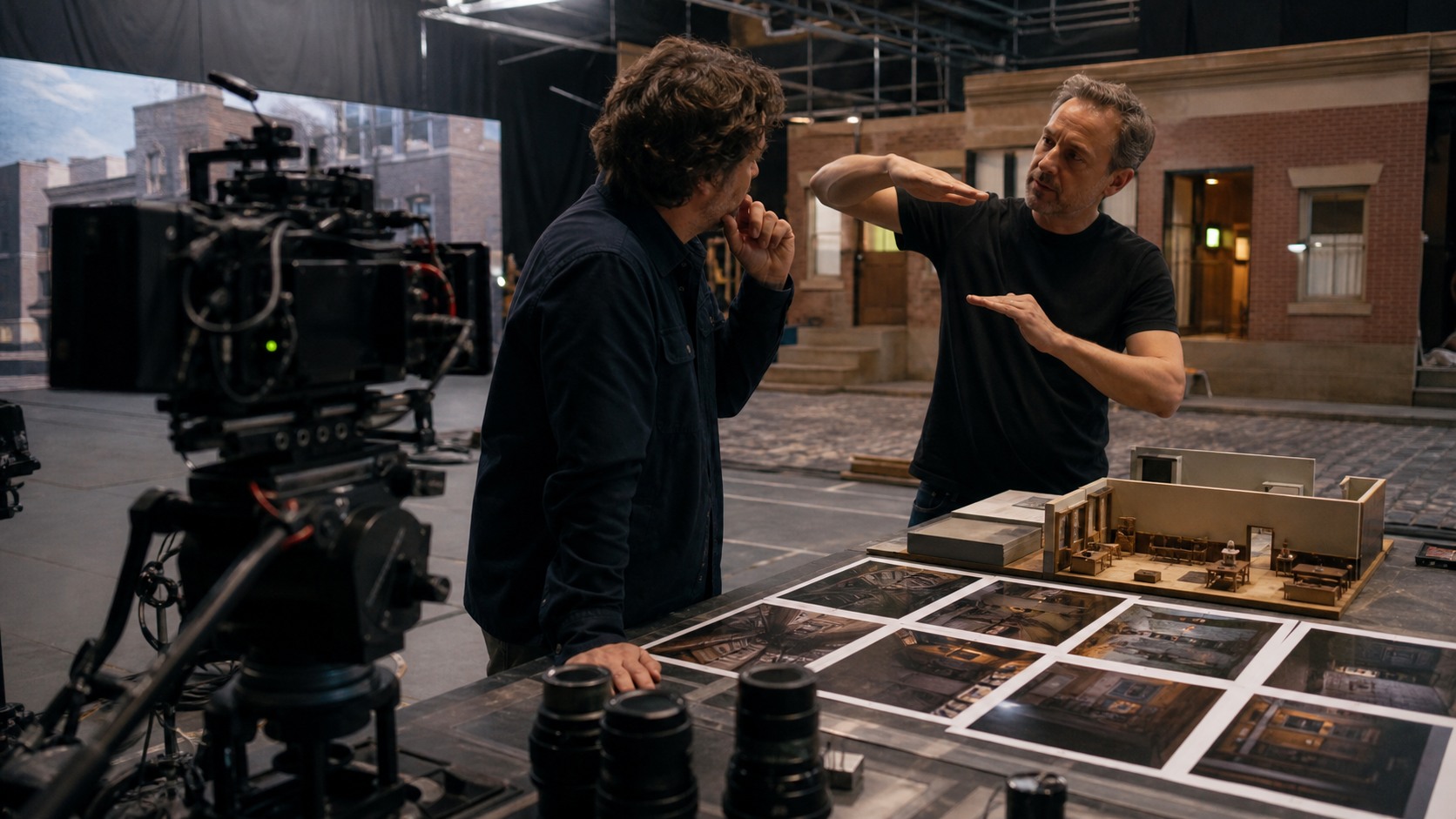
Turning Screenplays Into Visual Blueprints With AI can improve collaboration because it gives each department something concrete to examine. Cinematography can discuss lens feeling and light. Production design can discuss what must be built or found. Assistant directors can discuss schedule pressure. VFX can discuss plate needs and tracking. Producers can see where the plan may become expensive.
The strongest use is converting scene intent into boards that can guide shot lists, locations, and department planning. The board does not need to answer every department question, but it should reveal the questions that must be answered. That makes the visual plan a coordination tool rather than a private sketchbook.
Creative Control
AI may generate the first visual options, but creative control remains with people. Writers, directors, producers, assistant directors, and visual planners decide what fits the film's tone, what feels generic, what overpromises, and what needs specialist work. The speed of AI can be useful only if the team keeps choosing with taste and purpose.
Control also means knowing when to stop. A team can generate endless alternatives and still avoid a decision. A disciplined workflow compares a limited set of distinct options, selects the useful direction, and moves toward production planning.
Budget and Schedule Reality
Turning Screenplays Into Visual Blueprints With AI can save time when it exposes cost earlier. A board may reveal that a scene needs too many setups, a location change, extra background action, complicated VFX, or a camera move that requires equipment the production cannot afford. That discovery is useful before the day is booked and the crew is waiting.
The plan should separate essential images from optional polish. If the scene works with three clear setups, the team may not need ten. If one shot carries the emotional turn, protect that shot first. AI-assisted planning earns its value when it helps the project spend attention and money where they matter.
Review Standards
Review standards keep turning screenplays into visual blueprints with ai from becoming a pile of disconnected images. The team should ask whether each frame supports the scene, whether the sequence reads in order, whether style remains consistent, and whether the plan can be handed to real departments. Directors and assistant directors should also identify images that are conceptual, approved, rejected, or waiting for technical review.
The main risk is treating a script-to-image pass as finished direction without human interpretation. This risk grows when generated frames look finished before they have been tested. A review process should reward usefulness over polish. If the image helps the production make a better decision, keep it. If it distracts, replace it or remove it.
Version Control and Handoff
Fast visual planning needs simple version control. Turning Screenplays Into Visual Blueprints With AI may produce several rounds of boards, and collaborators need to know which set is current. Dated folders, approval notes, and consistent filenames can prevent confusion when a producer, client, or department head refers to an older direction.
The handoff should explain who uses the images next. A director may need performance clarity. A cinematographer may need camera assumptions. A designer may need physical set boundaries. A VFX supervisor may need asset or plate notes. The more specific the handoff, the less likely the board will be misread.
Audience and Client Communication
Visual storyboards can help people outside the core creative team understand a project. Clients, investors, agencies, and executives may struggle to imagine tone from a script alone. A clear visual plan can make a pitch more concrete and make feedback less vague.
The danger is overpromising. AI images can appear more finished than the final production will be. Clear labels protect trust by distinguishing pitch reference, rough board, approved direction, and production target. People should know how literally to read each image.
Ethics, Credit, and Human Craft
Turning Screenplays Into Visual Blueprints With AI also raises questions about authorship and creative labor. Productions should be clear about when AI visuals are internal references, when human artists refine them, and when boards are being shown externally. Human storyboard artists, designers, cinematographers, and previs specialists still bring taste, compression, sequence thinking, and production experience that AI does not supply on its own.
Responsible use does not mean avoiding AI altogether. It means using the tool transparently, respecting source material, crediting human contributions, and not pretending that generated references equal finished craft. That approach helps teams move faster without weakening trust.
Performance Still Comes First
Turning Screenplays Into Visual Blueprints With AI should protect performance rather than flatten it into poses. AI-generated frames often emphasize atmosphere, camera angle, wardrobe, or dramatic surface, while the most important part of a scene may be hesitation, silence, a withheld reaction, or a small shift in attention. The director should review whether the visual plan leaves room for those human beats.
This matters on every scale of production. A short creator video still needs a clear presenter beat. A feature scene still needs emotional progression. An action sequence still needs readable intention inside the movement. If the board makes the scene look exciting but hides what the character wants, the plan needs another pass.
Edit Flow and Sequence Rhythm
A strong turning screenplays into visual blueprints with ai workflow reviews the sequence, not only the best individual frame. The edit may need an establishing image, a reaction, a detail insert, a motivated move, and a clean transition. AI can produce impressive single images, but filmmaking depends on how one image leads to the next. Sequence rhythm is where visual planning becomes cinematic rather than decorative.
Editors can help identify missing turns and repeated camera ideas early. They can ask whether the coverage will cut, whether the audience has enough geography, and whether the emotional emphasis arrives at the right moment. That review often saves more time than polishing another version of an already usable frame.
Specialist Review Points
Specialists should enter the process when turning screenplays into visual blueprints with ai affects a high-risk decision. A stunt coordinator may need to review action geography. A cinematographer may need to challenge an impossible lens position. A production designer may need to separate physical build from background suggestion. A VFX supervisor may need to know what will become a plate, asset, or post target.
These reviews do not slow the process when they happen at the right time. They keep converting scene intent into boards that can guide shot lists, locations, and department planning connected to real execution. The earlier a specialist spots a mismatch, the easier it is to revise the board before it becomes a budget line, a crew call, or a client expectation.
A Sensible Stop Point
Every turning screenplays into visual blueprints with ai process needs a stop point. The goal is not to generate every possible version of the scene. The goal is to reach enough shared clarity to make the next production decision. That might mean approving a shot order, choosing a tone, simplifying a set piece, preparing a pitch, or handing a sequence to a storyboard artist or previs team.
Stopping well is a creative discipline. It prevents the team from mistaking quantity for certainty. Once the visual plan answers the important questions, the work should move into scheduling, rehearsal, design, camera tests, or specialist refinement. That is how fast visual exploration becomes finished production preparation.
The Practical Takeaway
Turning Screenplays Into Visual Blueprints With AI is most useful when it turns a blurry idea into a shared visual decision. It can help writers, directors, producers, assistant directors, and visual planners compare shots, plan scenes, communicate tone, control cost, and reduce production surprises.
Its weakness is false confidence. A strong image may still misunderstand story, space, feasibility, or performance. Use AI to accelerate the conversation, then let human review, specialist craft, and production reality decide what belongs in the final plan.