Automated Video Editing Handles the First Layer of Work
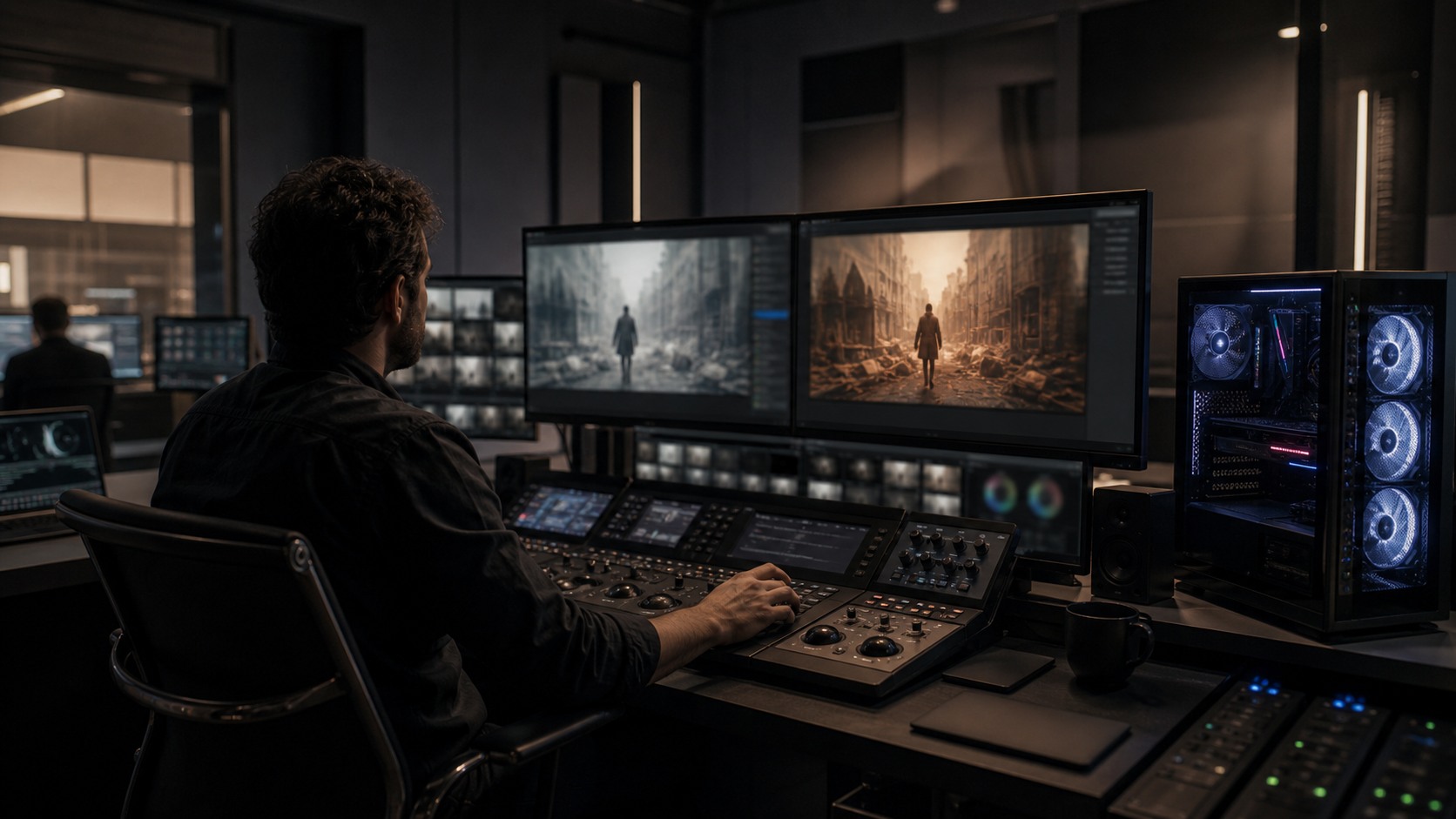
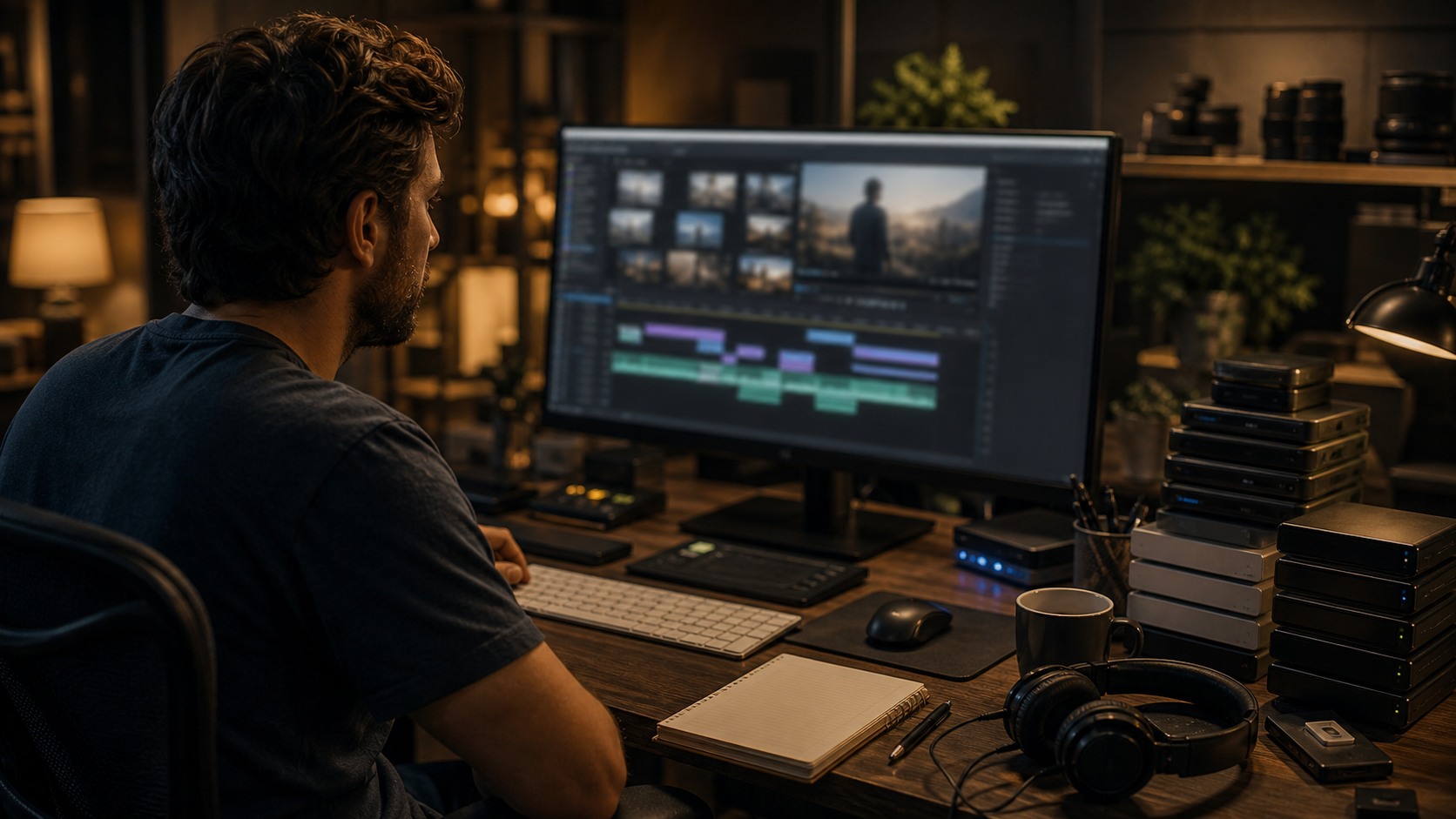
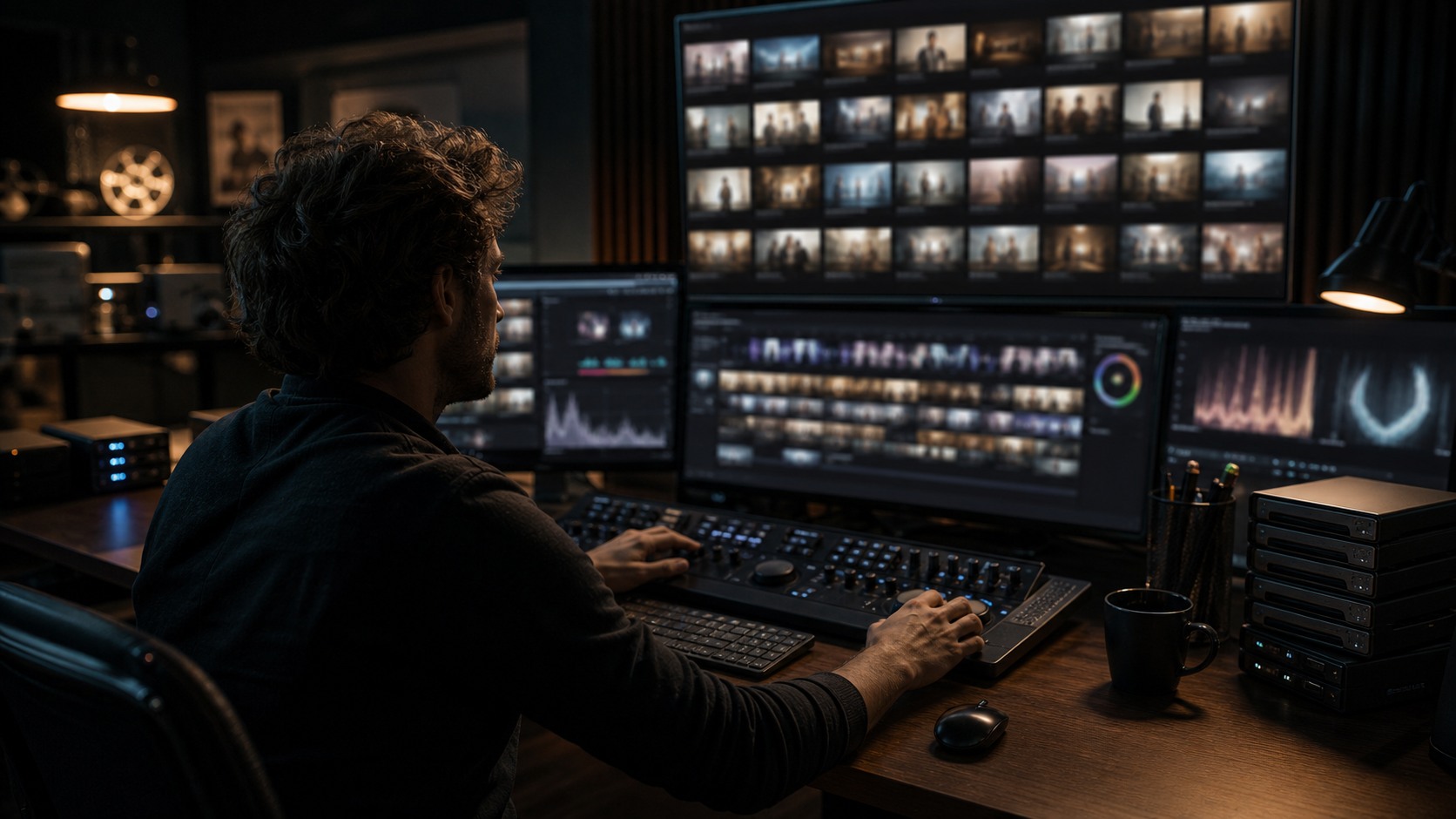
Automated video editing is the use of software to perform editing-related tasks with less manual effort. It can sync clips, transcribe dialogue, find scenes, make rough selects, create captions, trim pauses, stabilize footage, clean audio, or prepare review versions. For beginners, the key is to understand that automation usually handles the first layer of work, not the final creative decision. The software can help organize and prepare material, but the editor still decides rhythm, meaning, tone, and what the audience should feel.
What Automated Editing Means
Automated editing does not always mean a full video is cut without people. In most real workflows, it means a tool performs a limited task that supports editing. A transcript is created automatically. A long recording is divided into sections. A set of takes is grouped. A rough social clip is assembled. These outputs can save time, but they are still drafts.
The word automated can be misleading because editing is both technical and emotional. Software can detect silence, faces, speech, and scene changes. It cannot fully understand why a pause is uncomfortable, why a reaction should be delayed, or why a messy moment feels truthful. That is why automation works best as assistance.
Beginners should ask what exactly is being automated. Is the tool organizing, trimming, selecting, cleaning, captioning, or exporting. Once the task is clear, it becomes easier to decide how much trust the output deserves.
Where Beginners See It First
Many beginners first encounter automation through mobile editing apps, social video tools, caption generators, or editing software features. These tools can create quick reels, remove silence, align clips to music, or turn speech into subtitles. They are useful because they make editing feel less intimidating.
The danger is that fast results can hide weak decisions. A tool may cut out every pause even when a pause gives the speaker credibility. It may choose the most visually stable shot instead of the most emotionally useful one. It may make a video shorter without making it better.
The best beginner approach is to use automation for speed, then review like an editor. Watch the result and ask whether the story is clearer, whether the pacing feels natural, and whether anything important was removed.
Common Automated Tasks
Transcription turns speech into searchable text. Silence removal shortens recordings by cutting gaps. Scene detection separates long footage into sections. Auto-sync aligns audio and video. Caption tools create subtitle drafts. Stabilization smooths shaky footage. Audio cleanup reduces background noise. Template-based tools can assemble rough videos from selected clips.
Each task has a different risk level. Auto-sync and transcription are usually easier to review. Automated emotional pacing is harder because it depends on taste. A beginner should trust tools more when the result is easy to check and less when the result claims to solve creative judgment.
A practical workflow combines several tasks without treating any single one as final. Transcribe the footage, use search to find moments, make a rough assembly, then edit manually for story and rhythm.
How Human Editors Improve Automated Drafts
Human editors improve automated drafts by restoring context. They notice when a trimmed pause was actually important, when a reaction should stay, or when the cleanest line reading is not the most honest. They also understand structure. A video needs a beginning, development, turn, and ending, even when it is short.
Editors also bring taste to pacing. Automation often favors speed because speed is easy to measure. But not every project should move quickly. A tutorial needs clarity. A documentary moment may need silence. A dramatic scene may need discomfort. A brand video may need confidence without feeling rushed.
The editor's job is to make the automated pass serve the audience. That may mean adding back air, changing order, replacing a selected clip, or rejecting the draft entirely. Automation is useful only when it leads to a better edit.
When Automated Editing Works Best
Automated editing works best when the format is predictable. Social clips, webinars, interviews, meeting highlights, product demos, lectures, and repeated marketing formats often benefit because the structure is clear. The tool can identify speech, remove dead space, create captions, and prepare rough versions quickly.
It is harder for dramatic scenes, comedy, experimental work, or performance-heavy storytelling. Those forms depend on timing that is not easily measured. A pause may be the point. A strange cut may create meaning. A technically imperfect take may be the one the audience believes.
This does not mean automation has no place in creative work. It means the editor should choose the task carefully. Use automation to prepare the material, then let human judgment shape the final experience.
A Safe Beginner Workflow
Start by working on a copy of your footage. Use automated transcription or scene detection, then check the output manually. Next, try a rough assembly or silence-removal pass and watch what the tool removed. Make notes on what helped, what hurt, and what needed correction.
Then rebuild the edit with intention. Keep the useful structure, restore missing context, adjust pacing, proofread captions, and compare the result to the original purpose of the video. The goal is not to accept or reject automation blindly. The goal is to learn where it saves time and where it weakens the work.
This habit turns automated editing into a learning tool. Beginners can see why cuts matter, why pacing is subjective, and why human review remains essential.
What to Remember
Automated video editing is valuable because editing involves many repetitive tasks. It can help beginners get started and help professionals move faster. But it does not remove the need to watch carefully, listen closely, and decide what the video means.
The safest rule is simple: automate preparation, review creativity. Let software organize, transcribe, sync, caption, or rough cut when it helps. Then let a person decide what stays. That balance keeps the work efficient without turning the edit into a mechanical result.
A beginner who understands that balance will use automation with confidence. The tool becomes less mysterious and more practical. It is not the editor; it is part of the editing bench.
How to Practice Without Losing the Edit
A beginner can practice automated editing by using the same footage in two ways. First, let the tool create a transcript, rough cut, or silence-trimmed version. Second, build a manual version from the same source material. Comparing the two edits teaches more than either one alone. The automated version may be faster, while the manual version may preserve context or personality better.
The comparison should be specific. Did the automated cut remove a pause that made the speaker sound thoughtful. Did it choose a clip because the face was centered rather than because the moment mattered. Did the captions misunderstand a name. Did the video become shorter but less clear. These questions train the beginner to see editing as judgment instead of assembly.
Beginners should also practice restoring material. If the tool removes every breath, add back one pause and watch how the video changes. If the tool cuts quickly between speakers, hold on a reaction longer. If the template adds music too aggressively, lower it or remove it. These small changes reveal how much meaning lives in timing.
Another useful exercise is to set a purpose before using automation. A tutorial should become clearer. A social clip should become more direct without losing context. A documentary moment should preserve truthfulness. A product video should make the key action visible. When the purpose is clear, it is easier to judge whether the tool helped.
Automation is not a shortcut around taste. It is a way to get material into shape so taste can act on it. A beginner who understands that will use automated tools more intelligently than someone who accepts every quick result.
The goal is not to prove that manual editing is always better or that automation is always faster. The goal is to learn which jobs software handles well and which choices still need a person watching carefully.
When to Turn Automation Off
A beginner should know when to stop using automation. If the tool keeps removing emotional pauses, turn off silence trimming. If the template makes every video feel the same, start editing manually. If the captions are inaccurate enough that correction takes longer than typing, change tools or slow down. Automation is optional, not a requirement.
It is also wise to turn automation off when the footage is sensitive. Private interviews, unreleased client work, actor rehearsals, or confidential material should only be processed with approved tools. Convenience is not worth exposing footage or breaking trust. Beginners should learn privacy habits early because they become harder to fix later.
Creative scenes also deserve caution. If a moment depends on timing, subtext, or performance, automated cutting may be too blunt. Use automation to organize the material if needed, then make the edit by hand. The more a scene depends on feeling, the more carefully a person should guide the cut.
Turning automation off is not a failure. It is a sign that the editor understands the task. Good filmmakers choose tools based on the problem in front of them. Sometimes the right tool is a transcript. Sometimes it is a manual cut. Sometimes it is simply watching the footage again.
The best beginner workflow is flexible. Use automation where it creates clarity, then step away when it starts making the work less specific. That flexibility keeps the editor in charge and keeps the video from feeling processed by default.
A Simple Review Routine
A simple review routine can make automated editing safer. First, watch the automated version without touching anything. Notice where you feel rushed, confused, or pleasantly surprised. Second, compare the draft to the original footage and mark what was removed. Third, decide which changes served the purpose of the video.
This routine teaches beginners to separate speed from quality. A draft can be fast and still wrong. It can also be rough but useful. The review gives the editor language for that difference. Instead of saying the tool is good or bad, the beginner can say it helped with captions but hurt the pacing, or it found the right section but cut too tightly.
The more specific the review, the faster the beginner improves. Automated editing becomes a practice partner. It shows one possible version, and the filmmaker learns by revising it into something more human, clear, and intentional.
That is why beginners should save their early automated drafts. Looking back at the first version after a manual revision makes the lesson visible. The filmmaker can see where software helped with structure and where human timing, context, or restraint made the video better.
Over time, the beginner learns to predict which tasks are safe to automate and which ones need slower attention. That practical instinct is the real editing skill automation can help develop.
That instinct keeps the tool useful without letting it flatten the voice of the video.
Beginners should protect that voice first.
Every time.
With care.
And patience.
Clearly.