Automatic Cutting Begins With Pattern Detection
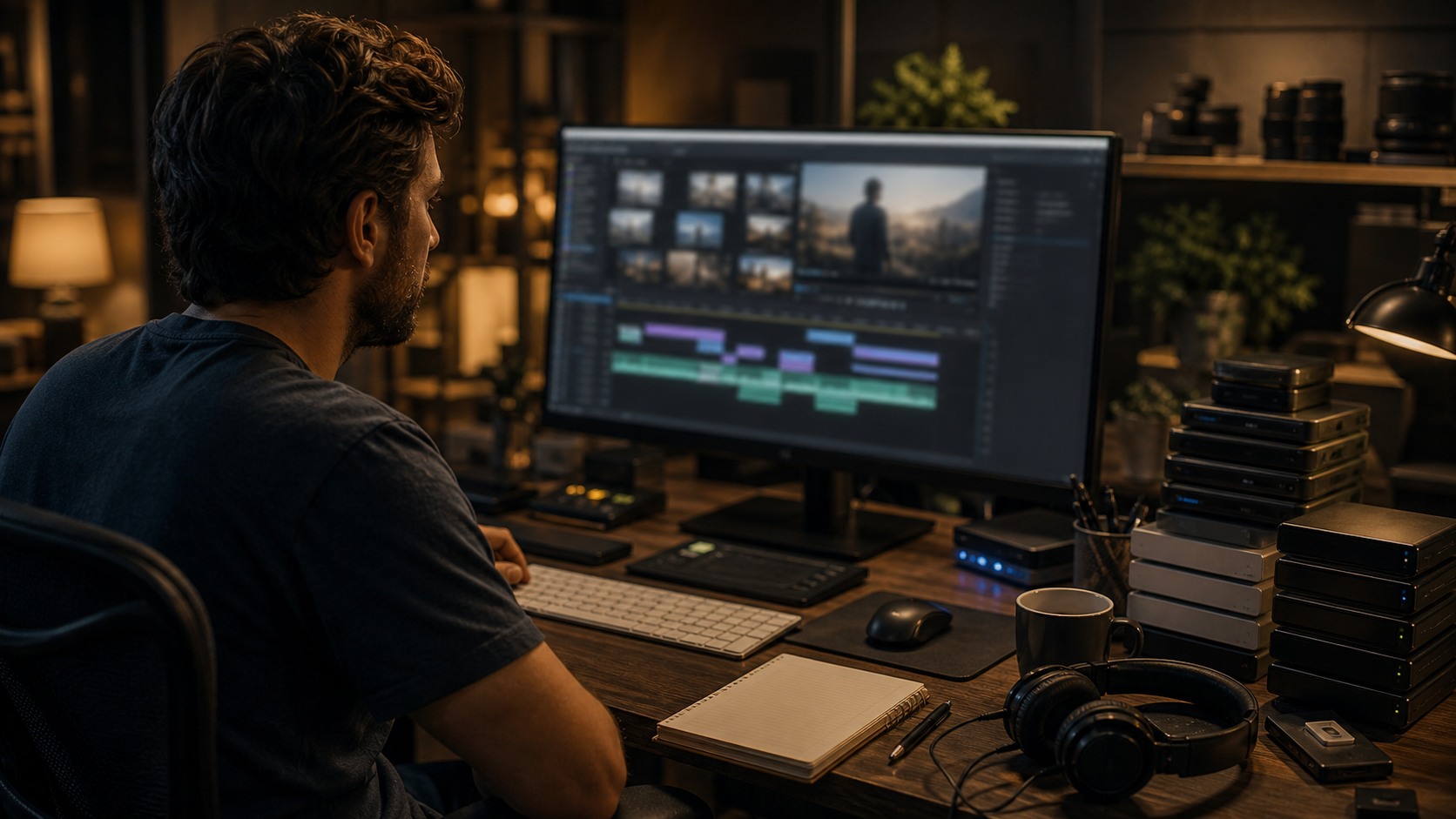
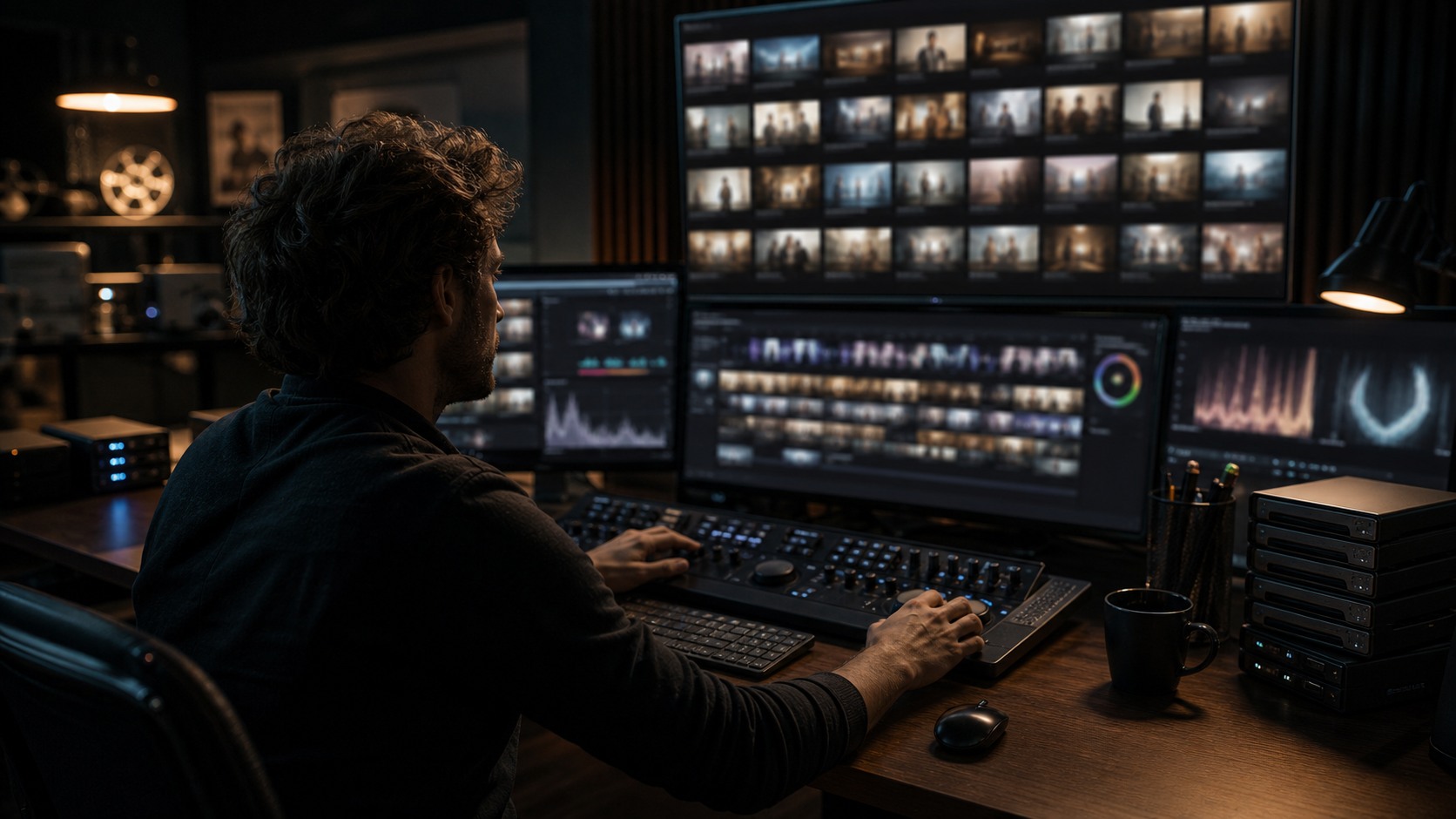
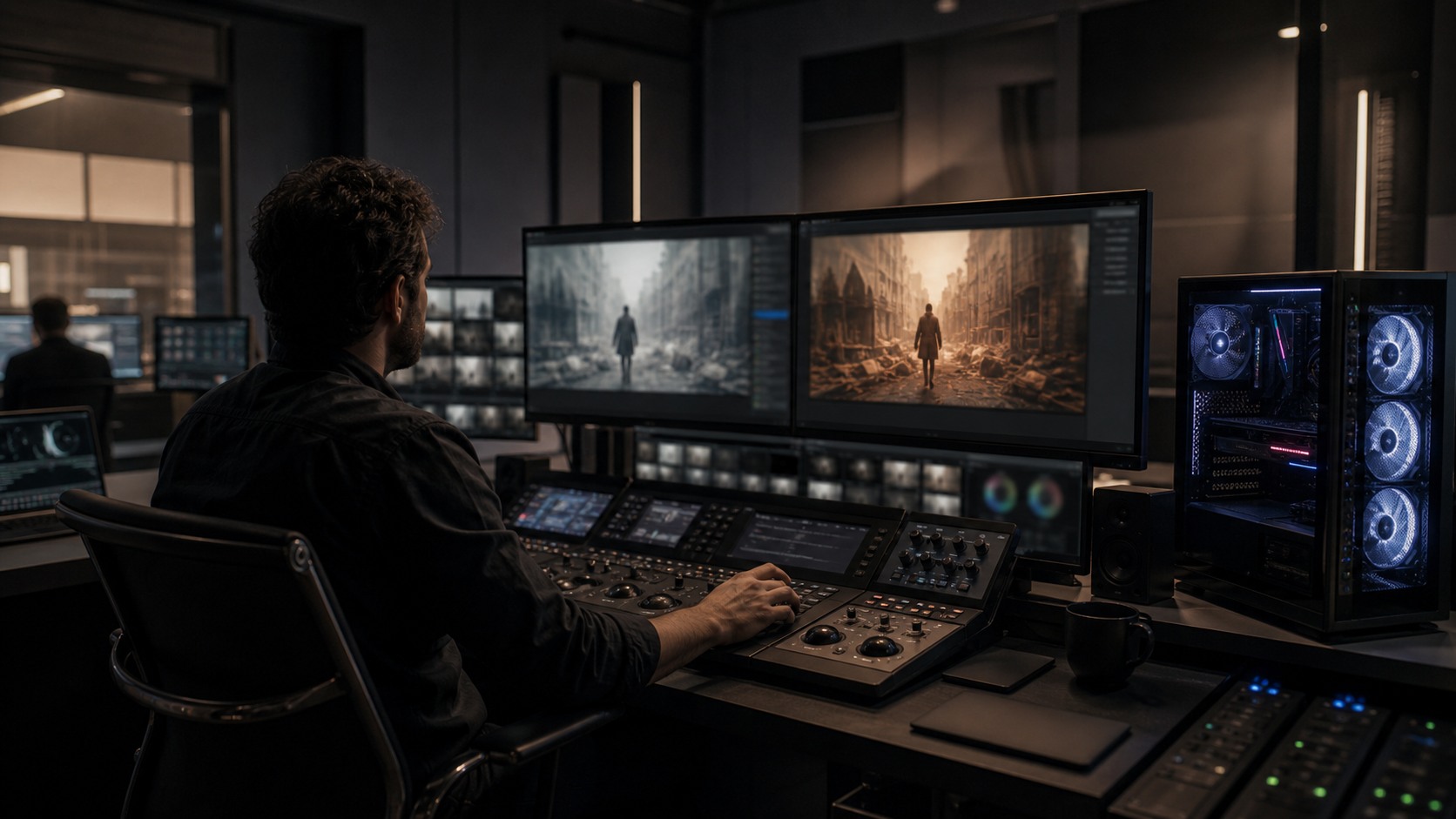
AI automatically cuts and edits footage by detecting patterns in video, audio, transcripts, timing, faces, motion, and scene changes. Behind the scenes, the software is not watching like a human editor. It is analyzing signals that suggest where one moment ends, where a useful line begins, where a speaker changes, or where a shot may be technically usable. Those signals can create a rough assembly, highlight reel, transcript-based edit, or organized set of selects. The final result still needs human review because a cut is not only a technical boundary. It is a storytelling decision.
The Inputs AI Looks At
Automatic editing starts with inputs. The system may analyze picture, sound, speech, metadata, camera timecode, clip length, motion, faces, silence, and scene changes. If the project includes a transcript, the tool can connect spoken words to moments in the footage. If the project includes multiple takes, it may group similar material for easier comparison.
Different tools use different signals. A social video tool may look for speech, faces, and music beats. A documentary workflow may rely heavily on transcript search. A narrative assistant workflow may use metadata, scene detection, and take organization. The technology depends on the kind of editing problem it is trying to solve.
The better the inputs, the better the first pass. Clear audio, organized media, consistent metadata, and synced clips make automatic editing more useful. Messy projects can still benefit, but the output usually needs more correction.
Transcript-Based Cutting
One common method is transcript-based editing. The software turns speech into text, then allows an editor to cut by selecting words, lines, or sections. This can be powerful for interviews, podcasts, documentary material, lectures, and corporate videos because the editor can work from meaning before fine-tuning picture.
Transcript cutting is not the same as finished editing. Spoken language on paper can look clear while the actual performance feels flat, rushed, or emotionally wrong. The editor still needs to watch the footage and listen to delivery. A sentence may read well but fail on screen.
The best transcript workflows use text to find material quickly, then return to the timeline for rhythm. Text helps locate the story. Editing makes the story feel alive.
Visual and Audio Signals
AI can also cut based on visual and audio signals. It may detect when a shot changes, when a speaker appears, when the camera becomes stable, when silence occurs, when music reaches a beat, or when motion increases. These signals can help create rough cuts or highlight moments.
The problem is that signals are not meaning. A loud moment may not be important. A stable shot may not be emotionally useful. A silent pause may be the best part of an interview. Automatic editing can identify candidates, but it cannot fully understand why a human might keep or remove them.
This is why review matters. Editors look at the suggested cut and ask whether it serves the audience. If the tool cut for energy when the video needed clarity, the edit must change. If it cut for brevity when the story needed context, the missing material should return.
Rough Assemblies and Selects
Some AI tools create rough assemblies by combining transcript selections, strong visual moments, speaker changes, or template rules. Others generate selects lists that help editors decide what to watch first. These features are useful when the footage volume is large or the format is repetitive.
A rough assembly can reduce blank-timeline anxiety. It gives the editor something to react to. The editor can move pieces, add context, change pacing, and replace weak selections. Even a bad assembly can be useful if it reveals what the edit should avoid.
Selects are often safer than full automatic cuts because they preserve human choice. The tool says these moments may be useful. The editor decides which ones belong.
Where Automatic Cuts Go Wrong
Automatic cuts go wrong when the tool optimizes for measurable signals that do not match the story. It may remove breaths, pauses, or hesitations that make a speaker feel human. It may cut away from a reaction too early. It may favor the clearest shot over the most meaningful shot.
It can also struggle with irony, subtext, humor, and emotional contradiction. A person may say one thing while their face says another. A human editor notices that tension. A tool may focus on the words and miss the performance.
For this reason, automatic editing should be treated as a first pass. It is behind-the-scenes assistance, not final authorship.
The Human Review Layer
Human review turns automatic cutting into real editing. The editor checks whether the story is clear, whether the pacing feels right, whether the transitions make sense, and whether the selected moments carry the intended tone. This layer is where taste enters the workflow.
The review layer also checks technical issues. Are captions accurate. Did audio cleanup damage the voice. Did the automatic cut create a jump that feels accidental. Did the tool remove a setup line the audience needs. These questions protect quality.
A strong workflow labels automatic cuts as drafts and gives editors time to reshape them. Speed helps only when the review process is respected.
What Happens Behind the Scenes
Behind the scenes, AI editing is a chain of analysis and decisions. The system reads signals, creates markers, groups material, ranks candidates, and builds a draft or set of suggestions. The editor then interprets those suggestions through the project goal. That goal might be clarity, emotion, persuasion, comedy, suspense, or instruction.
The more specific the goal, the better the workflow. A tool can create a quick highlight reel, but a director or editor must define what the highlight should accomplish. Is the video meant to teach, sell, move, explain, or entertain. Automatic cutting works best when the output has a clear purpose.
The future of automatic editing will likely involve better drafts and smarter organization, but the core relationship will remain the same. Machines can help find and assemble. Editors decide what the cut means.
Why the First Pass Is Only the Beginning
The first automatic pass is useful because it gives shape to raw material. A long interview becomes searchable. A folder of clips becomes grouped. A rough timeline appears where there was blank space. For many editors, that first shape is helpful because it gives them something to argue with. The argument is where the real edit begins.
A machine-made first pass often reveals the difference between order and story. The clips may be in a logical sequence, but the emotional progression may be weak. The dialogue may be concise, but the speaker may feel rushed. The best-looking shots may be present, but the necessary reactions may be missing. The editor turns the organized draft into an experience.
Behind the scenes, editors often use AI output as a map rather than a destination. The map can point to useful regions of footage. It can show where speech begins, where topics change, or where energy rises. But a map is not the place itself. The editor still needs to walk through the footage and decide what matters.
This is why automatic cutting works best when teams preserve options. Keep the full interview. Keep alternate takes. Keep original audio. Keep markers and notes. If the automatic assembly cuts too tightly, the editor needs material to restore context. If the draft misses a performance beat, the editor needs access to the surrounding footage.
Automatic editing also benefits from clear project goals. A highlight reel, a training video, a documentary scene, and a dramatic sequence all need different kinds of cuts. The tool may not know that difference unless the workflow is designed around it. People define the purpose. The system helps search for material that might serve it.
The behind-the-scenes reality is practical, not mystical. AI reads signals, makes suggestions, and accelerates preparation. Editors reshape those suggestions into timing, clarity, and feeling. That partnership is useful when everyone remembers which side is responsible for meaning.
What Editors Look for After the Machine Pass
After the machine pass, editors look for missing intention. The cut may be technically coherent, but does it know what the viewer should understand first. Does it build curiosity. Does it land the important moment. Does it give the subject enough dignity, tension, humor, or space. These questions are not easy for a system to answer.
Editors also look for damage caused by efficiency. A tool may remove repeated words, breaths, and pauses, making a speaker sound smoother but less human. It may shorten a sequence so much that the audience cannot follow the change. It may keep the topic but lose the feeling. Those losses are subtle, which is why review matters.
Another review task is continuity. Automatic cuts can create jumps in eyeline, body position, audio tone, or background action. Some jumps are acceptable. Others feel accidental. The editor decides whether the jump creates energy or confusion. That decision depends on the project, not a universal rule.
Editors also restore hierarchy. Not every useful clip deserves equal weight. A story needs emphasis. The editor may hold longer on one image, remove another, or reorder a section so the audience feels the intended progression. Machine organization becomes human storytelling.
This review is where automatic editing proves its value. If the draft gets the editor closer to a strong cut, it helped. If the editor spends more time undoing than shaping, the workflow needs adjustment. The goal is not to make the machine right. The goal is to make the final edit work.
Why the Behind-the-Scenes Process Matters
Understanding the behind-the-scenes process helps filmmakers use AI with realistic expectations. The system is not feeling the scene. It is reading signals and applying rules or learned patterns. That is powerful, but it is different from editing. Once beginners understand that difference, they stop being disappointed when the automatic draft needs work.
It also helps teams design better workflows. If the tool is strong at transcript search, use it there. If it struggles with emotional pacing, keep that work human. If it creates useful markers but weak assemblies, use the markers and skip the assembly. The workflow should be shaped around evidence, not hype.
Automatic cutting is most useful when it speeds discovery. It can help editors find the material, test a structure, and prepare a draft. The final edit still requires someone to decide what the viewer should know, when they should know it, and how the piece should feel.
That decision is why behind-the-scenes automation should stay visible to the team. When everyone knows which parts were machine-assisted, editors can review those areas with the right attention. Transparency makes automatic cutting easier to trust and easier to improve.
The strongest automatic editing workflow is therefore not hidden. It is documented, reviewed, and revised until the machine-made first pass becomes a human-shaped final cut.
Behind the scenes, that is the real craft: knowing when to accept the suggestion, when to alter it, and when to cut it away.
The final timeline proves the choice.
Frame by frame.
Carefully.