The New Engine Behind Moving Images
AI-generated video is one of the most exciting creative technologies of the modern digital era because it turns language, images, sketches, and ideas into motion. What once required cameras, actors, studios, lighting rigs, animation teams, render farms, and weeks of production can now begin with a simple prompt: a city at sunrise, a robot walking through rain, a product floating in a clean studio, or a cinematic scene that never existed before. Under the hood, AI video generation is not magic, even though it can feel that way. It is the result of enormous machine learning systems trained to understand visual patterns, motion, timing, lighting, texture, camera behavior, and the relationship between words and images. These systems learn from vast collections of videos and images, then use that learned structure to create new sequences frame by frame, clip by clip, or through a hidden compressed representation of motion.
A: It is video created or transformed by artificial intelligence using prompts, images, references, or existing footage.
A: A generative model learns visual patterns from training data, then creates new outputs based on user guidance.
A: Flicker appears when the model struggles to keep objects, lighting, or textures consistent across frames.
A: A strong prompt includes subject, action, setting, style, lighting, camera movement, mood, and exclusions.
A: Yes, but complex moves require strong depth and perspective control to avoid warping or sliding objects.
A: It starts with a still image and uses AI to add motion, atmosphere, or camera movement.
A: Latent space is a compressed mathematical workspace where the model organizes visual meaning before decoding frames.
A: Longer clips require the model to preserve identity, physics, lighting, and story continuity over more time.
A: Yes, especially for hero visuals, product concepts, category pages, explainers, and cinematic background loops.
A: It is more useful as a creative tool that speeds ideation, production, editing, and visual experimentation.
What AI-Generated Video Actually Means
AI-generated video refers to video content created or transformed by artificial intelligence instead of being fully captured by a camera or hand-animated by a person. The input might be a text prompt, a still image, a rough storyboard, a reference video, a character design, or a combination of creative instructions. The output is a moving visual sequence that appears to have been filmed, animated, simulated, or rendered. The most important idea is that AI video systems do not simply copy existing footage. A well-designed generative model learns patterns from training data and creates new arrangements based on probability, structure, and guidance from the user. It predicts what a plausible video should look like, how objects should move, how light should change, how a camera might travel through space, and how each frame should connect smoothly to the next.
From Text Prompt to Moving Scene
When a user types a prompt, the AI first has to translate language into something a video model can understand. A sentence such as “a futuristic train gliding through a neon city at night” contains objects, style, setting, lighting, camera mood, and motion clues. The system breaks this language into tokens, then uses a language encoder to map those tokens into a mathematical representation.
That representation acts like a creative instruction set. It tells the video model what should appear, what should not appear, and what kind of atmosphere the scene should have. Words like “cinematic,” “slow motion,” “wide angle,” “handheld,” “misty,” or “ultra-realistic” influence the model’s choices. The prompt becomes a control signal that guides the visual generation process from random noise toward a coherent moving clip.
The Role of Training Data
AI video models learn by studying huge amounts of visual information. During training, the system analyzes examples of real videos, synthetic videos, animations, product shots, landscapes, faces, vehicles, animals, weather, camera moves, and countless other visual patterns. It learns how water ripples, how fabric folds, how shadows stretch, how people walk, and how objects remain consistent as they move.
This training does not give the model human understanding in the traditional sense. Instead, it gives the system a powerful statistical sense of what visual reality usually looks like. If a ball rolls across a floor, the model has learned that it should change position smoothly, keep a consistent shape, cast a shadow, and interact with the surface beneath it. The better the training, the more natural the generated motion feels.
Diffusion Models: Turning Noise Into Video
Many modern AI video systems are built on diffusion models. A diffusion model starts with noise, which looks like random static, then gradually removes that noise until a clear image or video emerges. During training, the model learns how clean visuals become noisy and how to reverse that process. During generation, it begins with noise and repeatedly refines it based on the user’s prompt.
For video, this process becomes more complex because the model must create not just one image, but many connected frames. Each frame must look good on its own, but it must also make sense in sequence. The model has to maintain continuity across time, which means a character’s face, clothing, position, lighting, and surroundings cannot randomly change from frame to frame. This is one of the biggest challenges in AI-generated video.
Frames, Time, and Motion Consistency
Traditional video is made of frames displayed in rapid succession. AI video models must generate these frames in a way that produces believable movement. If every frame is generated independently, the result often flickers, shifts, or feels unstable. Objects may morph, backgrounds may crawl, and characters may lose identity between frames.
To solve this, video models use temporal modeling. Temporal modeling helps the system understand relationships across time. Instead of thinking only about a single picture, the AI learns how one frame leads into the next. It predicts motion paths, object persistence, camera movement, and changes in lighting. Strong temporal consistency is what makes generated video feel like a real clip rather than a pile of unrelated images.
Latent Space: The Hidden Creative Workspace
One of the most important concepts behind AI video is latent space. Rather than generating every pixel directly from the beginning, many models work in a compressed mathematical space where visual information is represented more efficiently. This hidden space captures shapes, colors, styles, textures, depth cues, and motion patterns without storing them as normal images.
Working in latent space makes generation faster and more manageable. The AI can explore visual possibilities at a compressed level, then decode the result into full-resolution frames. Think of latent space as a dreamlike studio where the model arranges the essence of a video before turning it into visible pixels. It is not a physical place, but it is where much of the creative computation happens.
How the Model Understands Motion
Motion in AI-generated video can come from several sources. Sometimes the model infers motion from the prompt, such as “waves crashing,” “a camera orbiting a car,” or “a bird taking flight.” Sometimes the user provides a starting image, and the AI predicts how that image might move. In more advanced workflows, the model may use motion references, depth maps, pose controls, or camera paths.
The AI does not simulate the entire physical world like a high-end physics engine, but it often imitates physical behavior convincingly. It has learned that smoke drifts, hair sways, reflections shift, and people bend at joints. The strongest systems combine learned visual motion with structural controls, which helps keep the scene stable and reduces strange distortions.
Text-to-Video, Image-to-Video, and Video-to-Video
Text-to-video begins with a written prompt and generates a clip from scratch. This is the most flexible form because the user can describe almost anything, from realistic product footage to surreal fantasy scenes. However, it also gives the model the most responsibility because it must decide composition, motion, objects, camera direction, and style without much visual reference. Image-to-video starts with a still image and adds motion. This is useful for product pages, portraits, concept art, architectural renders, and editorial visuals. The model preserves the input image as much as possible while animating elements like camera movement, atmosphere, background activity, or subtle subject motion. Video-to-video transforms existing footage, changing style, enhancing quality, replacing environments, or creating a more polished visual treatment from a rough source.
The Importance of Prompts
A prompt is not just a request. It is a creative blueprint. The clearer the prompt, the more direction the AI has. Strong prompts often include subject, setting, action, camera behavior, lighting, mood, realism level, color palette, and what to avoid. For example, “a sleek silver concept car driving through a rain-soaked tunnel, slow tracking shot, cinematic reflections, soft blue lighting, realistic motion” gives the model far more guidance than “cool car video.”
Prompting for AI video also requires thinking in motion. A great image prompt describes what something looks like, but a great video prompt describes what happens. Words like “gliding,” “rotating,” “emerging,” “falling,” “floating,” “zooming,” “drifting,” and “revealing” help guide temporal behavior. Camera language such as “dolly in,” “aerial shot,” “macro close-up,” or “slow pan” can dramatically change the result.
Why AI Video Sometimes Looks Strange
AI-generated video can produce stunning results, but it can also fail in unusual ways. Hands may deform, faces may shift, objects may melt, logos may appear incorrectly, or backgrounds may move in unnatural ways. These problems happen because the model is predicting visual patterns rather than truly understanding every object as a stable physical entity.
The hardest problems involve long-term consistency. A model may keep a scene stable for a few seconds, then gradually lose track of details. A jacket button might disappear. A character’s hair might change shape. A chair might bend as the camera moves. These are not random glitches; they reveal the difficulty of maintaining identity, geometry, and physics across time.
The Computer Power Behind the Curtain
Generating video requires enormous computational power because the model must process space and time together. A single image already contains millions of pixels. A video multiplies that challenge across dozens or hundreds of frames. Higher resolution, longer duration, smoother motion, and stronger realism all increase the processing load.
To make AI video practical, developers use specialized hardware, optimized model architectures, compression techniques, and staged generation. A system might first create a low-resolution motion draft, then upscale it, refine details, smooth transitions, and enhance sharpness. This layered approach helps balance quality and speed while keeping the creative process usable.
Upscaling, Interpolation, and Refinement
Many AI video workflows do not stop after the first generation. The initial clip may be improved through upscaling, which increases resolution while adding detail. Frame interpolation can create smoother motion by generating additional frames between existing ones. Enhancement models can reduce flicker, sharpen edges, improve faces, stabilize objects, or correct lighting.
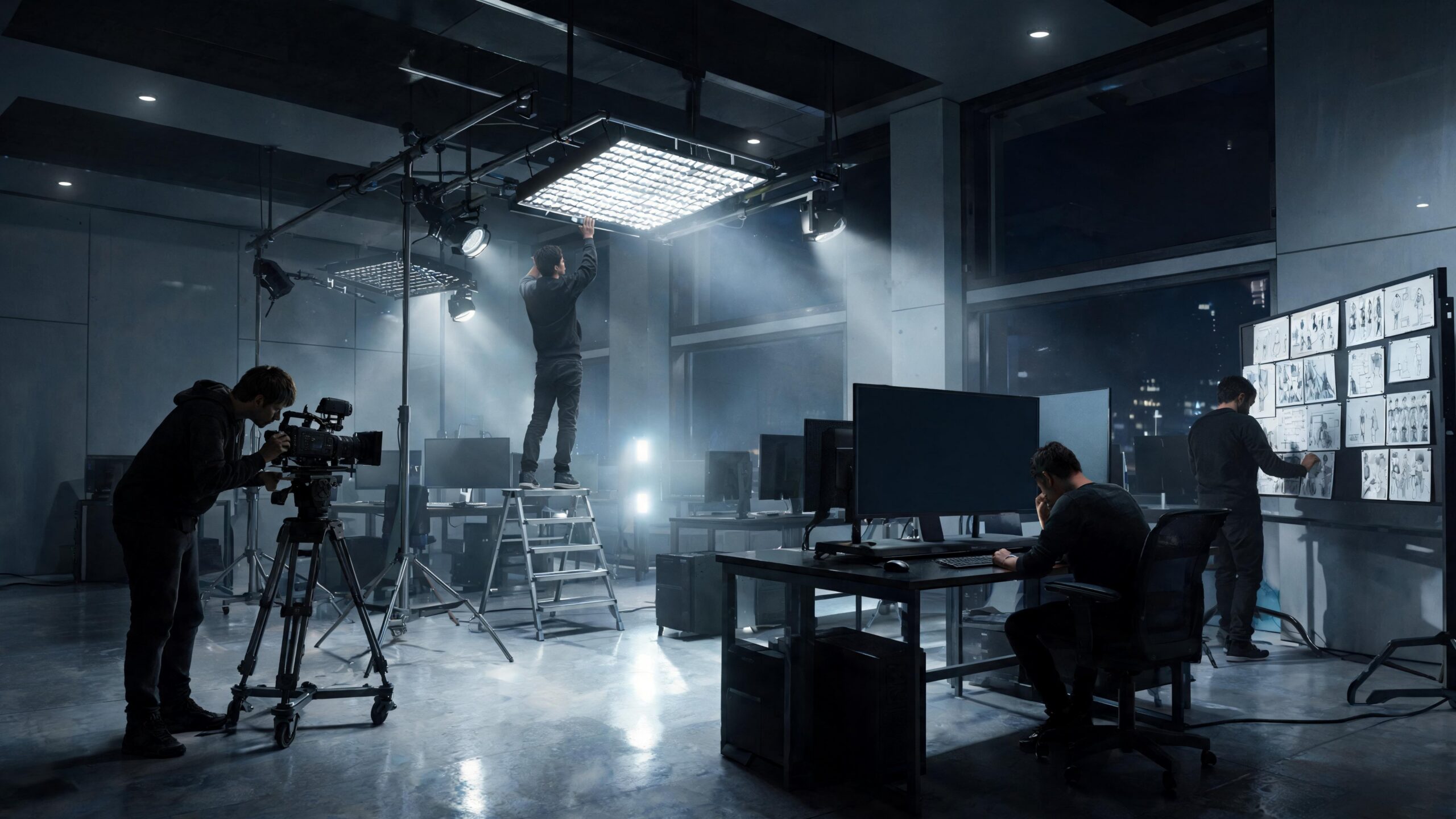
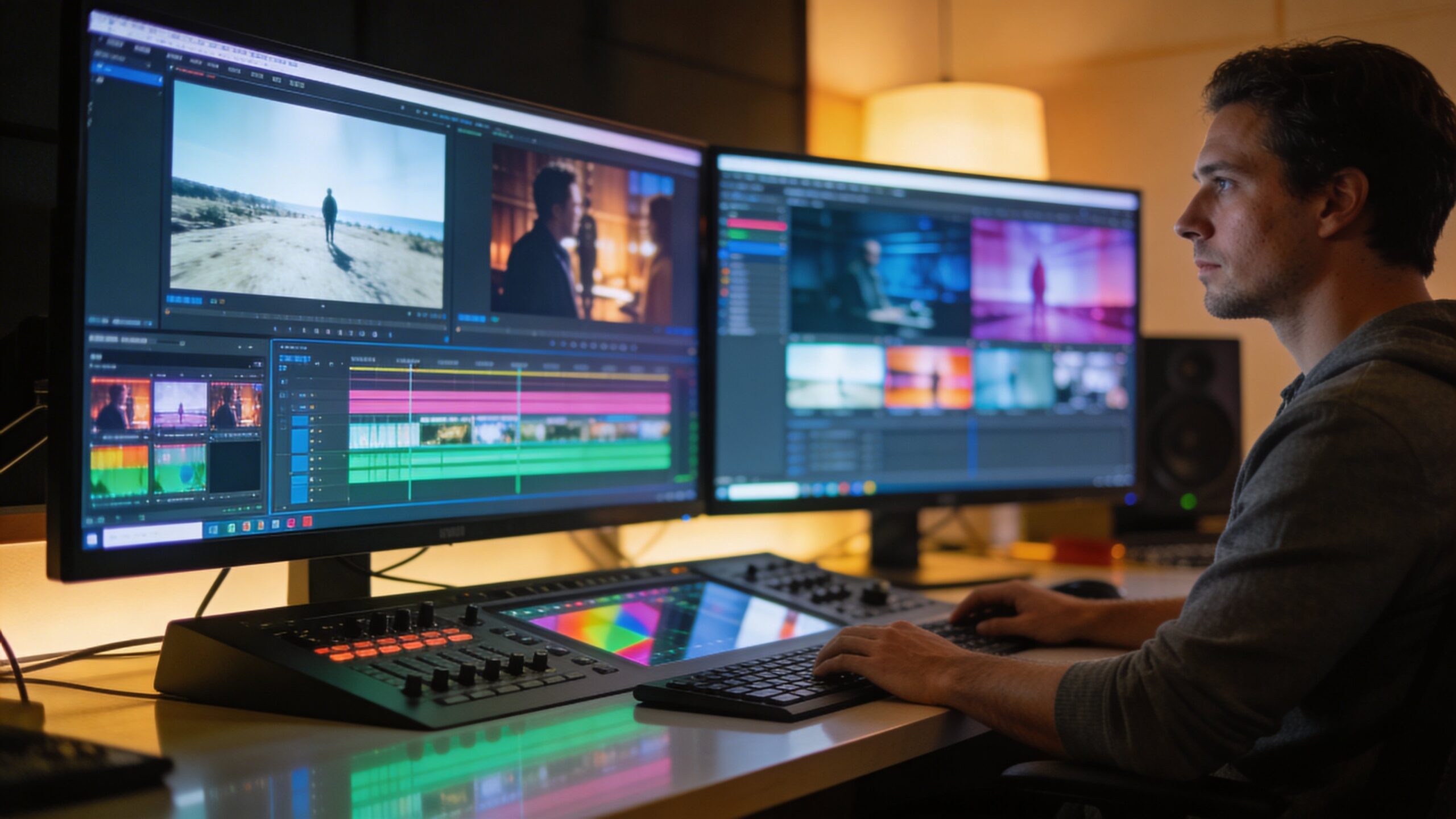
This refinement stage is similar to post-production in traditional filmmaking. A generated clip may begin as a rough take, then become cleaner, more cinematic, and more professional through additional processing. In the future, AI video pipelines will likely feel more like full creative suites, where generation, editing, animation, sound, color grading, and compositing happen together.
How AI Handles Camera Movement
Camera movement is one of the most powerful parts of video generation because it gives a scene energy and perspective. AI models can imitate common camera techniques, including pans, tilts, zooms, tracking shots, drone-style flyovers, handheld movement, and orbiting product shots. When done well, this makes generated video feel intentional and cinematic.
The challenge is that camera movement changes what every object looks like. As the camera moves, the model must understand depth, perspective, parallax, occlusion, and scale. If the system lacks a stable sense of 3D space, objects may stretch or slide unnaturally. Newer models increasingly use depth awareness and world modeling to make camera motion more believable.
The Rise of World Models
A major frontier in AI video is the development of world models. A world model attempts to represent not just how frames look, but how a scene works. It may track objects, surfaces, depth, cause and effect, camera position, and environmental rules. This can help AI video move beyond visual imitation and toward more consistent, controllable scene generation.
World modeling matters because video is not just image generation with extra frames. It is a simulation of change. If AI can better understand that a glass sits on a table, a person walks behind a door, or a shadow belongs to a specific object, the resulting video becomes more stable and useful. This is the path toward longer, more realistic, and more editable AI-generated scenes.
Creative Uses for AI-Generated Video
AI-generated video is already changing marketing, education, entertainment, product visualization, game development, social media, filmmaking, and web design. Brands can create product teasers before a physical shoot. Educators can visualize invisible concepts. Designers can animate prototypes. Filmmakers can test scenes, moods, and camera angles before committing to production.
For websites, AI video can make category pages, landing pages, and editorial hubs feel more alive. Instead of static hero images, creators can use subtle atmospheric motion, rotating product concepts, abstract technology scenes, cinematic explainers, or animated visual metaphors. The key is to use motion with purpose. AI video works best when it supports the message rather than overwhelming it.
AI Video and Human Creativity
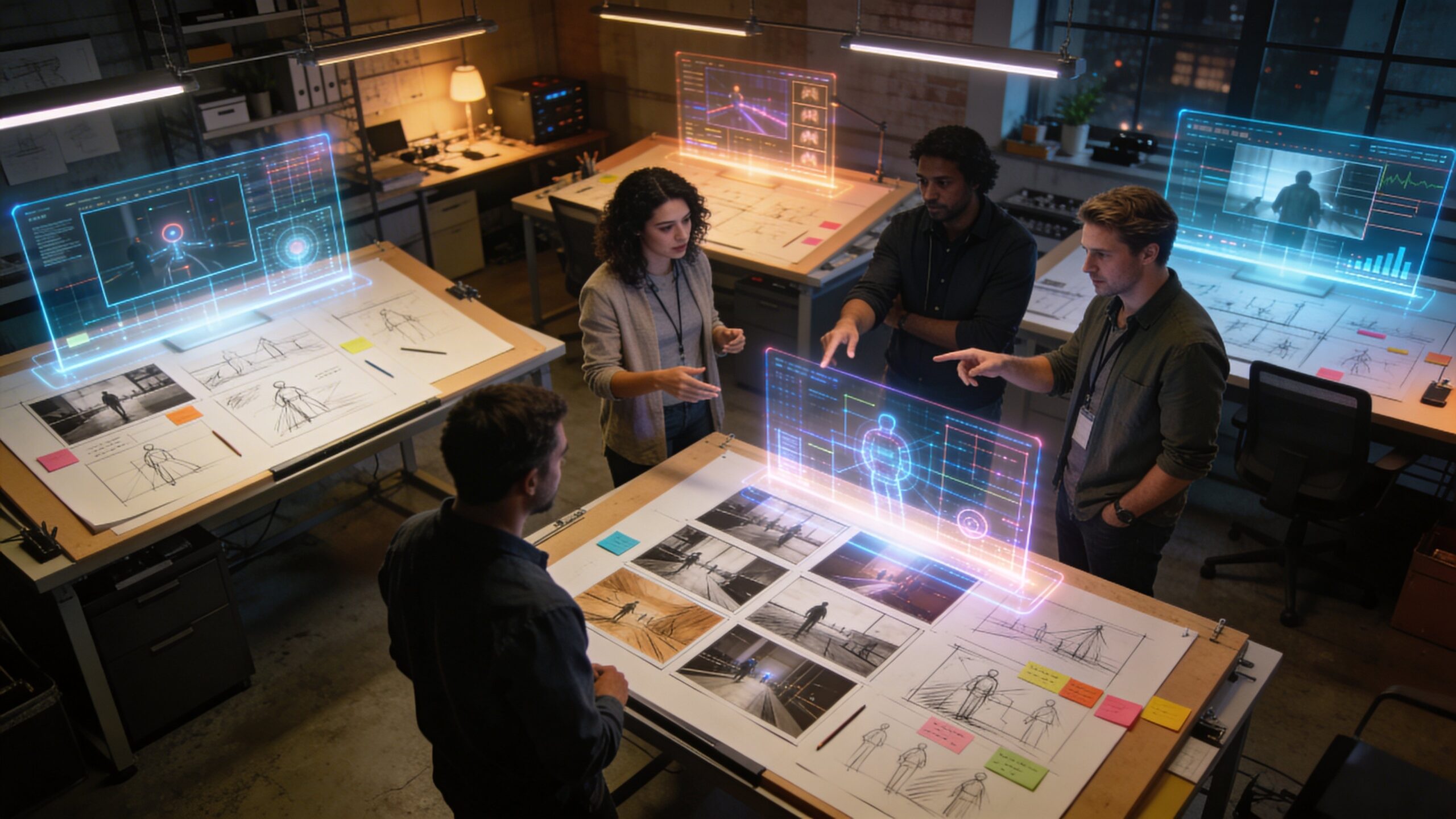
The most powerful way to understand AI video is not as a replacement for creativity, but as a new production instrument. It can accelerate ideation, expand visual possibilities, and help creators explore directions that would be too expensive or time-consuming to test manually. A single creator can now experiment with concepts that once required an entire studio pipeline.
Human taste still matters. The AI can generate options, but people choose the story, refine the prompt, judge the result, edit the sequence, and decide whether the motion feels right. Great AI video depends on direction, restraint, and creative judgment. The tool is powerful, but the vision still comes from the person using it.
Ethics, Authenticity, and Trust
As AI-generated video becomes more realistic, questions about authenticity become more important. Viewers need to know when video is fictional, altered, simulated, or AI-created. This is especially important in news, politics, education, legal contexts, and any situation where people may assume video is evidence of real events.
Responsible AI video use requires transparency, consent, and careful context. It also requires avoiding harmful impersonation, misleading realism, and deceptive edits. The same technology that can create beautiful educational visuals can also create confusion if used carelessly. As the tools improve, trust will become as important as image quality.
Where AI-Generated Video Is Going Next
The future of AI-generated video will likely bring longer clips, stronger character consistency, more accurate physics, better editing controls, improved sound integration, and interactive scene direction. Instead of generating a clip once and accepting the result, users will be able to adjust camera paths, change lighting, replace objects, preserve characters, extend scenes, and revise motion with more precision.
Eventually, AI video may become a real-time creative medium. Directors, designers, educators, and marketers could build scenes conversationally, asking the system to move the camera closer, make the lighting warmer, slow the motion, add atmosphere, or keep the same character across multiple shots. The technology is moving from novelty toward a new visual language.
Conclusion: The Machine That Dreams in Motion
AI-generated video works by combining language understanding, visual training, diffusion techniques, temporal modeling, latent space, motion prediction, and powerful computing. It transforms prompts into moving scenes by learning how the world looks, how objects behave, and how frames connect over time. The result is a new kind of creative engine: one that can imagine motion from words. Under the hood, AI video is a complex collaboration between data, mathematics, hardware, and human direction. On the surface, it feels simple: describe a scene and watch it move. That simplicity is what makes it revolutionary. AI-generated video is not just a faster way to make clips. It is a new doorway into visual storytelling, where imagination can become motion almost instantly.