AI Cinematography Works Best as a Workflow
A complete AI cinematography workflow is not a single prompt or one impressive generated image. It is a sequence of decisions that begins with the script and continues through visual research, shot planning, production, post-production, and final review. AI can help at each stage by organizing information, comparing looks, previewing possibilities, and speeding technical tasks. The workflow only succeeds when the cinematographer and director keep the story in control. From script to screen, AI should make visual intention clearer, not replace the judgment that gives an image meaning.
Start With the Script and Scene Purpose
The workflow begins before anyone thinks about lenses or lighting. The cinematographer and director need to understand what each scene is doing. Is the character gaining confidence, losing safety, hiding desire, or entering a world that feels unfamiliar. AI can help summarize scenes, identify recurring locations, list emotional turns, or group visual motifs across the script.
Those summaries should be treated as prompts for conversation. If a tool describes a scene as romantic but the director sees it as manipulative, that disagreement is useful. It forces the team to clarify the emotional target. Cinematography should grow from that target, not from a random look reference.
Once the scene purpose is clear, the team can begin asking visual questions. What should be hidden. What should be revealed. How close should the audience feel to the character. Should the world feel stable, threatening, ordinary, or strange. AI can organize the questions, but the answers come from the film.
Build a Look Development Pass
The next stage is look development. AI can help generate or organize visual references for contrast, color, atmosphere, texture, and camera distance. A team might compare a naturalistic look with a more stylized version, or test whether a location feels better under soft daylight, sodium streetlight, or cool practical sources.
This pass should be selective. The goal is not to create hundreds of images. The goal is to find a small set of references that express the film's visual rules. A strong look book says what the film is and what it is not. AI can help explore the edges of those rules, but the cinematographer must curate the final direction.
Rights and originality matter at this stage. References used internally for discussion are different from assets used in public marketing or client approval. A professional workflow labels materials clearly and avoids building the film's identity on images that cannot be responsibly used.
Translate References Into Shot Planning
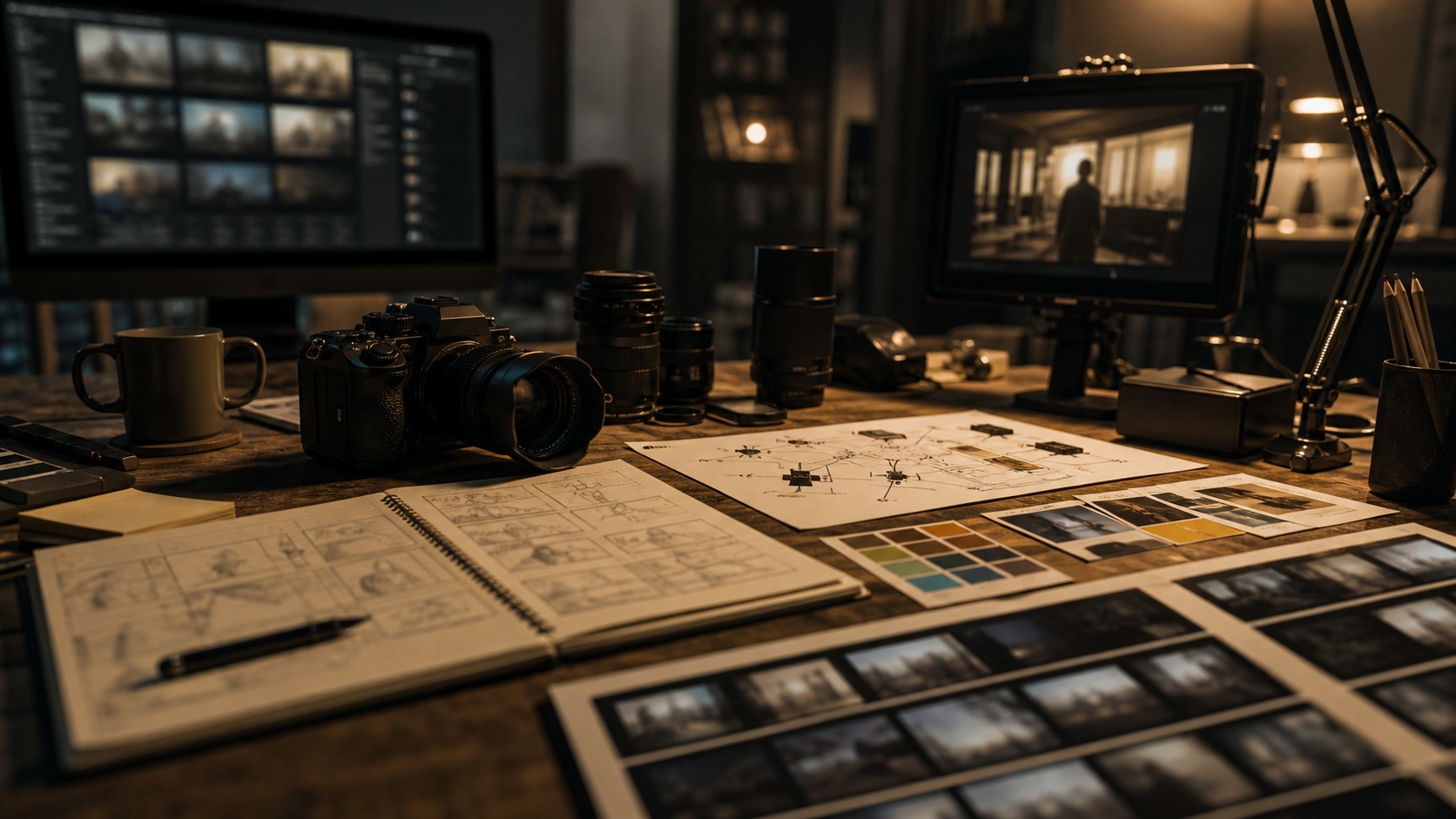
After look development, the team turns references into practical shot planning. AI can help create rough boards, previs frames, or camera options, but those images need translation. A frame that looks strong in isolation may require a wall to disappear, a light to come from nowhere, or a lens that distorts the actor in the wrong way.
The cinematographer reviews each idea through physical reality. Where can the camera go. What gear is needed. How will the actors move. Can focus be held. How long will the setup take. Does the shot support the edit. AI can open possibilities, but production planning decides which possibilities survive.
This is also where a shot hierarchy becomes important. Not every image deserves equal protection. The team should identify the essential frame, the important reaction, the coverage needed for the edit, and the optional beauty shots. AI can help list possibilities, but the cinematographer and director choose priorities.
Use AI Carefully During Production
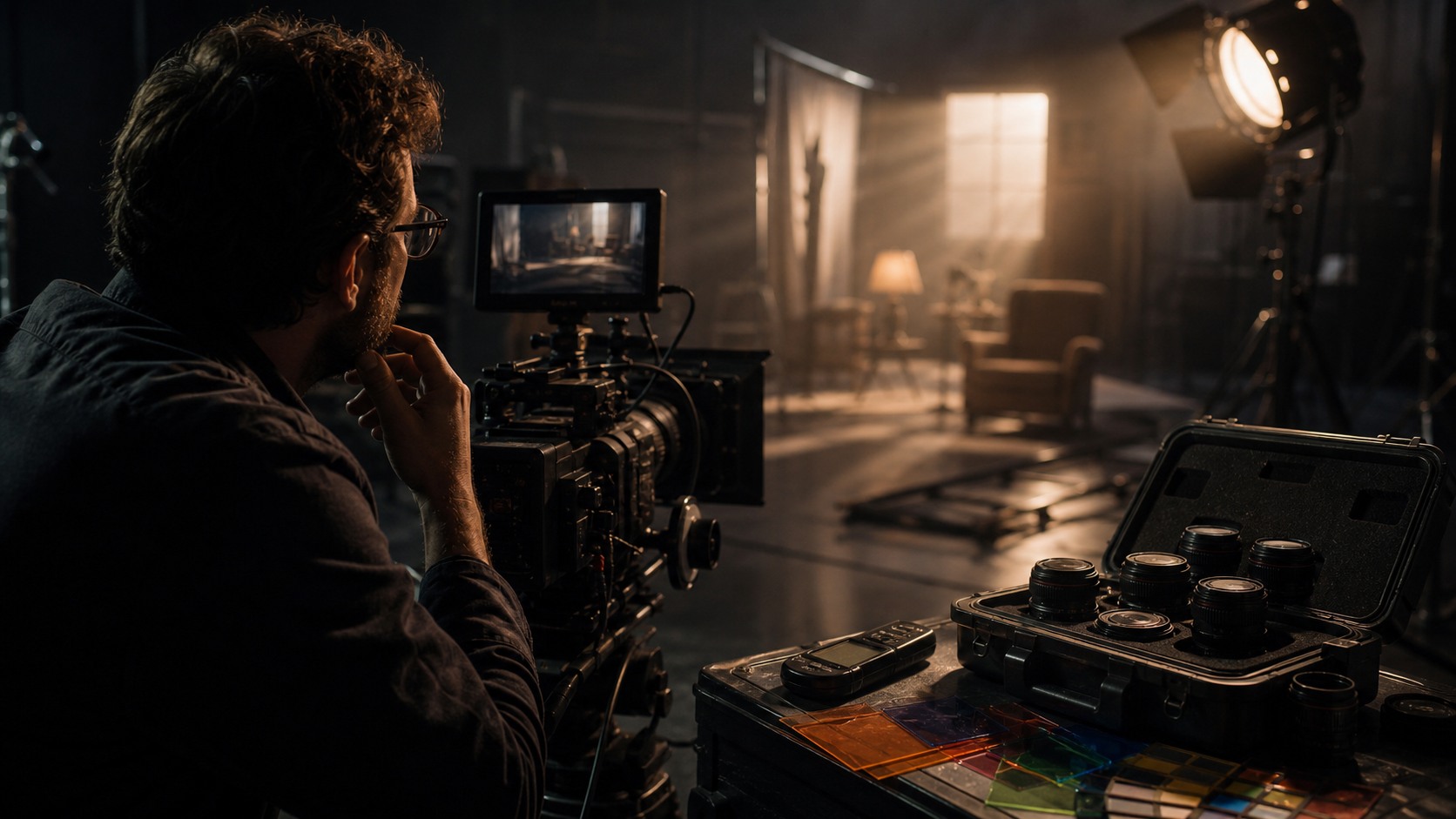
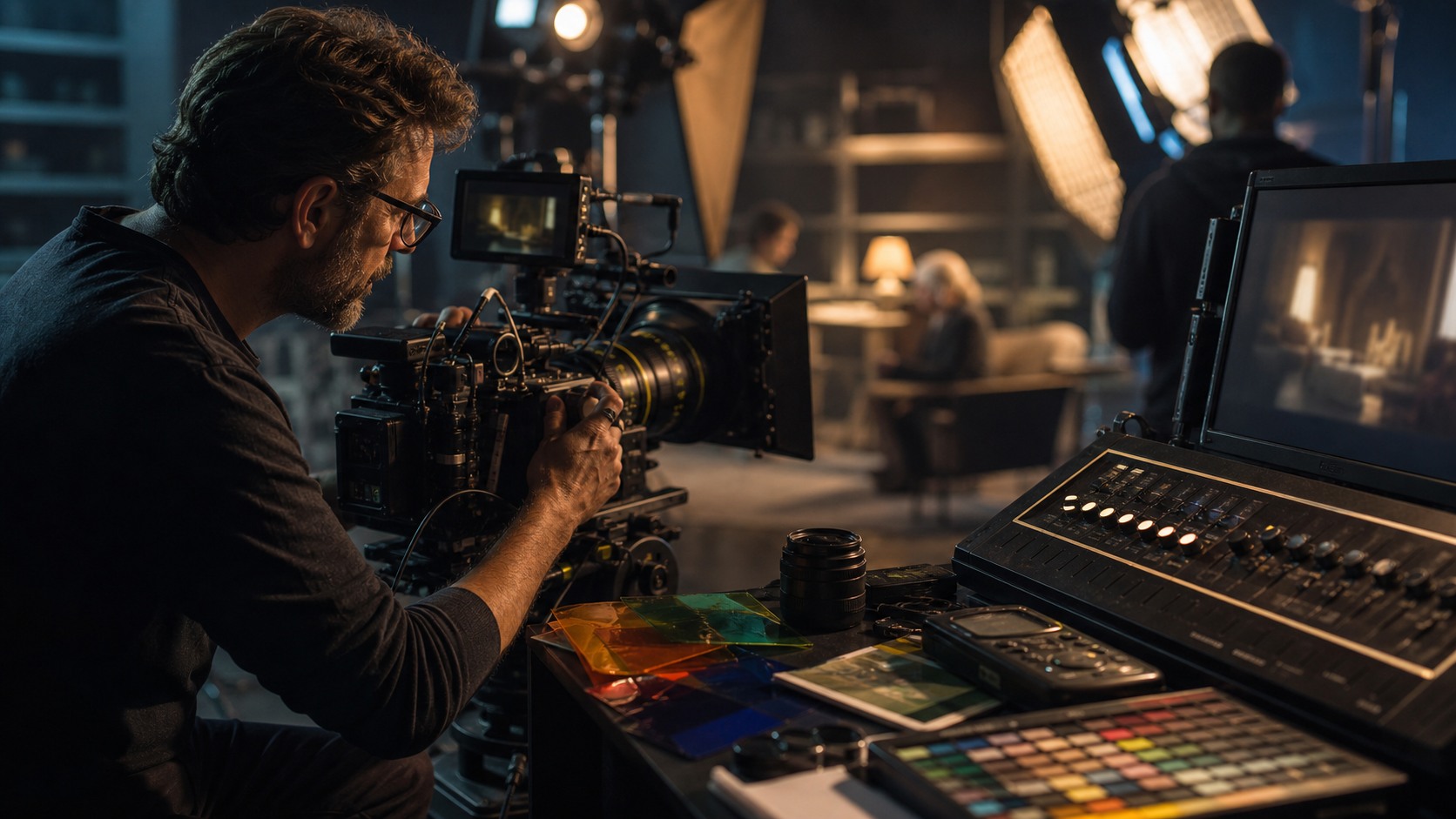
On set, AI should support rather than distract. Some productions may use AI-assisted monitoring, reference lookup, virtual production tools, or quick analysis. Others may keep AI out of the shooting day entirely and rely on the preparation it helped create. Both approaches can be valid.
The set is where real light, real bodies, real locations, and real time take over. A generated reference may have guided the plan, but the cinematographer must respond to what is actually in front of the camera. Weather changes, actors move differently than expected, and a location may offer a stronger frame than the previs suggested.
A good workflow leaves room for these discoveries. AI planning should make the team more prepared, not more rigid. If the real scene improves on the reference, the reference should lose.
Carry the Workflow Into Post-Production
Post-production is where AI cinematography tools often become practical again. Denoising, stabilization, shot matching, rotoscoping, cleanup, upscaling, and color analysis can all support the finishing process. These tools can reduce repetitive labor and help the team find problems faster.
The cinematographer should remain involved when AI changes the image. A technical fix may alter the feeling of a shot. A cleaner image may become too smooth. A matched shot may lose a deliberate contrast. A relit face may shift the audience's attention. Post tools need creative review, not only technical approval.
Color grading is the final visual authorship stage for many projects. AI can provide useful starting points, but the grade has to serve the story's emotional arc. The workflow that began with the script should still be visible in the final image.
Review the Screen Version Against the Original Intention
The final step is screen review. Watch the film or scene as an audience would, not as a collection of workflow steps. Does the image guide attention. Does the color feel consistent with the world. Do the lighting choices support performance. Do technical fixes disappear into the story. This review should reconnect every tool choice to the original intention.
If AI was used throughout the process, the team should also review documentation. Which references shaped decisions. Which post tools altered footage. Which generated assets were used only internally. Clear records protect the production and help the team improve on the next project.
A complete workflow is successful when the audience sees a coherent film, not a trail of tools. AI can help the cinematographer explore faster, plan smarter, and finish cleaner. The screen version still has to feel like cinema.
A Repeatable Workflow for Beginners
Beginners can use a simplified version of this workflow on one scene. Read the scene, name the emotional turn, create three look references, choose one camera approach, make a short shot priority list, shoot the scene, then review the footage for consistency and intention. This is enough to learn how each stage influences the next.
The most important habit is writing down why each visual choice was made. If the reason is only that the image looks cool, the choice may be weak. If the reason connects to character, story, rhythm, or world, the choice has a stronger foundation. AI can help produce options, but reasons make those options useful.
From script to screen, the workflow is a chain of translation. Story becomes visual intention, intention becomes references, references become plans, plans become footage, and footage becomes the final image. AI can support every translation, but the filmmaker must keep the chain honest.
Keeping the Workflow Human
The workflow stays human when every AI-assisted step has a person responsible for judging it. A generated look should be approved by the director and cinematographer. A shot plan should be checked against the location and schedule. A post-production cleanup pass should be reviewed by the people responsible for the final image. Responsibility is what keeps a workflow from becoming a chain of unchecked outputs.
Communication is just as important as approval. If a generated reference is only a mood sketch, the team should know that. If a reference has become the target look, the team should know that too. Confusion often happens when images travel without context. A beautiful frame can become a promise no one meant to make.
A complete workflow also needs stopping points. AI can keep producing alternatives, but production requires decisions. The cinematographer and director must eventually choose the visual rules, protect the essential shots, and move into execution. Endless exploration can feel creative while quietly delaying commitment.
Post-production needs the same discipline. AI tools can keep improving, smoothing, matching, and altering images, but the final question remains whether the scene works. A technically polished image may be less truthful than a slightly rough one. The workflow should leave room for imperfection when imperfection serves the film.
From script to screen, the strongest AI cinematography workflow is not the most automated one. It is the one where the team can explain each choice, revise when reality teaches something new, and deliver a final image that still feels connected to the original dramatic intention.
That selectiveness is the mark of a mature workflow. It does not use AI because the option exists; it uses AI when the tool makes a visual decision clearer, faster, or easier to review. When the tool no longer helps, the team returns to the ordinary craft of looking, testing, lighting, framing, and finishing with intention.
A final workflow review should include what to repeat, what to simplify, and what to remove next time. Maybe the look-development prompts helped, but the on-set analysis distracted the crew. Maybe shot matching saved time, but generated boards created false expectations. These notes keep the next production from starting over. They also remind the team that AI cinematography is not a fixed recipe. It is a set of choices that should become leaner and more useful with experience.
The workflow is complete only when it teaches the next one.
A team that reviews its process honestly will use fewer unnecessary tools over time and get more value from the ones that remain. That is how AI becomes part of a disciplined cinematography practice instead of another layer of noise.
The final screen image remains the judge.
Always in context.
Practically.
How to Improve the Workflow Over Time
A workflow should improve after each project. After delivery, the cinematographer and director can review which AI-assisted steps actually helped. Did generated references clarify the look, or did they create false expectations. Did shot analysis catch problems early, or did it add noise. Did post cleanup save time, or did it require too much repair. These questions make the next workflow better.
The team should also note where human discussion mattered most. Maybe the best lighting choice came from a location scout, not a generated reference. Maybe the essential shot changed after rehearsal. Maybe the final grade rejected the early look board because the edit revealed a different emotional arc. Those discoveries should not be seen as failures of the workflow. They are proof that filmmaking stayed alive.
Over time, a production can build a leaner AI cinematography process. Keep the tools that produce clear decisions. Remove the tools that create confusion. Create naming rules for references, approval steps for post changes, and simple documentation for generated assets. A workflow becomes powerful when everyone understands it.
The complete path from script to screen is therefore both technical and creative. AI can help the cinematography team see more options and manage more detail, but the best workflow remains selective. It chooses the tools that serve the image, the image that serves the scene, and the scene that serves the film.