AI Cinematography Starts With Visual Decisions
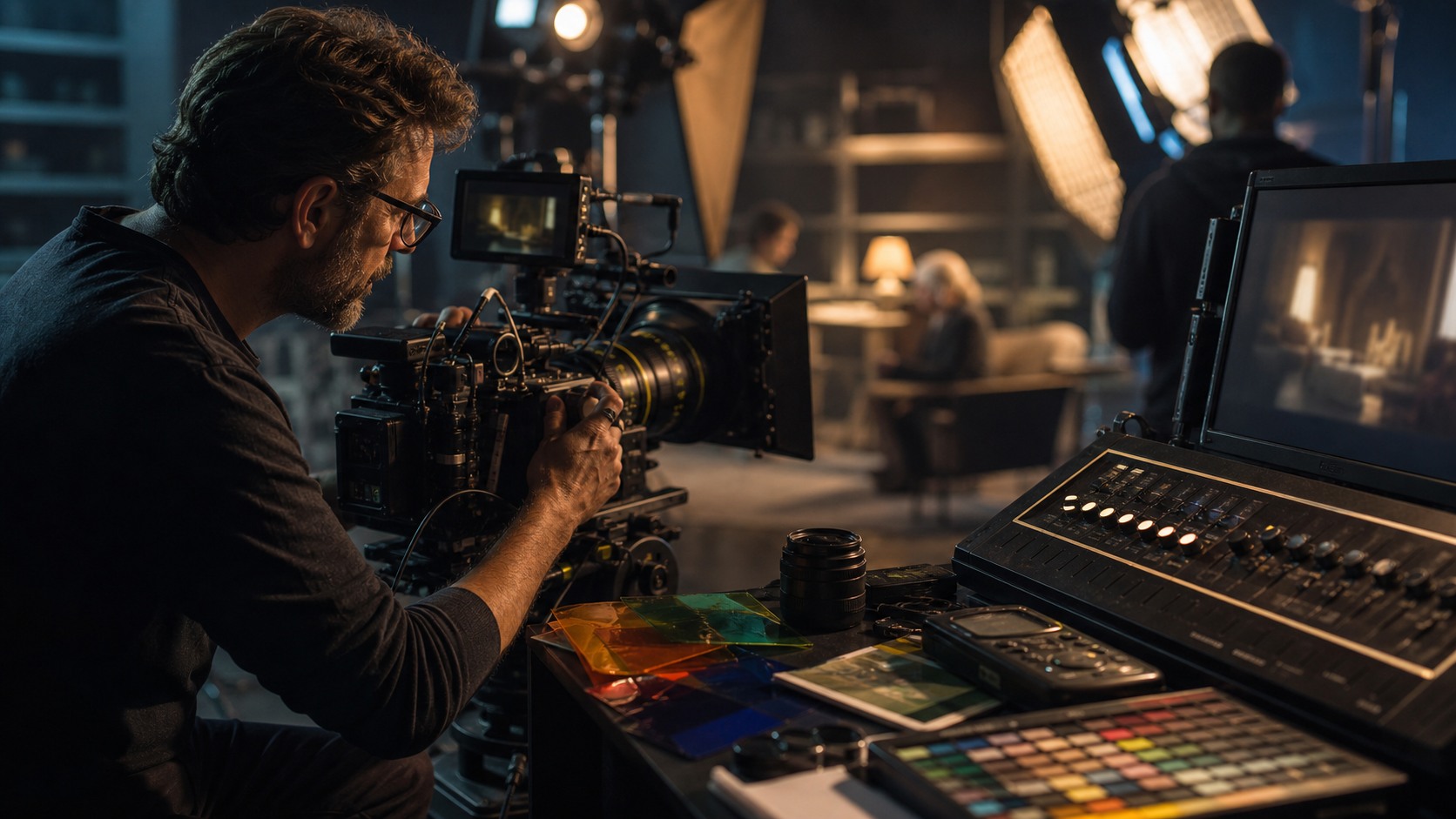
AI cinematography is the use of artificial intelligence to support the visual craft of filmmaking. It can help filmmakers compare lighting ideas, organize references, preview camera approaches, analyze footage, match shots, and clean up images in post-production. For beginners, the key is to remember that AI does not replace the cinematographer's eye. A camera still needs intention, composition, exposure, movement, color, and emotional purpose. AI cinematography is best understood as a set of planning and review tools that help the filmmaking team see more clearly before, during, and after production.
What the Term Really Means
Cinematography is the art and craft of shaping the image. It includes where the camera sits, how it moves, what lens is used, how light falls across a face, how color influences mood, and how each frame supports the story. AI cinematography does not change that definition. It adds machine-learning tools around the work so filmmakers can explore, compare, analyze, and refine images with more speed.
Some AI tools generate visual references from prompts. Others analyze existing footage and identify differences in color, exposure, or sharpness. Some help with tracking, stabilization, denoising, rotoscoping, or upscaling. A beginner may encounter all of these under the same broad phrase, but they serve different parts of the pipeline.
The important distinction is that AI may assist the image, but it does not know what the image means. A model can suggest a moody blue night interior, yet it cannot know whether that mood serves the character. The cinematographer and director still decide what the audience should feel.
How AI Helps Before the Shoot
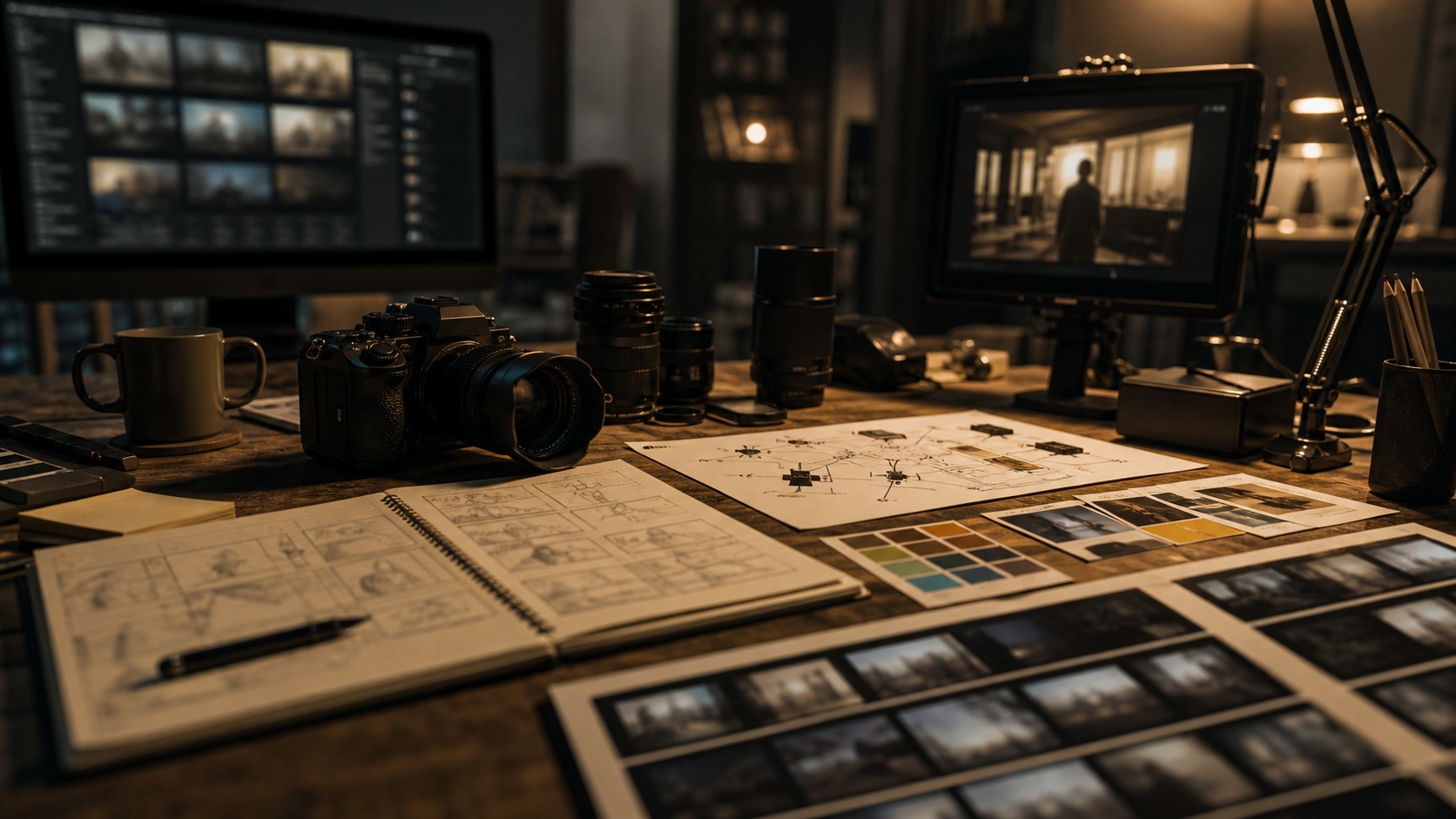
Before a camera rolls, AI can help a team create look references, compare lighting moods, and test possible visual directions. A director might wonder whether a scene should feel warm and intimate or cold and suspicious. AI references can put those options side by side, giving the cinematographer a clearer starting point for discussion.
This can be especially useful for beginners because visual language is hard to describe. Words like cinematic, gritty, natural, or dreamy mean different things to different people. A reference image makes the conversation more concrete. The team can say which part works: the contrast, the softness, the distance, the color, or the way the background falls away.
Pre-production AI work should remain practical. A generated frame may show beautiful light that cannot exist in the real location. It may imply a lens, set size, or rigging option beyond the budget. The cinematographer's job is to translate the reference into something shootable, or to reject it when it creates the wrong expectation.
Camera Planning and Composition
AI can support camera planning by helping filmmakers compare framing options. A scene might be tested as a close, subjective image, a distant observational frame, or a composition that uses doorways, reflections, or foreground objects. These comparisons can help a beginner understand how camera placement changes the emotional meaning of a scene.
Composition is never only about making an image attractive. A centered frame can feel controlled or trapped. A wide frame can make a character seem free or abandoned. A handheld shot can feel immediate or chaotic. AI can show possibilities, but the filmmaker has to decide which visual grammar belongs to the scene.
Camera movement needs even more practical review. A generated move may look elegant while ignoring walls, actor movement, focus, safety, or equipment. Cinematographers turn visual ideas into physical plans. They think about dollies, handheld rigs, cranes, gimbals, tripods, focus pullers, and the time required to execute a move well.
Lighting, Color, and Mood
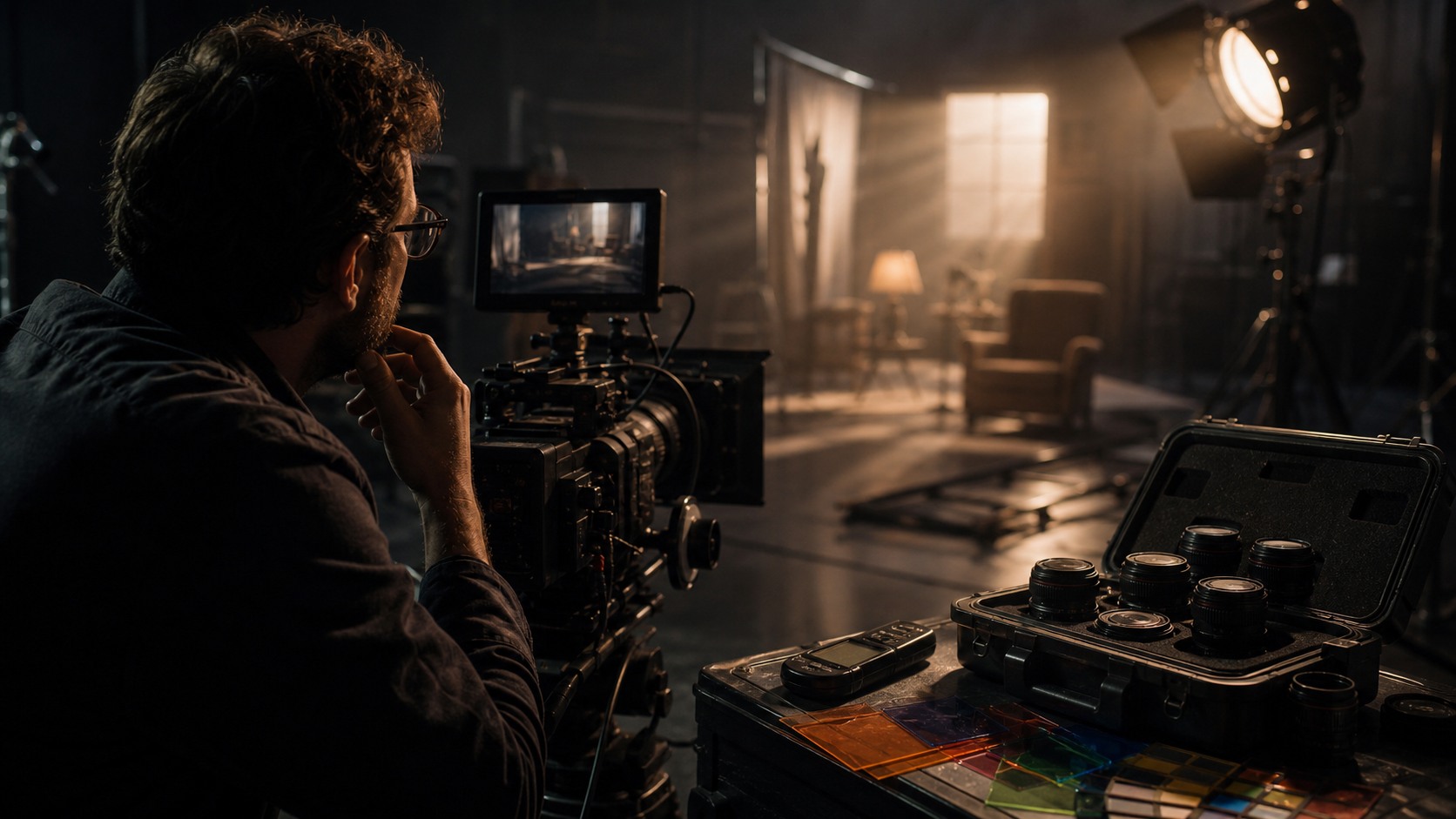
Lighting is where AI cinematography can be exciting and misleading at the same time. A tool can generate several lighting moods quickly, showing how a face might feel under window light, overhead light, practical lamp light, or a colder exterior spill. This can help the director and cinematographer decide which direction best supports the scene.
Real light, however, behaves physically. It bounces, spills, fades, reflects, and changes as the day moves. A generated image may not respect those rules. Beginners should treat AI lighting references as emotional sketches, not as diagrams that can be copied without thought. The actual setup still needs measurement, placement, and adjustment.
Color works the same way. AI can help compare palettes, but color choices must fit the film's world. A teal-and-orange look may feel polished but wrong. A muted palette may feel honest but too flat. A strong cinematographer asks what color is doing for the story before accepting a look.
How AI Appears in Post-Production
Post-production is one of the most common places beginners will see AI cinematography tools. Denoising can reduce grain or sensor noise. Stabilization can smooth unwanted shake. Rotoscoping can separate subjects from backgrounds. Shot matching can help align color and exposure between angles. These tools can save time and make difficult fixes more manageable.
Technical improvement is not always creative improvement. A shot may be noisy because it was captured in low light, but that texture may also fit the scene. A tool may stabilize a shot that was meant to feel nervous. A color match may remove a deliberate shift in mood. Cinematographers and colorists need to review AI changes carefully.
The goal is not to make every image clean. The goal is to make every image intentional. If AI cleanup supports the intended image, it is useful. If it erases the character of the frame, it should be adjusted or avoided.
Where Beginners Should Start
A beginner can start with a single scene and compare three visual approaches. Choose one simple dramatic moment, then create or gather references for different camera distances, lighting moods, and color directions. Ask which version supports the character, which version fits the location, and which version the crew could actually shoot.
It also helps to study existing footage. Use AI-assisted analysis only as a prompt for looking more carefully. Notice why two shots do not match. Notice whether a face is too dark, whether the background steals attention, or whether a camera move changes the scene's energy. The tool can point toward differences, but the filmmaker must learn to see them.
AI cinematography becomes useful when it strengthens the habit of visual thinking. It should make beginners more curious about light, lens, movement, color, and story. It should not make them believe that good images come from prompts alone.
Responsible Use and Creative Control
Responsible AI cinematography means knowing what the tool is doing and keeping humans accountable for the final image. If AI-generated references shape a commercial project, the team should consider rights, originality, and client expectations. If AI cleanup changes an actor's face, performance, or body, the production needs clear consent and review.
Creative control also matters inside the team. The cinematographer should not be surprised by post-production AI changes that alter the image's mood. The director should know when a reference is only exploratory. Producers should understand that a generated image is not proof that the production can afford the look.
For beginners, the safest mindset is simple: use AI to explore and inspect, then use cinematography to decide. The image still belongs to the film. AI can help reveal options, but the final frame has to carry human intention.
A Practical First Scene Exercise
A beginner can understand AI cinematography faster by applying it to one short scene instead of an entire project. Choose a simple moment with one character entering a room, waiting, or deciding whether to speak. Use AI only to compare visual possibilities: a wider frame, a closer frame, warmer light, cooler light, a still camera, and a slight move. The point is not to generate a finished look. The point is to see how each visual choice changes the scene's meaning.
After the comparisons, write down what each version does emotionally. A wide frame may make the character seem small or watched. A close frame may make the audience feel trapped inside the character's pressure. Warmer light may soften the moment, while harder light may make the room feel less forgiving. This exercise teaches that cinematography is not decoration. It is a set of choices that directs attention and feeling.
The next step is practical translation. Ask which version could actually be shot in the available room with the available lights, crew, and time. This is where beginners learn the difference between an AI reference and a cinematography plan. A reference can be inspiring, but a plan must survive walls, power, windows, actor movement, lens limits, and the schedule.
Finally, shoot a small test if possible. Even a phone or simple camera test can reveal what the generated reference did not know. Real light may bounce strangely, the background may become distracting, or the actor's face may need a different angle. That feedback is valuable. AI helped open the visual question, but the camera test teaches the real lesson.
What Makes AI Cinematography Useful
AI cinematography becomes useful when it makes a visual question easier to answer. It can show several versions of a lighting direction, but the cinematographer decides which version fits the character. It can point out a mismatch between shots, but the colorist decides whether the mismatch should be corrected. It can suggest a framing option, but the director and cinematographer decide whether the frame carries the scene.
That relationship keeps the tool in proportion. Beginners can be tempted to treat AI output as proof that an image is good. A stronger habit is to treat output as evidence for discussion. What part of the image helps. What part is misleading. What would it take to shoot this. What would the audience feel. These questions turn AI cinematography into a learning process.
The most useful results often come from combining AI exploration with real tests. A generated reference can lead to a lighting test, a lens test, or a quick blocking rehearsal. The real test may confirm the idea or break it. Either result is valuable because the team learns before the final shoot.
For a beginner, the goal is not to master every AI tool at once. The goal is to become more observant. Notice light direction, shadow shape, camera height, background distraction, color contrast, and how a lens changes distance. AI can help create comparisons, but the filmmaker grows by looking carefully.
That careful looking is what keeps the process grounded. The same AI reference can inspire one film and mislead another, because every story has its own visual logic. Beginners should ask whether an image belongs to this scene, this character, and this production reality. When the answer is yes, AI has helped. When the answer is no, the image should be released without regret.
The strongest beginner habit is to compare the AI idea with a real frame from the shoot. Reality will show what the tool guessed, what it missed, and what the filmmaker still needs to decide.
That comparison turns every experiment into practical cinematography training.
Over time, the filmmaker learns which AI suggestions are worth testing and which are only attractive distractions.
That discernment matters.
On set.