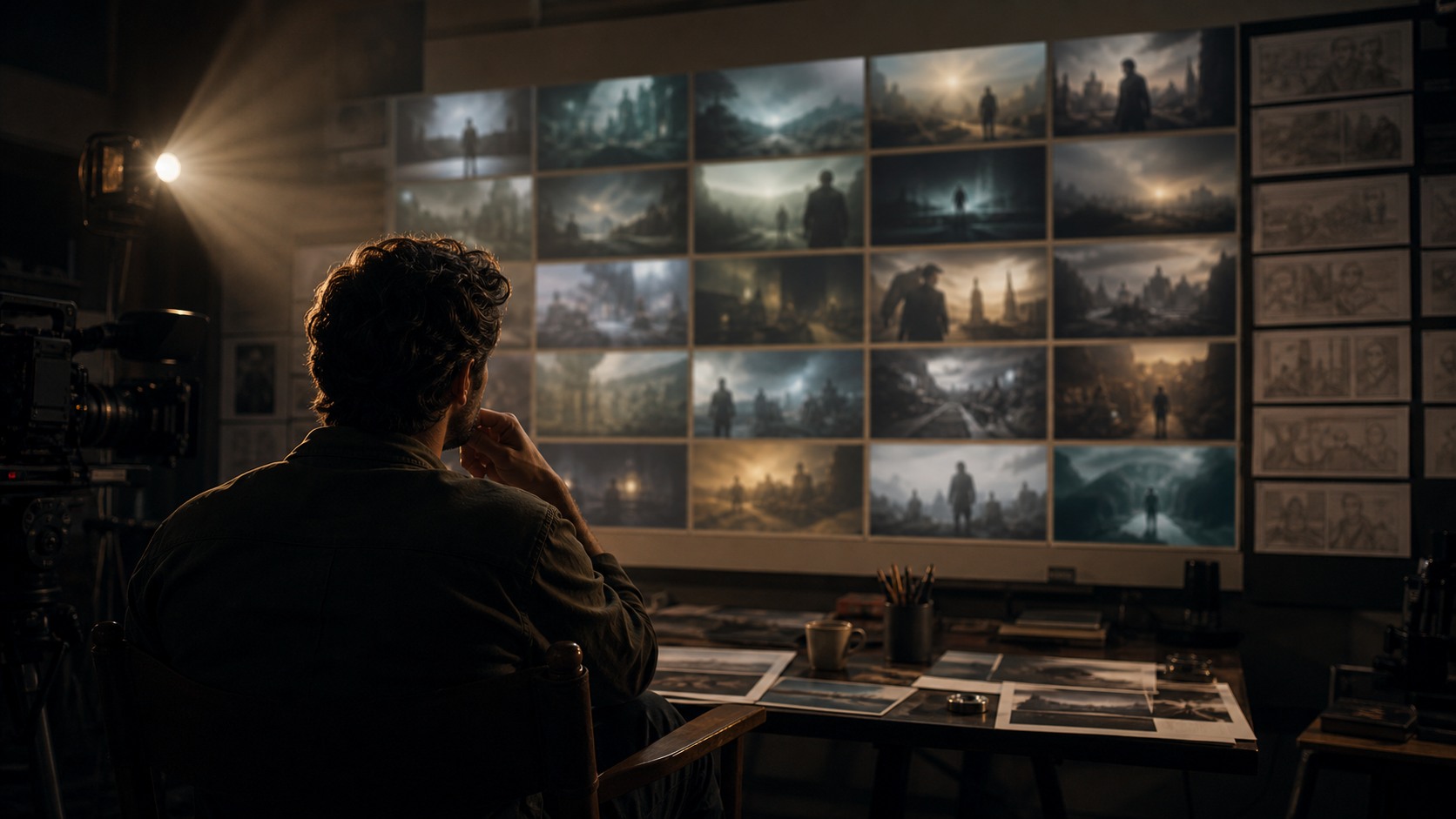
AI Can Translate Script Beats Into Visual Questions
AI turns written scripts into visual storyboards by converting scene information into rough images that suggest shots, compositions, and sequence flow. The process is not automatic filmmaking. A script contains character, action, location, tone, and story change; a storyboard must turn those words into camera decisions. AI can help generate early panels from prompts or script summaries, but the filmmaker still has to decide what the audience sees, when information is revealed, and which panels belong in the final plan.
Start With Script Breakdown
The first step is breaking the script into usable visual information. A scene heading, character action, dialogue beat, prop, location, and emotional shift all matter. AI works better when the filmmaker extracts these pieces instead of pasting a whole script page and hoping for a perfect board.
A useful breakdown names what changes in the scene. Does a character enter a new world, discover a secret, lose control, or decide to act. That change determines what the storyboard must show. Without it, generated panels may look atmospheric but fail to tell the story.
The breakdown should also identify what the audience needs to know at each moment. Storyboards are not illustrations of every sentence. They are visual decisions about attention.
Turn Beats Into Shot Jobs
After the breakdown, convert beats into shot jobs. An establishing shot may introduce space. A close-up may reveal emotion. An insert may show an object. A reaction may show consequence. These shot jobs become the prompts or image requests that AI can attempt.
This step prevents the workflow from becoming random. Instead of asking for a scene, the filmmaker asks for a specific panel that serves a specific purpose. The model can then generate options for that purpose.
Shot jobs also make revision easier. If the reveal panel fails, the filmmaker revises the reveal. If the reaction is missing, the filmmaker adds a reaction. The storyboard grows from the scene's needs rather than from scattered images.
Write Prompts From Visual Needs
A prompt for script-to-storyboard work should include subject, setting, action, camera distance, emotional purpose, and constraints. It should avoid overloading the model with every detail from the script. The goal is a readable panel, not a paragraph of decoration.
For example, a prompt might ask for a wide frame of a nervous courier at the edge of an empty warehouse, seen from behind, with the doorway ahead. That prompt carries staging, perspective, and emotional pressure. It is more useful than asking for a cinematic warehouse scene.
The filmmaker may need several prompt passes. AI output becomes a draft conversation with the script. Each version teaches what the visual plan needs next.
Generate Panels in Groups
Panels should be generated in small groups by scene beat or shot job. Generate a few establishing options, then a few reveal options, then a few reaction options. This keeps the review manageable and helps the filmmaker compare like with like.
Generating an entire storyboard at once can create inconsistent characters, mismatched locations, or unusable shot order. Small groups give more control. They also make it easier to preserve the strongest frames and revise only the weak ones.
The goal is not volume. The goal is a sequence that can be understood. A smaller set of purposeful panels usually beats a large pile of disconnected frames.
Select Panels for Story Clarity
Selection is the most important creative step. A generated panel should be kept only if it clarifies the scene. It might show the right perspective, the right information, the right emotional emphasis, or the right transition to the next shot.
A panel can be beautiful and still wrong. It may show too much too soon, hide the important action, or break the geography of the scene. Story clarity is the standard, not visual polish.
Filmmakers should place selected panels in order and read the sequence without the script. If the visual story cannot be followed, the board needs revision.
Protect Continuity Across Panels
AI may change details from panel to panel. Wardrobe, props, character faces, layout, and lighting can drift. A storyboard does not need final continuity, but it must be clear enough that the production team understands the plan.
Continuity can be protected with repeated character descriptions, reference frames, approved costume notes, and simple location rules. The filmmaker should also create a basic geography note for the scene.
If continuity becomes too difficult, simplify the board. Use clearer angles, fewer details, or hand-drawn corrections. The storyboard's job is communication, not perfect generated realism.
Add Human Notes
AI-generated panels often need human notes. Arrows, labels, shot numbers, movement notes, lens suggestions, or blocking reminders can make a rough frame far more useful. These notes turn images into production information.
The notes should be practical. Mark what the camera sees, what moves, what is revealed, and what matters. Avoid adding so much explanation that the board becomes unreadable.
Human notes are also a place to correct AI assumptions. If the model created the wrong prop or an impossible set, a note can clarify the real intention until the panel is revised or redrawn.
Build the Sequence
Once panels are selected and noted, arrange them into a sequence. The sequence should show how the viewer moves through the scene. Does the board orient the audience. Does it hide and reveal information clearly. Does it show cause and effect.
This is where many AI boards need human repair. AI can generate individual images, but it does not automatically understand editorial rhythm. The filmmaker may need to add a reaction, remove a redundant panel, or change the order.
A storyboard sequence is a visual argument for how the scene should play. Every panel should earn its place.
Use Animatics When Timing Matters
Some script moments need timing. Suspense, comedy, action, music, and visual effects often cannot be judged from still panels alone. In those cases, selected AI panels can become an animatic with rough durations and temporary sound.
The animatic may reveal that the script beat needs an extra pause or that a reveal happens too quickly. It may also show that a panel is unnecessary. This is valuable before production.
The animatic should remain a test. It is not a finished film. It is a way of asking whether the storyboard has rhythm.
How Dialogue Scenes Become Boards
Dialogue scenes are easy to underestimate because they may not seem visually complex. But a dialogue scene still needs point of view, power shifts, reactions, and rhythm. AI can help a filmmaker test whether the scene should play in clean coverage, a moving master, isolated singles, or a more restrained composition.
The script breakdown should mark where the emotional control changes. If one character gains confidence halfway through the scene, the board may need to move closer, change angle, or hold a reaction. AI panels can help explore that shift before the shoot.
The danger is generating generic talking-head frames. A useful dialogue board shows why the camera is placed where it is. It should reveal relationship, pressure, or distance, not merely show people speaking.
How Action Scenes Become Boards
Action scenes need extra care because the audience must understand cause and effect. A written line such as they escape through the alley may require many visual decisions: where they start, what blocks them, who follows, what direction they move, and what changes at the end.
AI can generate rough action panels, but the filmmaker must protect geography. Action boards should show direction, obstacles, and consequences. If the generated panels look exciting but do not connect, the sequence will fail.
For action, simple boards are often better than elaborate frames. The clearest panel is the one that shows what the audience needs to understand next.
How Revision Keeps the Script Alive
AI storyboard drafts can drift away from the script if the filmmaker lets the most attractive images lead. Revision brings the board back to the written intention. It asks whether the image still supports the character, conflict, and scene turn.
Sometimes revision means changing the prompt. Sometimes it means adding a note, replacing a panel, or drawing a simpler frame by hand. The method matters less than restoring clarity.
A good storyboard should feel like the script has become visible, not like a separate visual idea has taken over. AI helps most when it strengthens the script's best moments.
Creating a Script-to-Board Review Pass
A script-to-board workflow needs a review pass that compares every selected panel back to the script. The filmmaker should read the scene, look at the board, and ask whether the same emotional and narrative information is still present. If a panel adds style but removes meaning, it should be revised.
This review should also check what the board leaves out. Scripts often contain small but important cues: a hesitation, a glance, an object being hidden, or a shift in who controls the conversation. AI may skip these details unless the filmmaker names them.
A second review can happen without the script. Show the sequence to someone who does not know the scene and ask what they understand. If they miss the core action or emotional turn, the board is not clear enough. This outside response is useful before production.
The review pass turns AI generation into film planning. It brings the workflow back to the reason storyboards exist: to make a scene shootable, readable, and emotionally directed before the crew spends time creating it.
Preparing Boards for Real Production
The final script-to-board step is preparing the material for people who were not part of the generation process. A cinematographer, producer, actor, or designer should be able to understand what the board is asking for without hearing the entire prompt history. That means the approved panels need shot labels, scene order, and short practical notes.
A production-ready board should also separate intention from accident. If the AI added a background object that does not matter, the team should know it is not required. If a doorway, prop, or framing relationship is essential, that should be marked clearly. This prevents accidental details from becoming expensive assumptions.
The storyboard succeeds when it helps the team shoot the script with fewer surprises. AI may have helped create the first visual draft, but the final board must belong to the production, not the tool.
Why the Human Pass Matters
The human pass is where the storyboard becomes trustworthy. It checks that each panel still carries the written beat, that the sequence can be followed, and that the crew will know what to make. Without that pass, AI may create images that look finished but remain vague as filmmaking instructions.
Revise Back Toward the Script
The final step is revising back toward the script's intention. AI output can pull the storyboard toward attractive but irrelevant images. The filmmaker must return to the scene beat and ask whether the board still serves the written story.
Sometimes the storyboard reveals that the script itself needs adjustment. A visual plan may expose a confusing action, missing reaction, or unclear location. That feedback is useful. Storyboarding can improve writing as well as production.
AI turns scripts into storyboards best when the process remains interpretive. The model creates visual drafts. The filmmaker turns those drafts into a scene plan that honors the script and prepares the shoot.