Pre-Visualization Lets Filmmakers Rehearse the Movie Early
AI pre-visualization, often shortened to AI previs, is the practice of using artificial intelligence to help filmmakers plan what a scene might look and feel like before it is shot. It can involve rough images, animated camera tests, synthetic environments, blocking ideas, lighting references, or shot concepts created from prompts, scripts, sketches, and references. For beginners, the key idea is simple: previs is a rehearsal space for visual decisions. AI makes that rehearsal faster and more accessible, but it does not remove the need for directing, cinematography, production design, editing sense, or practical production judgment.
What Pre-Visualization Means
Pre-visualization is any process that lets a team preview a scene before production commits to it. Traditional previs might include sketches, storyboards, animatics, 3D layouts, stunt rehearsals, or virtual camera tests. AI previs adds tools that can quickly generate images, motion ideas, environment concepts, or alternate shot approaches from relatively small inputs.
The point is not to make a finished scene. The point is to understand problems early. A director can test whether a reveal should happen from behind the actor or across the room. A producer can see whether a location idea implies more expense than expected. A cinematographer can discuss the kind of light the scene seems to need.
How AI Changes the Previs Process
AI reduces the blank-page problem. Instead of waiting for a full 3D build or a polished storyboard sequence, a filmmaker can create rough visual possibilities quickly. Those possibilities can then be refined, rejected, combined, or handed to specialists for more accurate work.
This speed matters because previs is about decisions. If a team can compare five approaches to a scene in an afternoon, they may discover the simplest one is also the strongest. AI does not guarantee better choices, but it can increase the number of choices a team can evaluate before money is spent on the wrong plan.
Where Beginners Can Use AI Previs
A beginner might use AI previs to explore a scene's tone, camera distance, lighting mood, or blocking. For example, a short film director could compare a confrontation staged at a kitchen table, in a hallway, and near a window. The generated references would help the team discuss which version best serves the story and the budget.
It can also help with pitch work. Investors, collaborators, and crew members often respond more quickly to visual examples than to abstract explanation. AI previs can provide early images that communicate ambition while the production is still forming.
What AI Previs Cannot Promise
AI previs can look convincing while ignoring physics, time, space, safety, or cost. A generated camera move may pass through a wall. A lighting idea may require equipment the team cannot access. A crowd scene may look easy in an image but become impossible for the schedule. Beginners should treat every output as a question to verify.
Another limitation is consistency. Characters, props, and environments can change between attempts. If a production needs exact continuity, AI previs may need human cleanup or more traditional layout work. The closer a scene gets to shooting, the more practical accuracy matters.
How It Helps Collaboration
AI previs can give different departments a shared object to discuss. The director can explain emotion, the cinematographer can discuss lens and light, the production designer can flag space and texture, and the producer can ask whether the idea fits resources. A rough image is often easier to challenge than a vague sentence.
The best collaboration happens when AI material is labeled honestly. If an image is only a mood reference, say so. If a shot is intended as a serious production plan, invite the right people to test it. Clear labels prevent a pretty picture from becoming a promise the crew never agreed to make.
A Sensible Beginner Workflow
Start with one scene and one decision. Do not ask AI to previs the whole film on the first try. Choose a specific problem: the reveal, the camera height, the shape of the room, the feeling of the light, or the order of shots. Generate a few options, then write down what each option teaches you.
After that, reduce. Keep only the references that sharpen the plan. Share them with collaborators and ask practical questions. Can we shoot this in our location. Does it make the scene clearer. Does it create new problems. Good previs is not the most impressive image; it is the image that helps the team make the next good decision.
Why Previs Belongs Before Pressure
The value of AI previs is highest before the pressure of the shoot arrives. On set, every uncertainty costs attention. Actors are waiting, crew members are solving immediate problems, and daylight may be disappearing. If a scene's visual plan has already been tested, the team can spend more energy on performance and adaptation instead of basic orientation.
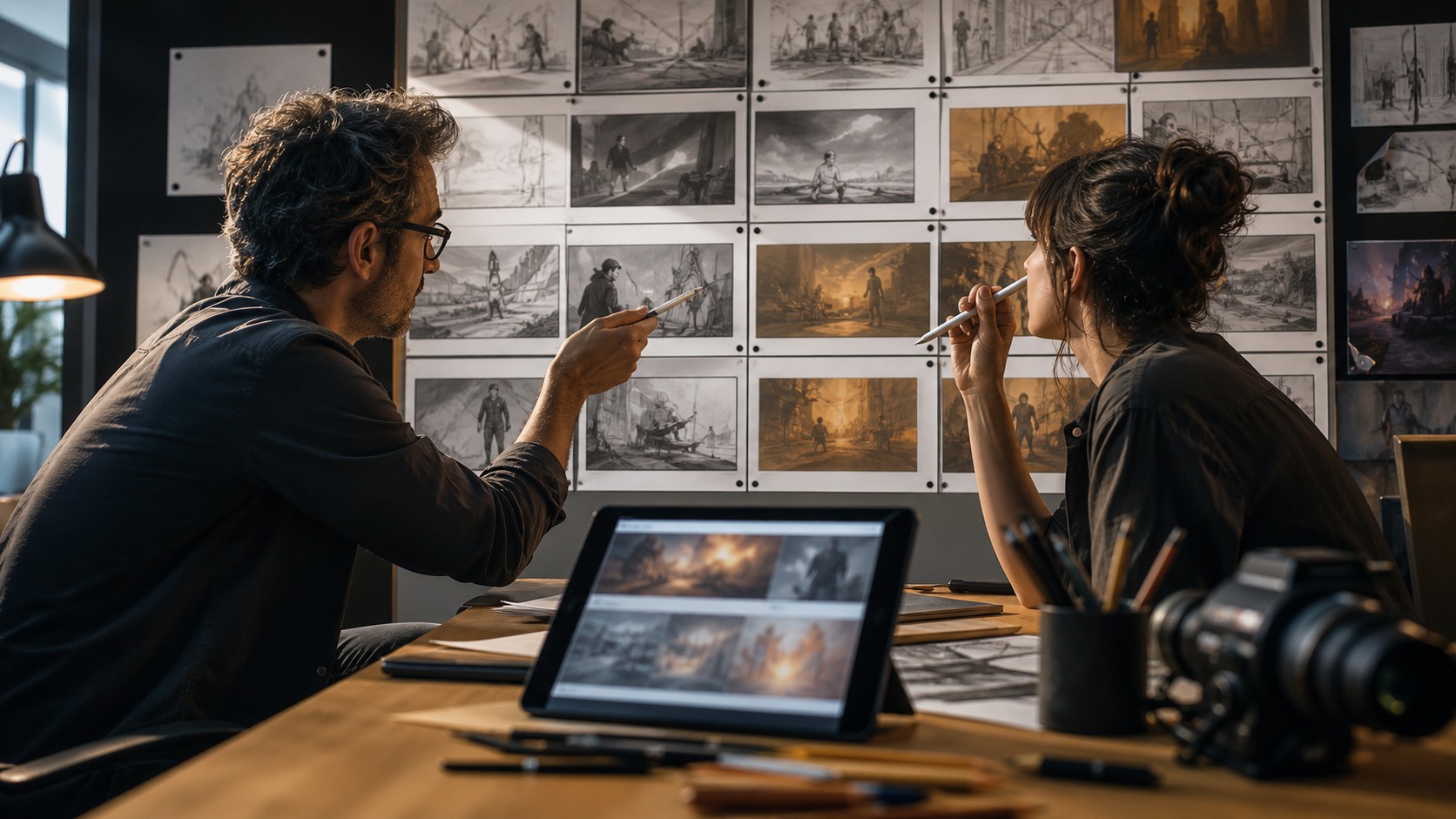
Previs also helps a director communicate taste. Many beginners know what they want emotionally but struggle to translate that feeling into camera and design language. A set of AI-generated references can make the conversation more concrete. The director can point to one image and say the distance works, another and say the light is wrong, and a third and say the emptiness feels right.
That conversation should remain flexible. The purpose of previs is preparation, not imprisonment. Sometimes the real location, actor, or weather offers something better than the plan. A mature filmmaker can use AI previs to arrive informed and still recognize when the living scene is asking for a different choice.
For beginners, AI previs is best understood as a planning lens. It lets you see possible versions of the movie early enough to improve them, simplify them, or abandon them. Used well, it makes production calmer and more intentional without pretending that software has replaced the craft of filmmaking.
A simple AI previs exercise is to choose one scene with a difficult transition. Maybe a character enters a room and realizes someone has been there. Generate or sketch three ways the reveal might happen: through a close detail, through the actor's reaction, or through the full space. The exercise teaches that previs is not only about spectacle. It is about deciding how the audience receives information.
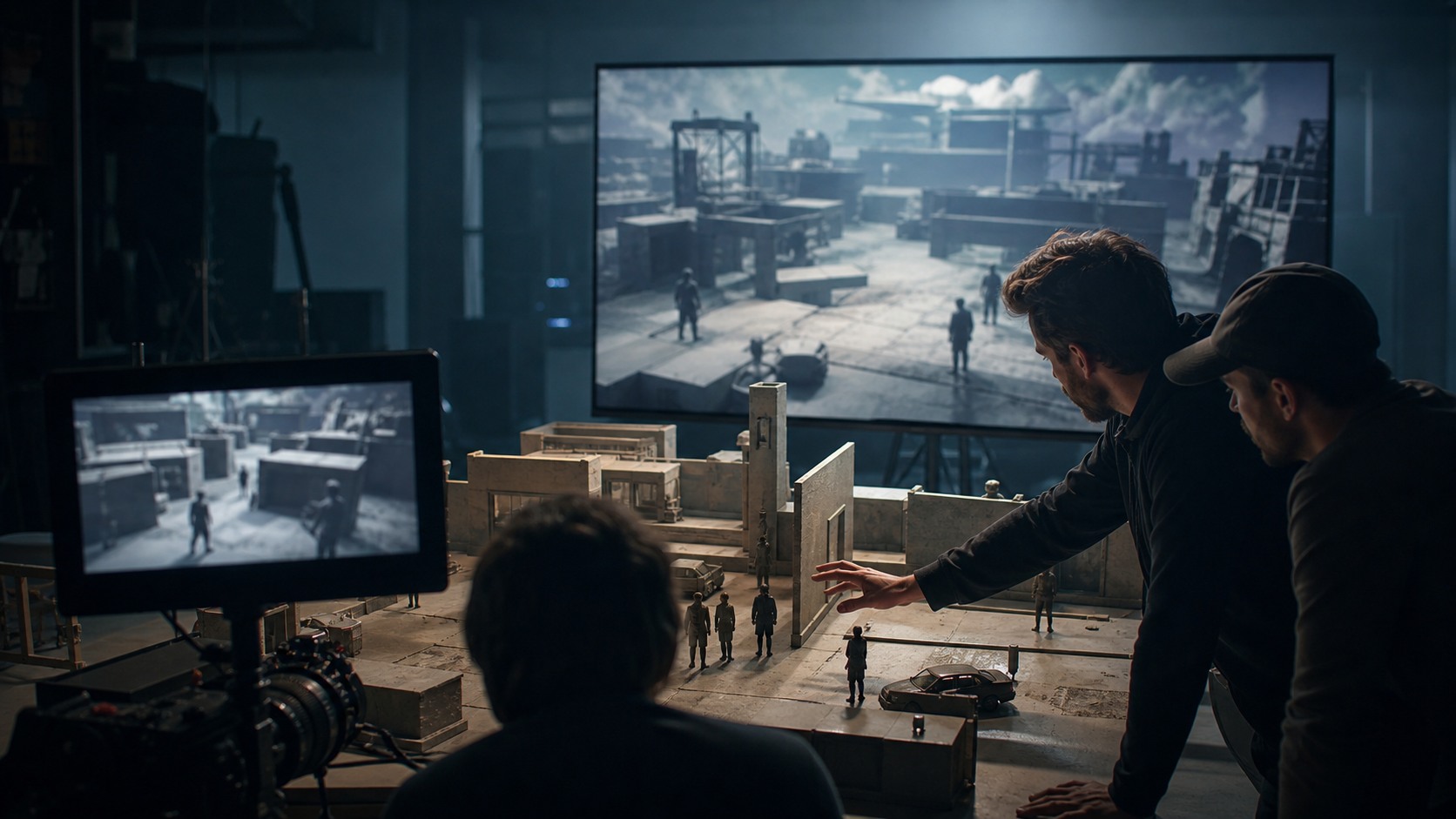
Another useful exercise is to test scale. A generated image may make a room look vast, but the actual location may be small. By comparing the desired frame with real measurements, a filmmaker can decide whether the shot needs a different lens, a different blocking idea, or a simpler dramatic approach. AI previs becomes more valuable when it meets the facts of production instead of floating above them.
Previs can also protect the edit. If a scene depends on a reveal, a reaction, and a geography change, the editor will need coverage that supports those beats. AI previews can help the director notice missing angles before the shoot. That does not mean every shot must be locked, but it does mean the team can enter production with a clearer sense of what the cut will require.
The producer's role is important in this process. A producer can look at a preview and ask whether the concept matches the budget, schedule, crew size, and permissions. That question is not anti-creative. It protects the film from building a plan around an image that cannot be responsibly achieved. AI previs works best when ambition and resources are discussed together.
Beginners should also remember that previs is temporary. Its job is to prepare the team, not to become the artwork everyone serves blindly. If the actor finds a stronger movement, if the light changes beautifully, or if the location reveals a better angle, the director should be free to adapt. Good preparation makes adaptation easier because the team understands the intention behind the plan.
In that sense, AI previs is a rehearsal for judgment. The filmmaker learns to compare options, test assumptions, ask collaborators better questions, and carry a clearer visual intention into production. The technology may create the preview, but the craft lies in deciding what the preview means and how much authority it deserves.
A filmmaker can make AI previs more useful by pairing every image with a production question. One image might ask whether the scene needs a wider geography shot. Another might ask whether the window should be the main light source. A third might ask whether the final reveal works better from the actor's face or from the object they discover. Without those questions, the preview risks becoming decoration.
Previs also encourages beginners to think about cause and effect. If the camera begins outside the room, how does it enter. If the actor crosses the space, what motivates the movement. If the light changes, is it natural, motivated by a practical source, or simply dramatic. AI may produce the visual impression, but the filmmaker has to connect that impression to behavior and logic.
The process can be especially helpful for scenes that mix real and imagined elements. A filmmaker planning a virtual background, a creature, a large crowd, or a dangerous environment can use AI previs to discuss what must be captured practically and what can be finished later. Those conversations are essential because post-production cannot always rescue unclear planning. The earlier the team understands the intended final image, the better the shoot can support it.
The beginner's goal should be confidence, not perfection. If AI previs helps the team know where to stand, what to prepare, which shots matter, and which ideas are too expensive or unclear, it has done its job. The final scene may still change, but it will change from a stronger foundation. That is why pre-visualization remains valuable: it lets filmmakers make mistakes while mistakes are still cheap.
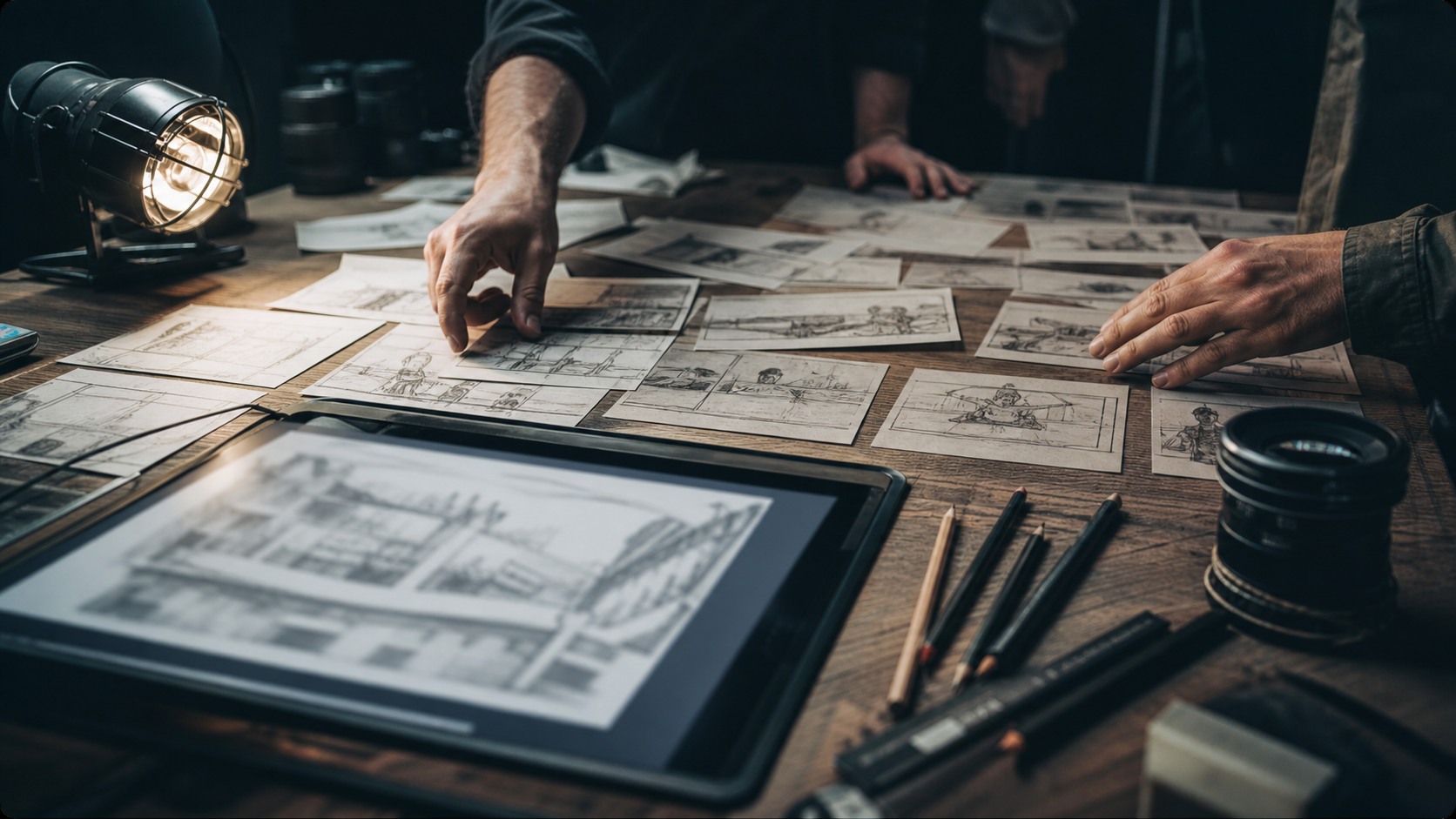
A useful previs review can happen around a table with very simple questions. What is the shot trying to solve. What does the audience learn. Which department is affected. What can be simplified. These questions keep the team from treating AI previews as finished spectacle. They also help beginners connect visual ambition to practical filmmaking responsibilities.
AI previs can make a director more articulate. Instead of saying the scene should feel bigger, they can compare two previews and explain that the lower camera gives the character power while the wider frame makes them seem isolated. That kind of comparison builds vocabulary. Over time, the filmmaker learns to describe not just what looks good, but what each visual choice does.
The tool is also useful for discovering when a scene should be smaller. A generated preview might show a sweeping move, a huge environment, or complex lighting, only for the team to realize that the strongest version is a still frame on the actor's face. That discovery is not a failure of previs. It is exactly the kind of early decision that saves time and protects emotional clarity.
For a beginner, AI pre-visualization should end with a more focused plan than the one that began the exercise. The plan may include images, boards, references, or written notes, but its real value is shared understanding. When the crew knows what the scene is trying to achieve, production becomes less frantic and more creative.