AI Can Suggest Camera Moves, But Movement Still Needs Motivation
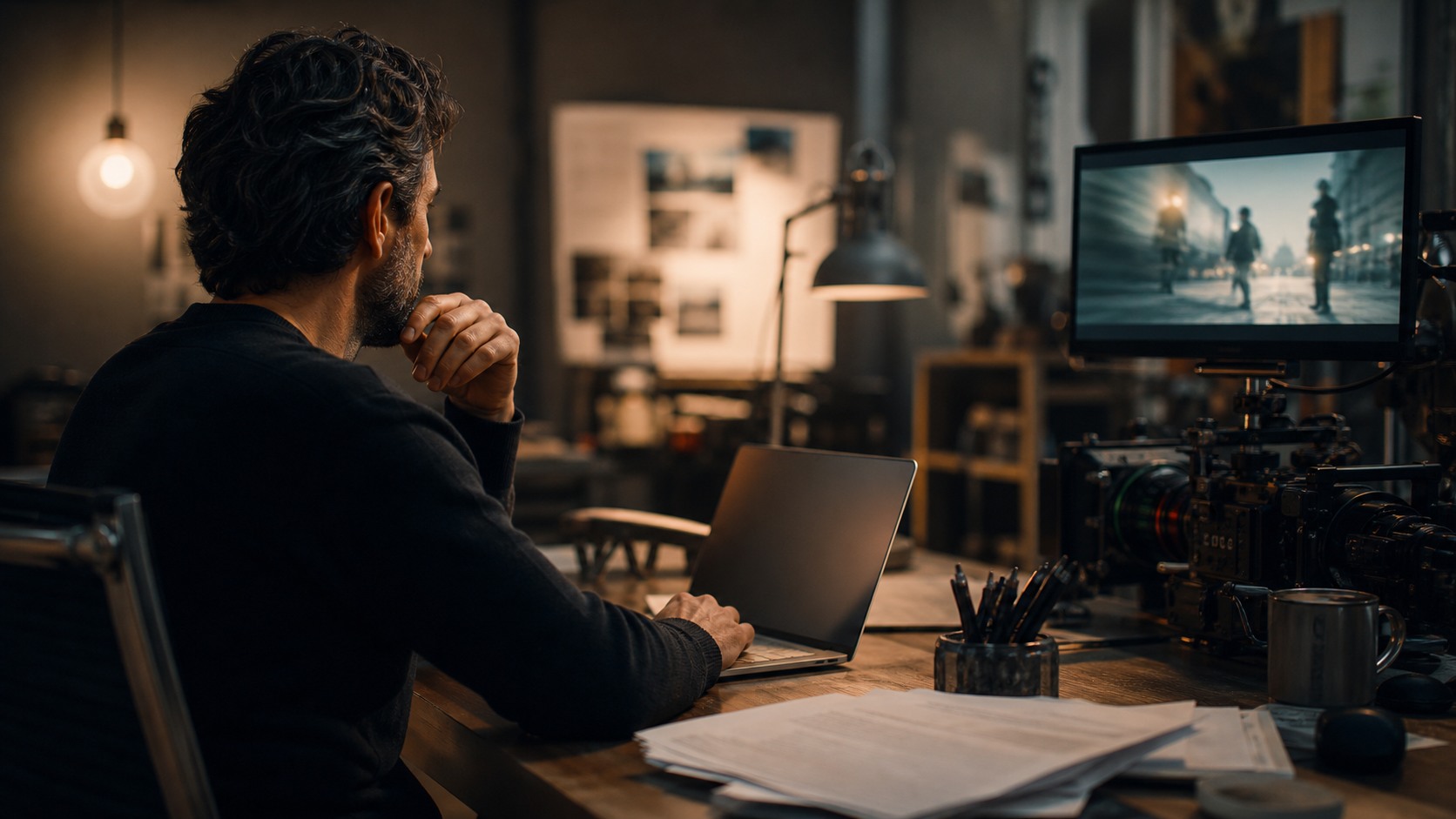
AI camera movement generation helps filmmakers explore how a shot might push in, drift, track, orbit, crane, follow, reveal, or hold back. It can support previs, virtual cameras, storyboards, shot lists, and production planning by creating movement options quickly. But camera movement is never just motion. It changes attention, emotion, geography, power, and rhythm. A generated move that looks cinematic can still be wrong for the scene if it has no purpose or cannot be filmed. The director and cinematographer decide when movement reveals something, when it pressures a character, and when stillness is stronger.
Movement Begins With Intent
Every camera move should have a job. It might reveal a secret, follow a decision, isolate a character, connect two people, build dread, compress geography, or shift power. AI can suggest motion patterns, but the filmmaker needs to name the intent first.
Without intent, camera movement becomes decoration. A push-in can feel meaningful or manipulative depending on what the scene is doing. A tracking shot can create urgency or simply show off. The first question is not how the camera moves. The first question is why it moves now.
Blocking Comes Before the Move
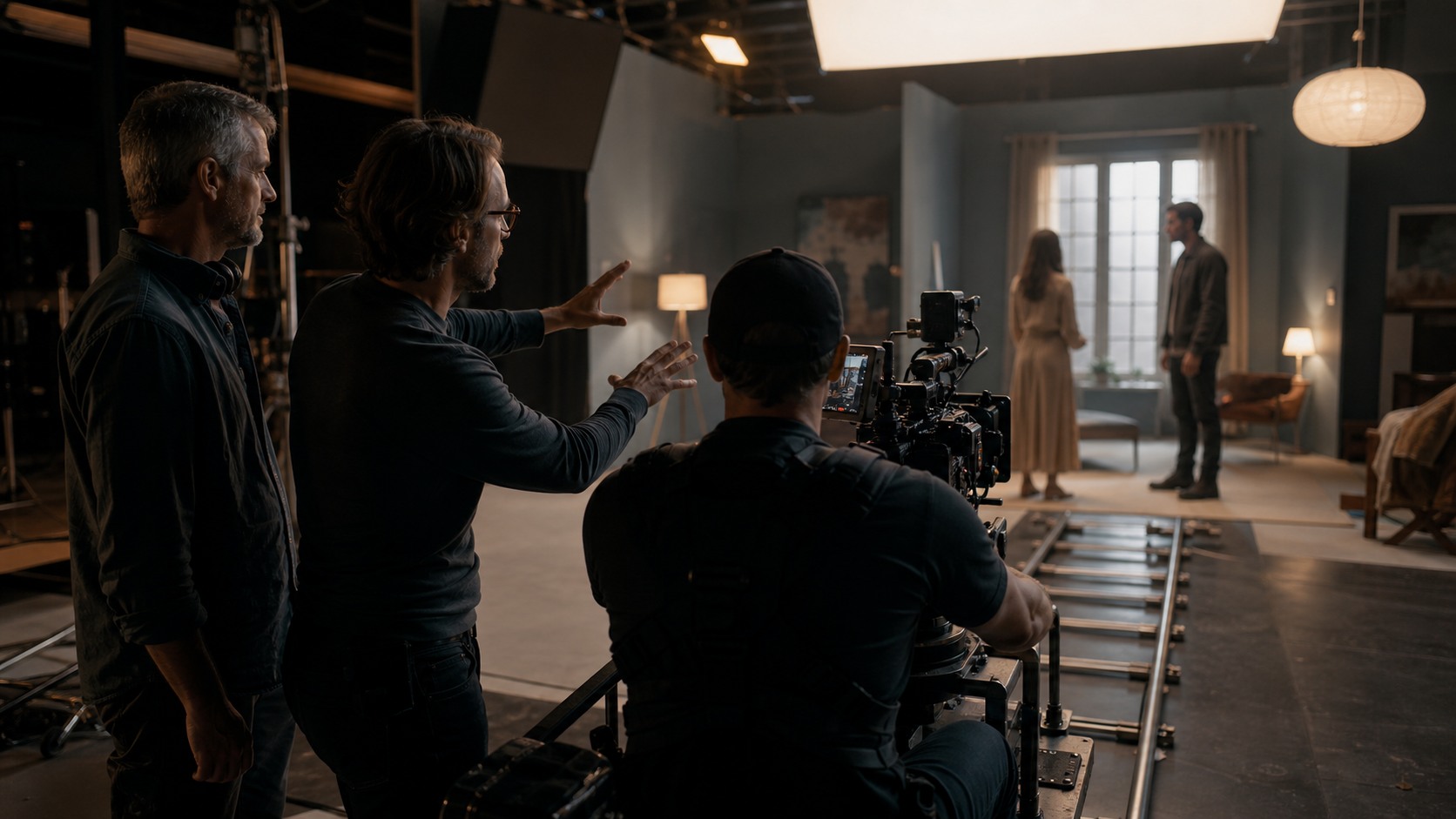
Camera movement depends on actor blocking. If a character crosses a room, hesitates near a door, hides an object, or changes emotional distance from another person, the camera can respond. Generative tools need blocking context to propose useful movement.
A move designed without blocking may fight performance. The actor might need stillness while the generated move keeps drifting. Or the camera may arrive at a mark before the emotional turn. Movement should support the actor's behavior, not force the actor to serve a technical idea.
Virtual Camera Exploration
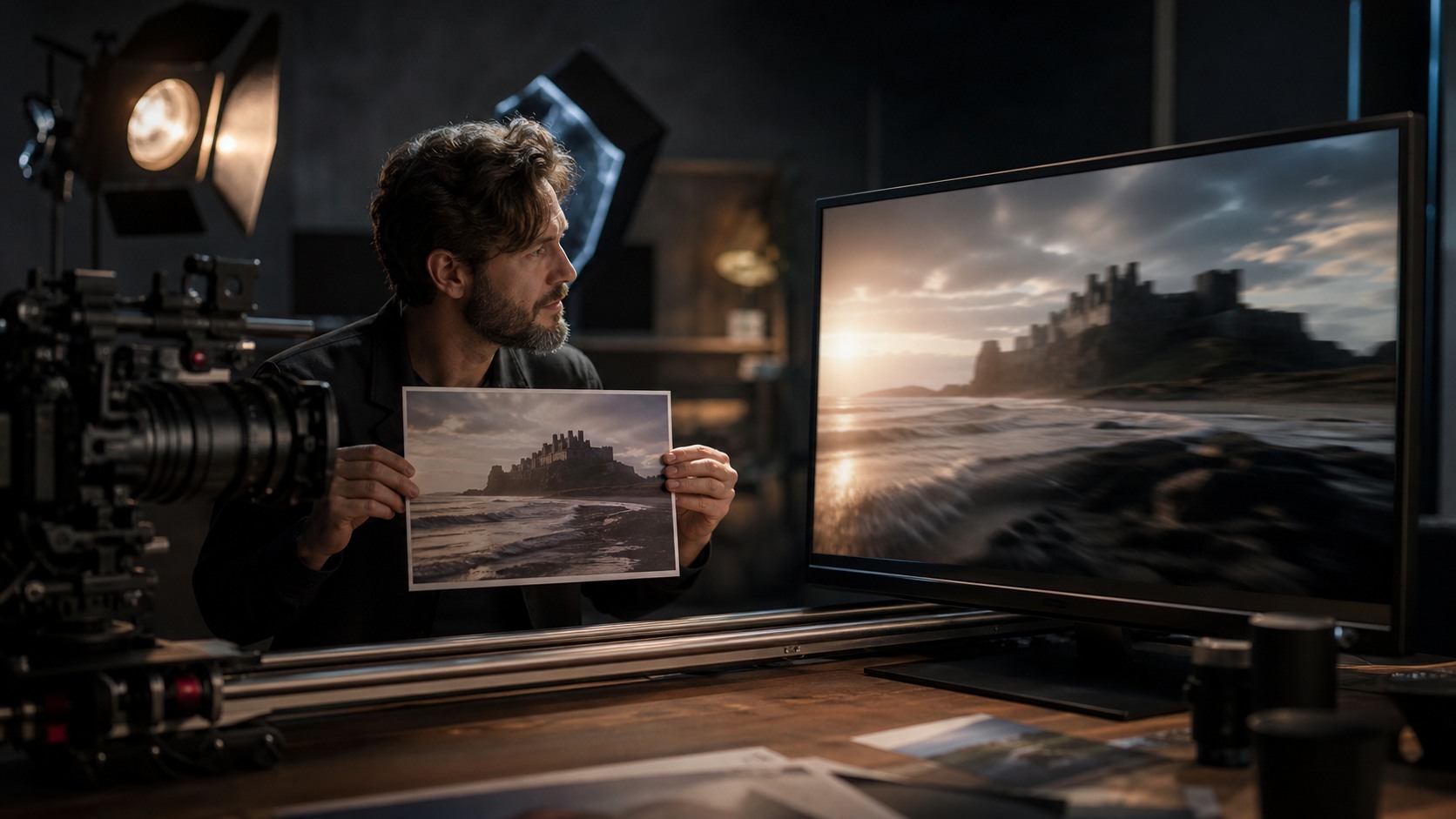
Virtual camera tools let filmmakers test moves in digital space before production. AI can support that by suggesting paths, shot types, lens feelings, and environment relationships. Directors can compare a slow push, a lateral track, an overhead drift, or a handheld approach before committing.
The exploration should stay connected to the scene. A virtual move can look elegant in isolation but fail in the edit. The director should evaluate where the shot begins, what changes during the move, and why the shot ends where it ends.
Previs and Animatics
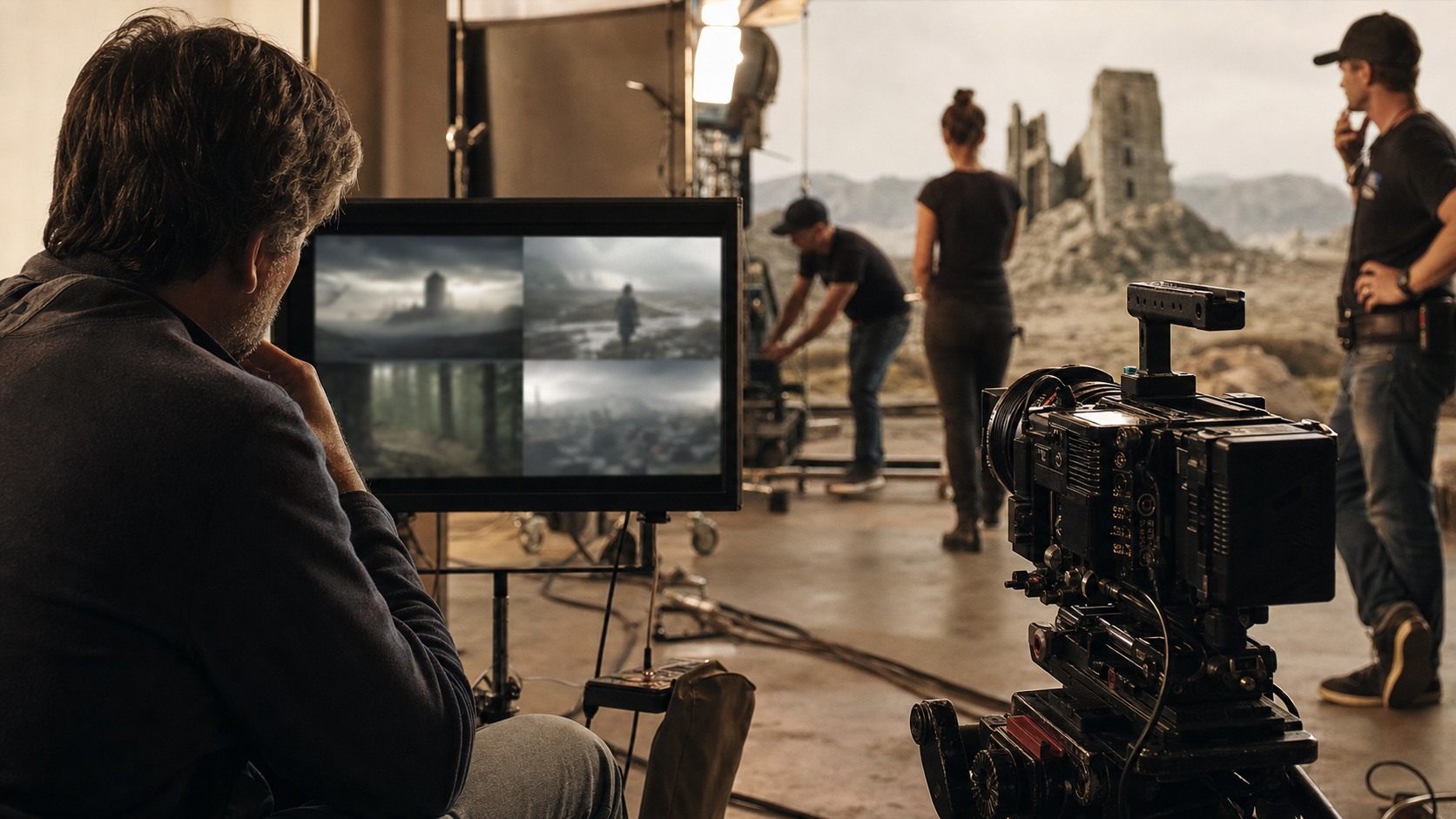
AI-generated movement ideas can feed previs and animatics. A team can turn a written scene into rough camera paths, then judge whether geography, tension, and screen direction make sense. This helps action, fantasy, animation, and VFX-heavy scenes especially.
Previs is not only about spectacle. A quiet dialogue scene can also benefit from movement tests. A slow reposition may reveal distance between characters. A locked frame may make silence sharper. AI can widen the options before the director chooses the rhythm.
Rig and Location Limits
A generated camera move must be checked against rigs and locations. A model may suggest a crane move in a room with a low ceiling, a dolly move over uneven ground, or an orbit that requires removing a wall. Production reality changes the plan.
The cinematographer, key grip, operator, and assistant director should review feasibility. A smaller move that can be repeated safely may be better than a complex move that burns time and distracts the set. The strongest generated move is one the crew can execute.
Lens Choice Shapes Motion
Movement feels different depending on lens choice. A wide lens moving forward changes space dramatically. A longer lens tracking laterally compresses distance. A handheld close lens feels intimate and unstable. AI movement planning should include lens intent when possible.
A model that suggests motion without lens context may miss the emotional effect. Cinematographers should translate generated movement into camera language: focal length, height, distance, speed, stabilization, and depth. Those choices determine whether the move feels graceful, anxious, comic, or threatening.
Speed and Timing
The speed of a camera move is part of performance timing. A move can creep, surge, float, snap, drift, or stop. AI can propose speed changes, but the correct timing often appears in rehearsal.
Directors should rehearse the move with actors before locking it. If the camera reaches the close-up before the character understands the moment, the shot will feel false. If it arrives too late, the emotion may pass. Timing is a human judgment made with bodies in space.
Movement and Editing
Camera movement affects how a shot cuts. A moving shot may carry a whole beat, connect two actions, hide a transition, or create a cut point through a whip, pass, or motivated stop. AI-generated movement should be reviewed with the edit in mind.
Editors can help identify whether the move gives enough entry and exit options. A beautiful one-take move can become a problem if the scene later needs compression. Sometimes the smartest plan includes coverage that protects the edit while preserving the hero movement.
When Stillness Is Better
AI tools may over-suggest movement because movement is visible and easy to describe. Filmmakers should remember that stillness can be powerful. A locked camera can make a character's small change feel larger. It can create pressure by refusing relief.
A good movement workflow includes a still option. Ask whether the scene becomes stronger if the camera does not move. If stillness creates more tension, honesty, or comedy, then the best generated move may be the one the director rejects.
Safety and Repeatability
Camera movement must be repeatable, especially when focus, marks, stunts, props, and lighting cues are involved. A generated move that cannot be repeated consistently may create continuity and safety problems.
The crew should test complicated moves before the shoot day if possible. Rehearsal reveals whether the track, rig, operator, actor path, and focus pull can work together. AI can suggest movement, but the set proves whether it is practical.
AI as a Movement Sketchbook
The healthiest way to think about AI camera movement generation is as a sketchbook. It can offer several ways to approach a beat, including moves the director might not have considered. Those sketches start the conversation.
The final shot still belongs to the director and cinematographer. They choose based on meaning, performance, location, lens, crew, schedule, and edit. AI provides options, not authority.
Movement for Character Psychology
Camera movement can express how close the film wants to be to a character's inner life. A slow push may suggest realization, dread, or intimacy. A retreat can make someone feel abandoned. A lateral drift can imply observation or emotional distance. AI can generate these possibilities, but the director has to connect them to psychology.
This works best when the prompt describes what the character experiences rather than only the mechanical move. A request for the camera to feel as if it is discovering a lie will produce more useful options than a request for a cool dolly shot. Emotional intent gives motion a reason to exist.
Movement in Action Scenes
Action scenes need movement clarity. A generated camera path might be dramatic, but if it confuses geography, hides impact, or crosses screen direction carelessly, it weakens the sequence. AI can help sketch action coverage, but stunt teams, directors, and editors need to review the plan together.
The camera should help the audience understand where bodies are, what danger is present, and how momentum changes. Sometimes that means moving with a character. Sometimes it means holding wider so the action can play. Movement is valuable only when it makes the action more readable or more visceral.
Camera Movement and Budget
Every move implies equipment and time. A handheld move might need rehearsal and an operator with stamina. A dolly move needs track, floor control, and marks. A crane move needs rigging, safety review, and more setup time. AI can suggest moves without feeling those costs.
Indie teams should ask whether a generated move earns its expense. If the same emotional beat can be captured with a simpler reposition, the simpler shot may be the stronger choice. Spending the day on one complex move only makes sense when that move becomes essential to the film.
Documenting Approved Moves
Once a movement idea is approved, it should be documented clearly. Shot lists, overhead diagrams, previs clips, lens notes, and rehearsal videos can all prevent confusion. AI-generated descriptions should be translated into production language the crew can execute.
The note should include start frame, end frame, actor cue, speed, rig, lens, focus challenge, and safety concern. That documentation turns a generated idea into a shared plan. Without it, the move remains a vague intention that may fall apart on set.
Final Movement Approval
A camera move should be approved only after the creative reason and the practical method are both clear. The director should be able to say what emotional or story change the move expresses. The cinematographer should be able to say what lens, height, distance, and lighting choices support it. The crew should be able to say how the move will be repeated safely.
This approval process keeps AI-generated motion from becoming an expensive guess. A move may look smooth in previs but require too much grip time, create focus problems, or block the actor from finding the scene. A simpler version can sometimes preserve the same story intent with less risk.
The best camera movement plan also includes edit protection. Even when the team loves a single fluid move, it should consider where coverage, reactions, inserts, or alternate endings of the shot might be needed. AI can help imagine the hero move, but production planning has to protect the scene if the hero move changes.
The Practical Takeaway
AI camera movement generation can speed up shot exploration, previs, storyboarding, and planning. It helps filmmakers compare movement options before they spend time on set.
Its weakness is motivation. A move that looks impressive can still be empty, unfilmable, or wrong for performance. Movement needs story purpose and practical review.
A strong workflow asks for options, tests those options against blocking, and then turns the approved move into real crew instructions. The director should know what changes during the move, the DP should know how the lens and light support it, and the assistant director should know what the move costs in time.
The most useful generated moves are often not the most complex ones. They are the moves that clarify a relationship, reveal a change, or help the audience feel the scene with less explanation. If the move cannot be explained in those terms, it needs more thought.
The final plan should include a still-frame alternative, a simpler move, and a coverage backup. Those options keep the scene alive if the preferred move proves too slow, unsafe, or distracting during rehearsal.
Camera movement should also be judged by what it does to the next cut. A move that ends with clean emotional punctuation gives the editor more power than a move that simply keeps traveling.
When the crew understands both the creative reason and the fallback, AI-assisted movement becomes preparation instead of pressure.
A final movement discussion should happen after blocking, not before it. Actors in the space may reveal a better path, a needed pause, or a simpler frame that the generated plan could not anticipate.
Use AI to sketch camera possibilities, then let directing intent, cinematography, blocking, safety, and editing decide how the camera should move.