AI Does Not Simply Remove Green Screens, But It Changes What Can Be Seen on Set
AI models can help replace some green screen workflows with virtual sets by accelerating background concepts, environment variations, set extensions, lighting ideas, and production planning. The shift is not as simple as swapping green fabric for generated scenery. Virtual sets depend on LED walls, real-time engines, camera tracking, physical foreground builds, VFX supervision, and careful cinematography. AI can make the creative exploration faster and more flexible, but the final result still needs technical precision. The promise is not that green screens disappear everywhere. The promise is that more scenes can be planned with visible worlds around the actors.
What Green Screens Do
Green screens allow filmmakers to separate actors or foreground objects from a plain colored background, then replace that background in post-production. They are useful because they are flexible, familiar, and often practical for visual effects.
The limitation is that actors and cinematographers may not see the final world during production. Lighting, reflections, eyelines, and performance context have to be imagined or carefully supervised. Virtual sets try to bring more of that context onto the stage.
What Virtual Sets Change
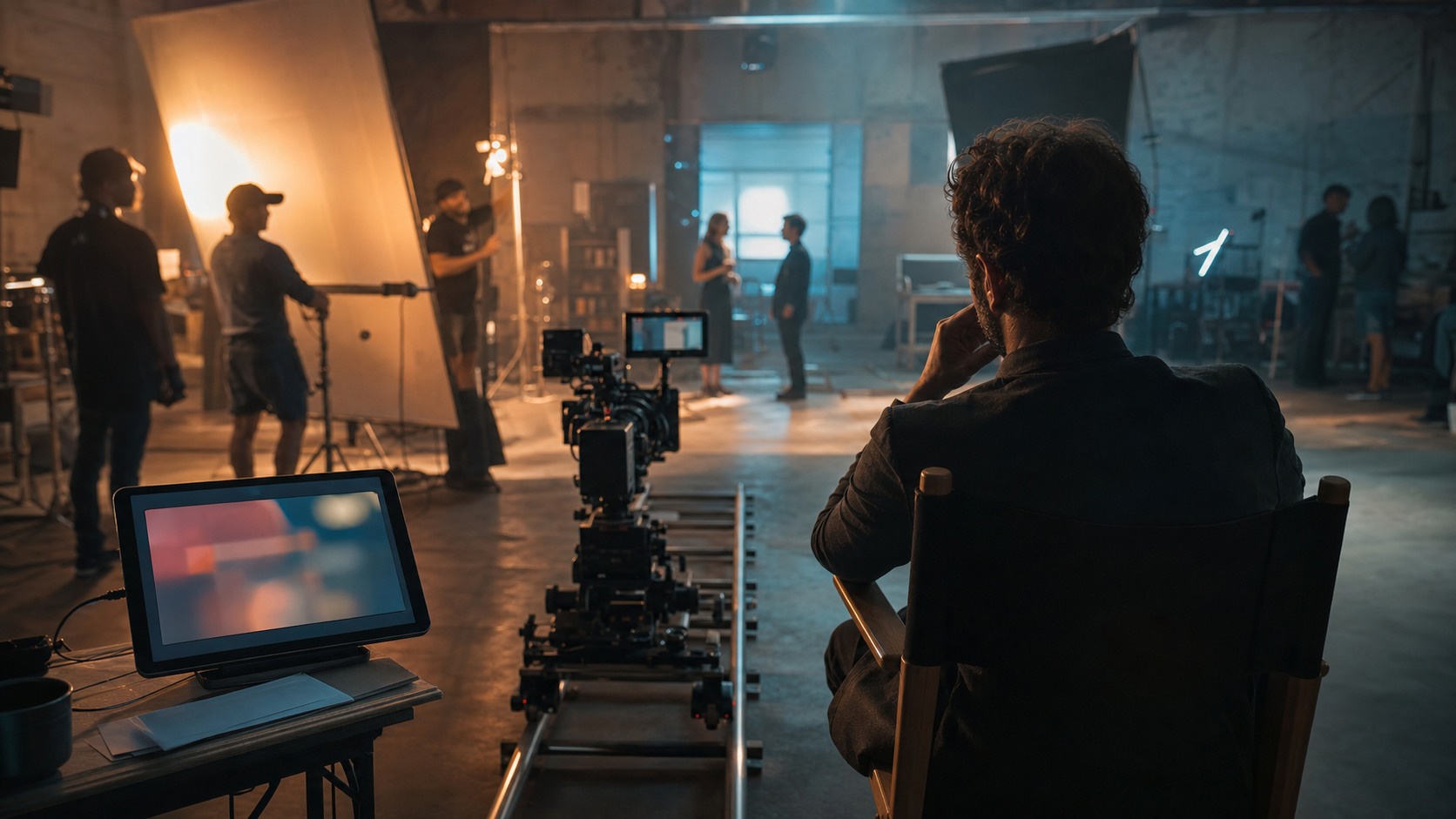
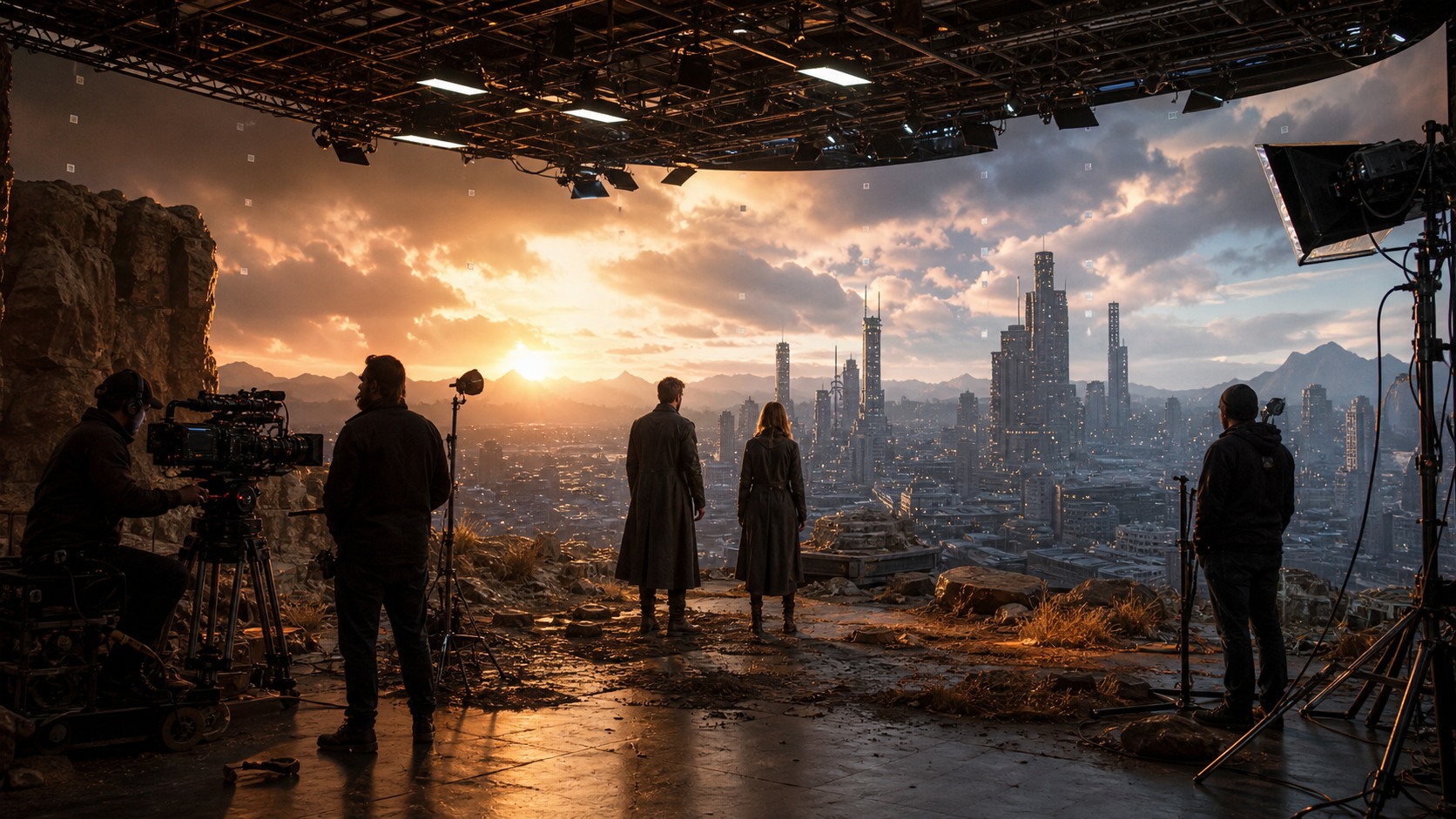
Virtual sets display or render an environment during filming. On LED stages, actors may stand in front of a large wall showing a landscape, city, spacecraft, interior, or extension of the practical set. Camera tracking can help the background shift with perspective.
This changes collaboration. Directors can frame against a visible world. Actors can react to scale and mood. Cinematographers can use the wall as part of the lighting environment. AI supports the process by helping teams imagine, test, and revise those worlds earlier.
AI in the Design Stage
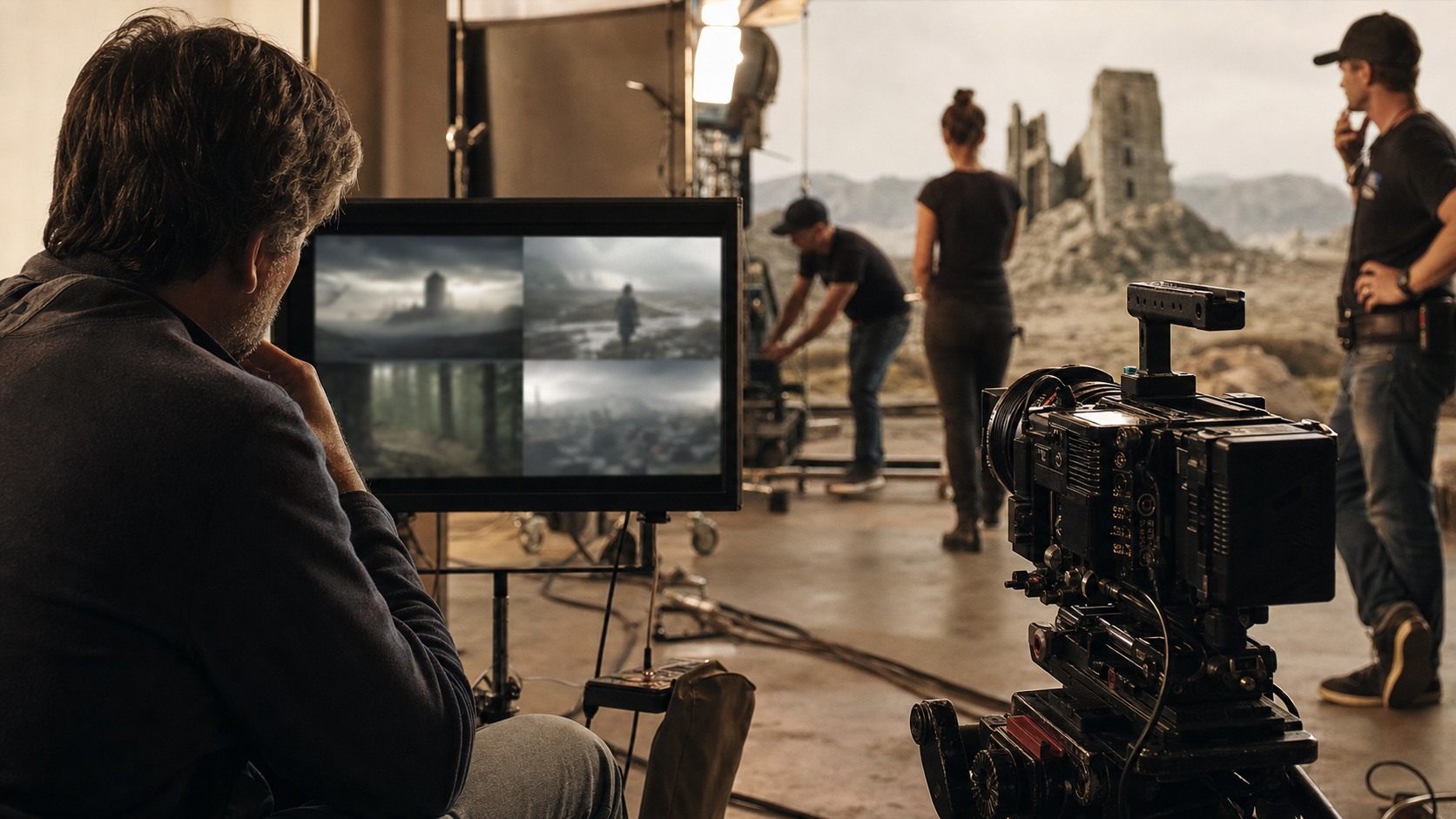
AI models can generate early virtual set concepts, background plates, weather variations, architectural directions, and mood references. These images help a team compare directions before committing to a full build.
The generated material has to be curated. A striking background may not work with the story, lens, blocking, or practical set. Production designers and virtual art departments turn the selected direction into a controlled world rather than a collage of attractive images.
From Image to Environment
A generated image is not the same as a virtual set. A virtual set may need depth, parallax, clean perspective, scale, lighting continuity, high-resolution assets, or real-time playback. The translation from image to environment is a serious craft step.
Teams may use AI references to guide 3D artists, matte painters, environment builders, or real-time technicians. The model suggests a look. The production team builds the world so it can respond to camera and performance.
Lighting and Reflections
One reason virtual sets can improve on green screens is lighting. An LED wall can cast color and light onto actors, costumes, vehicles, props, and reflective surfaces. That can make the scene feel more integrated than a plain screen.
AI can help test lighting moods, but the cinematographer still decides exposure, contrast, practical fixtures, lensing, and color pipeline. A virtual background that looks good alone may not light the foreground correctly. The wall, set, and camera have to be balanced together.
Actor Eyelines and Performance
Virtual sets can give actors a clearer sense of the world. Instead of reacting to a blank background, they may see a horizon, doorway, crowd shape, weather event, or distant city. That context can improve eyelines and emotional grounding.
AI-generated references can prepare performers before the stage is built. Directors can show the scale, danger, or intimacy of a scene. The goal is not to overload actors with technical detail. The goal is to give them enough world to play the moment honestly.
When Green Screen Still Wins
Green screens remain useful. They may be cheaper, faster, or more flexible for certain effects, especially when backgrounds are not final, scenes involve complex compositing, or the production cannot support an LED stage.
Virtual sets also have limits. They require planning, technical support, and stage time. Some camera angles, fast moves, reflective materials, or environment changes can be difficult. AI does not erase those limits. It helps teams evaluate options earlier.
Planning the Foreground
A virtual set works when the physical foreground and digital background belong together. The practical floor, doorway, vehicle, counter, rock, wall, or window has to match the virtual world in texture, scale, and light.
AI can help brainstorm the join between foreground and background. Production design then decides what must be built physically and what can remain virtual. That decision affects budget, actor movement, camera placement, and audience belief.
Camera Tracking Needs
Virtual sets often depend on camera tracking so the background perspective shifts correctly as the camera moves. If tracking is inaccurate, the illusion can break. AI-generated references do not solve tracking by themselves.
Technical teams need to understand lenses, camera position, stage geometry, render performance, and calibration. The more ambitious the camera move, the more important testing becomes. A simpler shot may be stronger if it preserves the world convincingly.
AI for Location Alternatives
AI can help compare location alternatives quickly. A team might test whether a scene works better against a rainy industrial street, a sunlit desert road, a futuristic transit hub, or a worn apartment courtyard.
Those tests can reveal the emotional effect of the background before money is spent. The chosen background should serve story and character, not only spectacle. A smaller virtual set may be more powerful if it creates the right pressure.
Post-Production Still Matters
Virtual sets can reduce some post-production burden, but they do not eliminate post. Cleanup, extensions, color matching, reflection fixes, screen artifacts, and final VFX may still be required.
The advantage is that more decisions can be made during production. The risk is assuming the captured image is already perfect. A responsible workflow plans for finishing even when the on-set result looks strong.
The Best Hybrid Approach
The strongest productions choose between green screen, virtual sets, practical locations, miniatures, and post-production VFX based on the scene. AI can help compare those paths by generating references and asking what each workflow demands.
A hybrid approach avoids ideology. Some scenes need green screen flexibility. Some need the actor immersion of a virtual set. Some should be shot practically. The tool should follow the story, budget, schedule, and image.
Why Replacement Is Usually Partial
The phrase replace green screens can make the shift sound total, but in practice replacement is usually partial. A production may use virtual sets for dialogue scenes that benefit from visible environments and still use green screen for complex stunts, impossible camera moves, or elements that need heavy post control.
AI helps by making these choices more visible earlier. A team can compare a virtual-set version, a green-screen version, and a practical-location version before committing. The comparison should include performance, cost, schedule, lighting, camera movement, and post-production risk.
Partial replacement is not a compromise. It is often the smartest workflow. The goal is not to prove one method has defeated another; the goal is to pick the method that gives the film the strongest result.
Matching Backgrounds to Blocking
A virtual set should be designed around blocking, not only around a beautiful view. If actors cross the frame, hide behind foreground objects, look toward a distant threat, or move from intimacy to exposure, the background has to support that action.
AI can help create versions of a world that fit different blocking needs. One version may place the horizon low for a heroic reveal. Another may crowd the frame with architecture to make the characters feel trapped. A third may remove detail so the audience watches a face.
This is where virtual sets become directing tools. The background is not passive. It shapes where the audience looks, how the actor moves, and how the scene breathes.
Reviewing the Illusion Early
Virtual-set illusions should be reviewed before the full shoot day. A small camera test can reveal whether the background scale works, whether light wraps correctly, and whether foreground edges feel believable. AI references can guide that test, but the test decides the truth.
Early review also helps producers. If the virtual set requires more asset work, a simpler camera plan, or a different practical foreground, the team can adjust before stage time becomes expensive. Waiting until the final shoot day makes every fix harder.
A careful test protects the actors too. When the world feels believable on stage, performers can stop thinking about the technology and focus on the scene.
Creative Control Without the Blank Screen
One reason filmmakers are drawn to virtual sets is creative control during production. A green screen asks everyone to imagine the final world and trust that it will arrive later. A virtual set gives the team a visible target, even if the target still needs finishing. AI helps by creating more possible targets earlier in prep.
That visibility can improve decision-making. The director can reject a background that weakens the scene before the stage is booked. The cinematographer can see whether the world suggests the right contrast. The production designer can identify where practical texture is needed. The actor can understand whether the world feels intimate, hostile, vast, or artificial.
The danger is treating the visible target as final too soon. Virtual sets still require scrutiny. The background may look finished from one angle and fail from another. Good teams use visibility to ask sharper questions, not to skip review.
Planning for Editorial Flexibility
Green screens have long been valued because they preserve editorial and VFX flexibility. Virtual sets can provide stronger on-set context, but they may also lock certain decisions earlier. AI can help teams explore those decisions before the shoot so the chosen background does not trap the edit later.
Directors should ask whether the scene might need alternate timing, tighter coverage, or a different emotional emphasis in post. If the answer is yes, the virtual set plan should leave room for cutaways, reactions, simpler plates, or background versions that support more than one editorial path.
Replacing green screen is not only a visual question. It is also a question about how much flexibility the production wants to preserve after the shoot.
The Practical Takeaway
AI models help replace some green screen use by speeding up virtual set concepts, background options, lighting exploration, and production planning. They make visible worlds easier to discuss before filming.
They do not make virtual production automatic. Teams still need design curation, real-time assets, camera tracking, lighting control, and VFX review.
The practical shift is selective. Some scenes gain power when actors and cameras can see the world around them, while other scenes still need the flexibility of traditional compositing. AI helps compare those choices earlier.
The smartest productions make that decision scene by scene. They ask what the actor needs, what the camera needs, what post needs, and what the budget can protect.
A replacement plan should also include a fallback. If the virtual background fails a camera test, the team needs to know whether it can simplify the shot, switch to a plate, or return to a green-screen approach.
Use AI to explore the environment, then choose the workflow that gives the scene the strongest performance, image, and production reality.