Generative AI Helps Virtual Production Move From Idea to Stage Faster
Generative AI in virtual production helps filmmakers explore environments, lighting moods, set extensions, camera ideas, and visual directions before they commit to a stage plan. Virtual production already blends physical sets, digital worlds, real-time rendering, camera tracking, and live collaboration. AI adds speed to the early creative process by producing references and variations quickly. It does not replace production design, virtual art departments, cinematography, or real-time technical teams. Instead, it gives those teams more ways to test what a scene could become before the camera rolls.
What Virtual Production Means
Virtual production is a filmmaking workflow that brings digital environments into production planning and shooting. It can include LED walls, game-engine environments, camera tracking, virtual scouting, previs, motion capture, and real-time compositing.
The point is not simply to make digital backgrounds. The point is to let directors, cinematographers, actors, and departments make decisions earlier, often while seeing a version of the final world on set. Generative AI fits into that pipeline as an exploration tool.
Where Generative AI Fits
Generative AI is most useful before final assets are built. It can create mood frames, location directions, lighting studies, prop concepts, material ideas, and alternate environment looks. These outputs help teams discuss the scene before expensive work begins.
The material still needs curation. A generated image may inspire a virtual set, but it is not automatically a stage-ready asset. Artists and technical teams must translate the idea into geometry, textures, lighting, scale, performance space, and camera-ready playback.
Virtual Art Department Support
Virtual art departments can use AI references to accelerate early exploration. A production designer might compare several worlds, then choose the architectural language, color system, and material rules that fit the story.
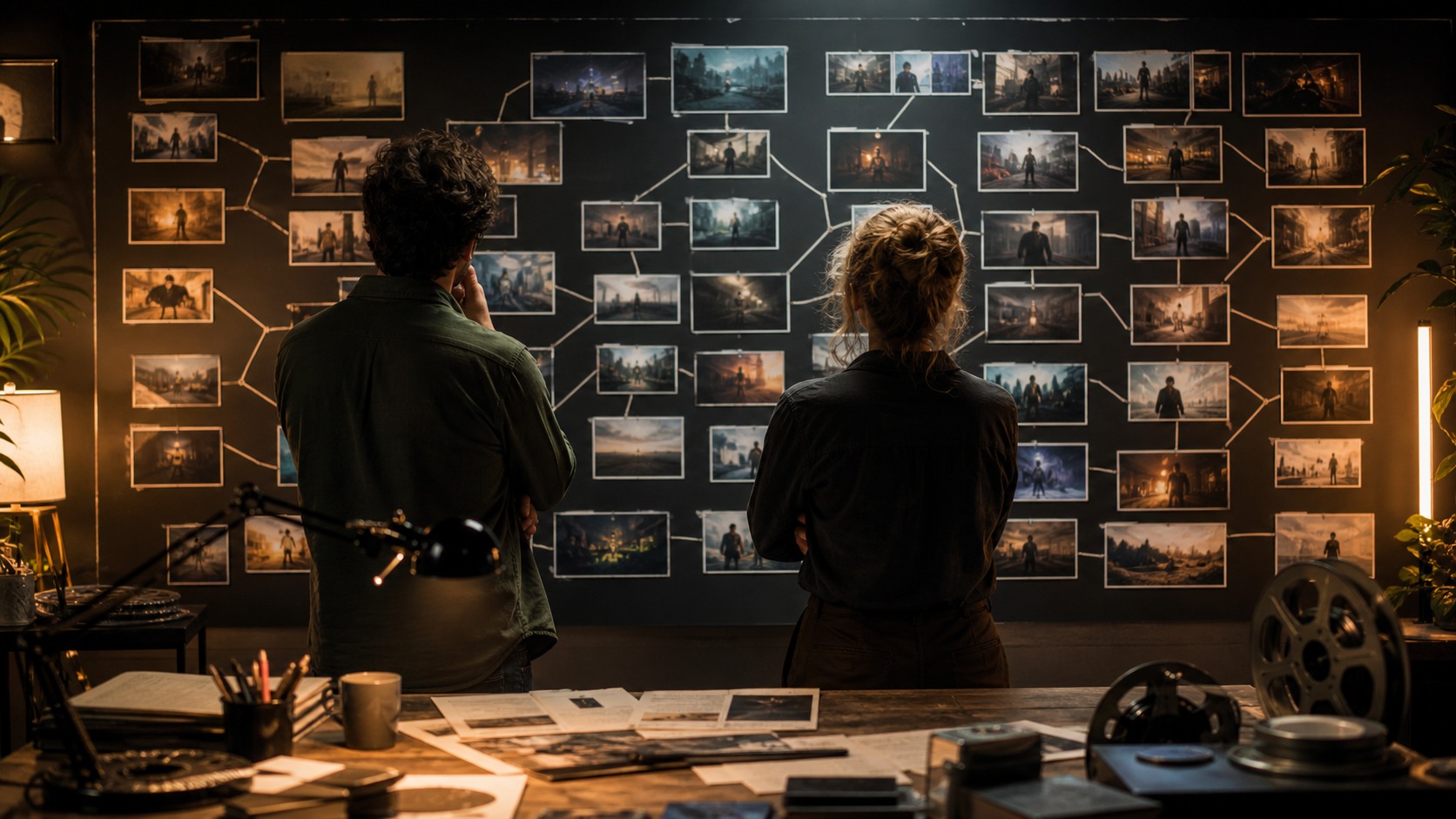
This can shorten the blank-page phase. Instead of waiting for one concept path, teams can review several directions and eliminate weak options earlier. The danger is overwhelming the team with attractive images that do not share a design system. Curation remains the real craft.
Previs and Shot Planning
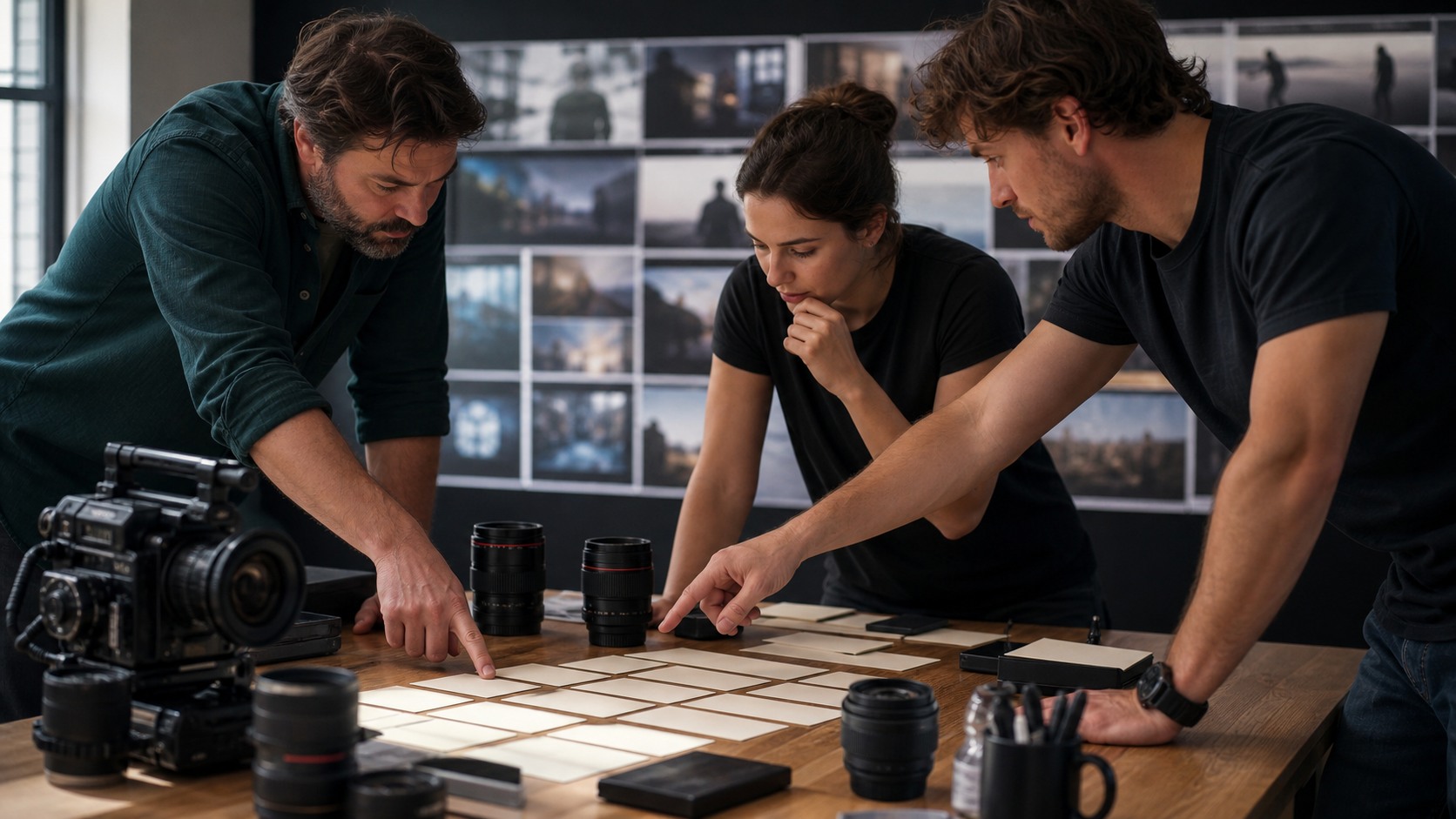
Generative AI can help directors and cinematographers imagine shots before a virtual set is built. It can suggest environment scale, weather, lighting direction, and visual mood. Those ideas can then feed previs, storyboards, or virtual camera sessions.
Previs needs more than a beautiful image. It needs blocking, timing, lens choice, camera path, actor movement, and editorial purpose. AI can help propose the world of a shot, but filmmakers still decide how the shot works in screen time.
LED Stage Decisions
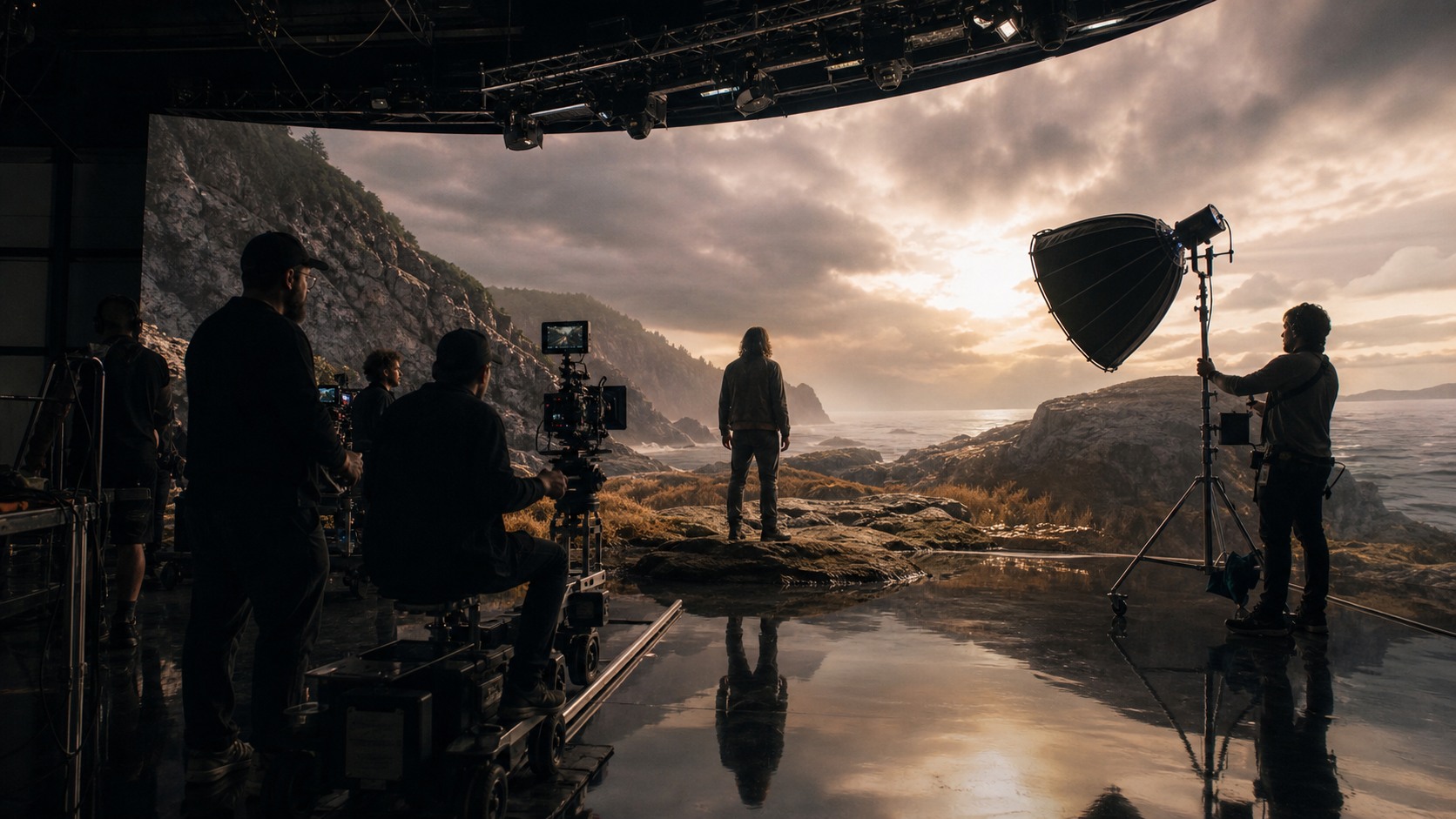
On LED stages, background content affects lighting, reflections, actor performance, and camera framing. Generative AI can help teams test what a location might look like before committing to full environment builds.
The final LED content has technical requirements. It must match perspective, resolution, color, lighting continuity, camera tracking, and real-time playback needs. A generated reference is only the beginning. The stage team turns it into something that can survive production.
Physical and Digital Sets
Virtual production works best when physical foreground elements and digital backgrounds feel connected. AI can help imagine how a practical doorway, vehicle, street corner, rock face, or control room extends into a larger world.
Production design must decide where the physical set ends and the virtual world begins. That boundary affects actor movement, props, camera angles, lighting, and budget. If the boundary is planned poorly, the illusion breaks. If it is planned well, the scene feels like one continuous place.
Lighting Exploration
Generative AI can quickly show a scene in different lighting conditions: dawn, storm, night exterior, harsh office light, warm interior glow, or alien atmosphere. This helps cinematographers and directors discuss mood early.
Lighting references still need translation. Real fixtures, LED wall output, camera sensor behavior, lens choice, and color management all shape the final image. AI can show a direction, but the cinematographer builds the exposure and contrast for the actual shoot.
Actor Performance Benefits
Virtual production can help actors because they see more of the world around them than they would against a blank screen. Generative AI can support that by helping departments create clearer references and rehearsal context earlier.
Actors do not need every design detail, but they benefit from understanding scale, danger, weather, distance, and emotional atmosphere. A more concrete world can make performance choices more grounded. The director decides which context helps and which distracts.
Technical Review Is Essential
AI-generated concepts can hide technical problems. A background may contain impossible geometry, unclear scale, inconsistent light, or details that cannot be rendered efficiently. Technical review catches those issues before they become expensive.
Virtual production supervisors, real-time artists, VFX teams, cinematographers, and production designers should review AI-inspired directions together. The question is not only whether the image looks good. The question is whether it can be built, lit, tracked, filmed, and edited.
Avoiding Visual Drift
Because AI can create many variations quickly, virtual production teams can drift away from the approved look. One set may become too glossy, another too ancient, another too atmospheric, and the film may lose coherence.
A visual bible helps prevent that drift. Approved references, rejected paths, material rules, color boundaries, and environment logic should be kept clear. The faster the exploration, the more disciplined the approvals need to be.
Budget and Schedule Impact
Generative AI can save time in early exploration, but it does not make virtual production free. Environment builds, stage time, playback systems, camera tracking, crew, design, and testing still cost money.
The useful financial question is where AI reduces uncertainty. If it helps the team choose the right environment earlier, avoid a weak set build, or clarify stage requirements, it can be valuable. If it creates endless indecision, it may add cost instead.
A Practical Workflow
A practical workflow begins with story need, then moves to AI reference exploration, design curation, technical review, previs, asset build, stage testing, and shoot-day adjustment. Each step has a human owner.
The workflow should not skip review. A generated frame that impresses in a meeting can fail when tested with lenses, actors, movement, and stage constraints. The value of AI is speed at the exploration stage, not permission to avoid the hard production questions.
Virtual Scouting With AI References
Virtual scouting is the process of exploring locations and camera possibilities before the physical shoot. AI can support this by creating reference directions that help a director decide whether a scene wants cliffs, streets, interiors, industrial scale, wilderness, or a controlled stage environment.
Those references are not substitutes for scouting. They are conversation starters that can guide the search, the stage build, or the virtual environment brief. A generated coastal image may reveal that the scene needs horizon, wind, and isolation, while an urban version may reveal that the scene needs public pressure.
This kind of comparison helps the team make earlier decisions about scale. It can also prevent expensive wandering. If the story does not need a vast world, the team can focus on a smaller environment that serves performance and camera more directly.
Color Pipeline and Consistency
Virtual production depends on color consistency across LED content, camera capture, lenses, lighting, monitoring, and post-production. AI-generated references may suggest a palette, but that palette has to survive a technical pipeline.
The cinematographer, colorist, and virtual production team should discuss the intended look before final assets are built. A warm sunset reference may look appealing in a still, but the final scene may require skin tones, wardrobe, and practical set materials to sit correctly inside that warmth.
This is one reason AI references should be approved with notes. The note might say the team is approving the low sun direction, not the exact saturation. It might approve the misty depth, not the architecture. Clear notes prevent the pipeline from chasing the wrong feature of a generated frame.
Director Control on Stage
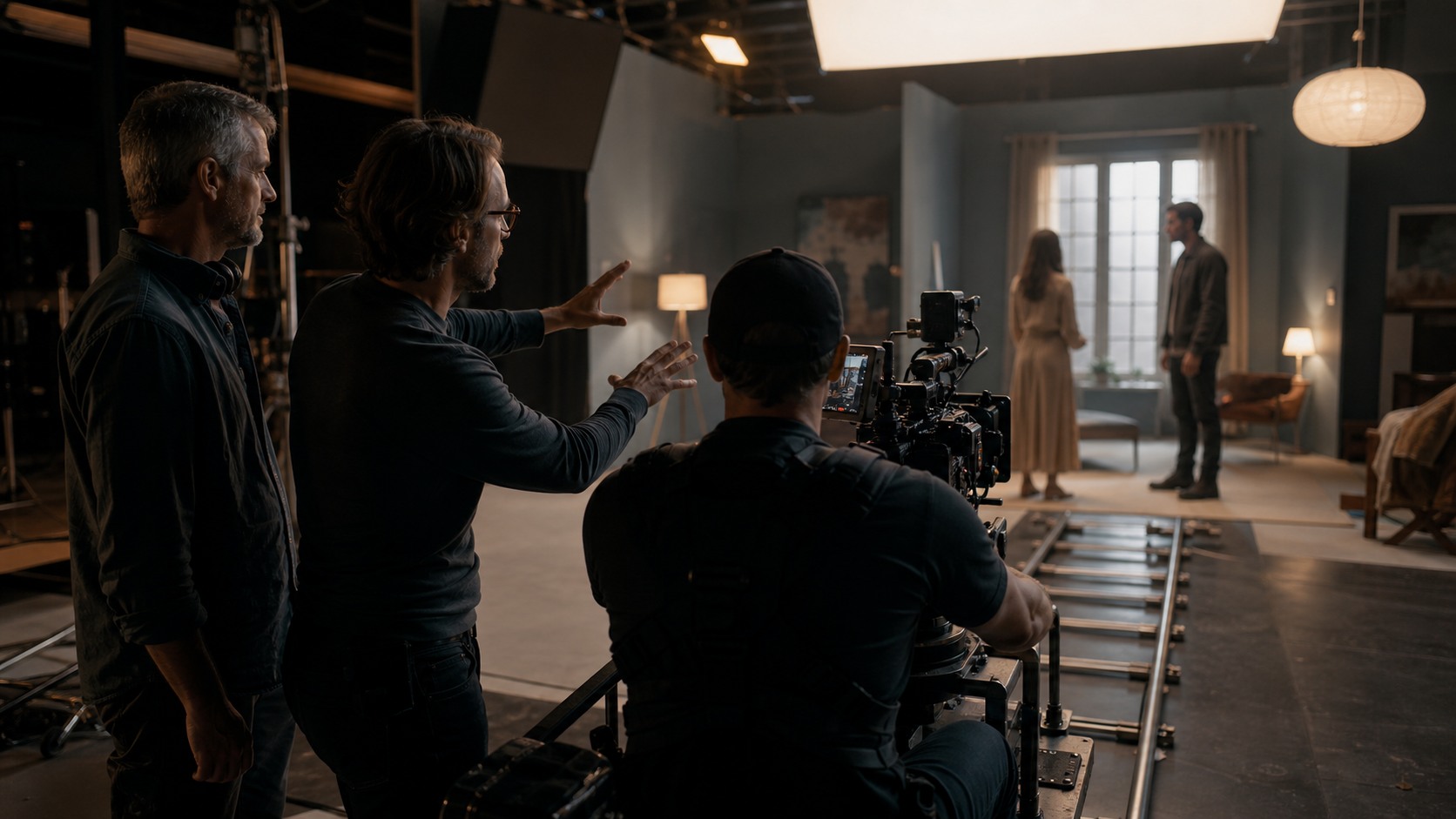
One advantage of virtual production is that directors can make visual decisions with more context on set. AI can help arrive at that stage with better options, but directors still need control once actors, camera, and lighting reveal the real scene.
A background may need to dim, shift color, simplify detail, or change scale after rehearsal. The director may discover that the actor's face needs more negative space or that a distant element pulls attention at the wrong moment. These adjustments are part of filmmaking, not failures of planning.
Generative AI is most useful when it supports flexible preparation. The stage day still belongs to the director, cinematographer, actors, and crew solving the scene in real time.
What Producers Should Ask
Producers evaluating generative AI for virtual production should ask practical questions early. Does the AI-assisted exploration reduce uncertainty, or does it create more options than the schedule can absorb. Are the references helping departments make decisions, or are they encouraging constant redesign. Is there a clear path from approved image to stage asset.
Those questions matter because virtual production depends on preparation. A late change to environment design can affect LED content, physical builds, lighting plans, VFX schedules, camera tests, and actor rehearsals. AI can make late changes feel easy in a meeting, but the production pipeline may feel them as real cost.
The best producer view is balanced. Use AI where it helps the team choose faster and communicate more clearly. Put guardrails around it when exploration threatens to delay approvals. Virtual production rewards decisive preparation.
Training the Team Around AI Output
Virtual production teams also need shared expectations around AI output. A generated reference may look finished to a client or producer while artists understand it as a rough direction. If that difference is not explained, the team can accidentally promise more than the pipeline can deliver.
Clear language helps. Call an image a mood reference, design exploration, technical target, temporary plate, or approved build direction. Each label carries a different level of commitment. The more precise the label, the easier it is for departments to respond responsibly.
This communication layer is not a minor detail. Virtual production already involves many specialized teams, and AI adds more visual material to interpret. Shared vocabulary keeps speed from turning into confusion.
The Practical Takeaway
Generative AI helps virtual production by accelerating references, mood studies, environment options, and early shot conversations. It can make the path from idea to stage more concrete.
Its limits are just as important. AI references are not finished assets, not technical plans, and not substitutes for production design or virtual production supervision.
The best teams treat generated material as a bridge between imagination and production planning. It helps people see options, reject weak paths, and prepare stronger briefs for the artists and technicians who will build the stage-ready world.
That bridge is valuable only when approvals are clear. A reference should move into production with notes about story purpose, stage needs, technical review, and who owns the next step.
A final review should ask whether the idea improves the scene, whether the stage can support it, whether the camera can photograph it, and whether the schedule can absorb the build. Those questions keep virtual production grounded.
Use AI to explore the world faster, then let artists, cinematographers, technical teams, and directors turn the chosen direction into something camera-ready.