AI Storyboarding Works Best as a Workflow, Not a One-Click Shortcut
The complete workflow of AI storyboarding in modern filmmaking begins long before a model generates an image and continues after the first boards appear. A filmmaker has to break down the script, define shot purposes, generate rough options, select frames, organize sequences, check continuity, build animatics when timing matters, and prepare a clear handoff for production. AI can speed up parts of this process, but the storyboard becomes useful only when human filmmakers turn visual options into a coherent plan.
Step One: Break Down the Script
The workflow begins with script breakdown. The filmmaker identifies scenes, beats, characters, locations, key props, emotional turns, and visual problems. This step gives the AI process direction. Without it, generated boards may look interesting while failing the scene.
A useful breakdown asks what changes in each scene. Does a character discover something. Does a relationship shift. Does danger enter the frame. Does the audience need to understand a new space. These answers shape the board plan.
The script breakdown should also note production realities. A scene with a crowd, vehicle, stunt, creature, or complex location may need more careful boards than a simple two-person conversation.
Step Two: Define Shot Purposes
After the script breakdown, define shot purposes. Each generated panel should have a job: establish, reveal, follow, isolate, connect, contrast, react, or transition. Shot purpose prevents the workflow from becoming a collection of pretty images.
This step is especially important with AI because the tool can create endless variations. A filmmaker who knows the purpose of each panel can reject attractive but irrelevant frames. The storyboard becomes a plan rather than a visual pile.
Shot purposes also help collaborators. When a frame is labeled as an establishing shot or reaction, the editor, cinematographer, and producer can understand why it exists.
Step Three: Gather References
References help guide AI boards. They may include location photos, concept art, costume notes, previous frames, lens references, lighting ideas, or director-approved mood images. References keep the model closer to the intended world.
References should be approved and organized. If the project has rights limits, the team should avoid unclear or protected material for public-facing boards. Even internal references should be labeled so the team knows what they are allowed to use.
A reference should answer a specific need. One image may guide lighting. Another may guide location scale. Another may guide character posture. Mixing all references without purpose can create muddy outputs.
Step Four: Generate Rough Options
Generate rough options one shot purpose at a time. Instead of asking for a complete storyboard in one prompt, create controlled groups: three establishing options, three reveal options, three reaction options, and so on. This makes review easier.
Prompts should include subject, setting, action, camera distance, mood, and constraints. They should also say what the panel is supposed to do. A prompt for a reveal should not be written the same way as a prompt for an emotional close-up.
The first outputs are not the final storyboard. They are raw options. The workflow becomes strong when the team selects, revises, and sequences them with intention.
Step Five: Select for Clarity
Selection is where AI storyboarding becomes filmmaking. The team chooses frames that communicate the beat, preserve geography, and support the edit. A beautiful frame may be rejected if it confuses the scene.
Clarity should be judged across the sequence, not only inside one panel. Does the viewer know where they are. Does the reveal arrive in the right order. Do reactions follow causes. Does the character remain recognizable. These questions matter more than surface polish.
Selected frames should be moved into an approved folder or board document. Rejected frames can be archived, but they should not clutter the working sequence.
Step Six: Sequence the Boards
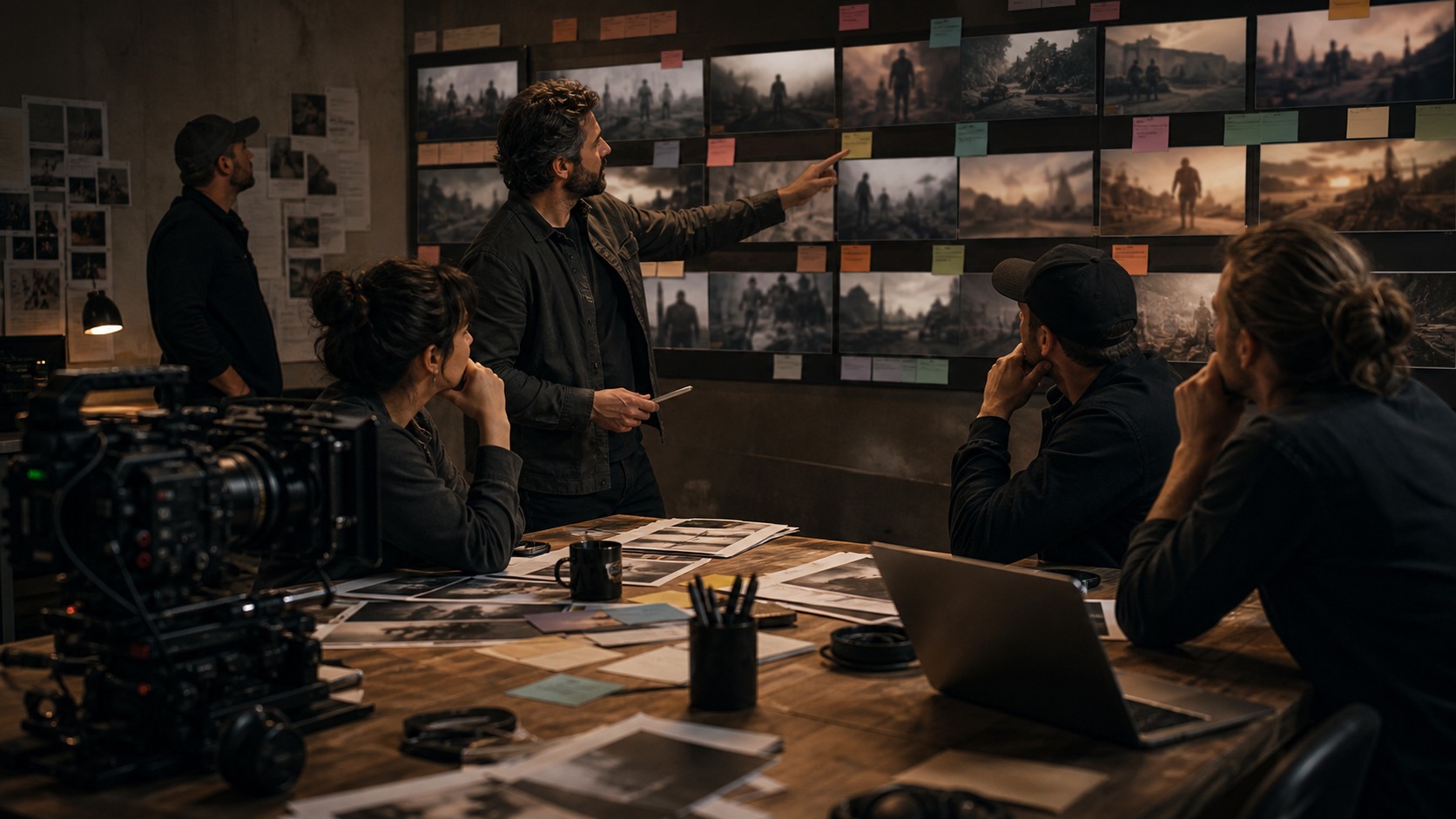
Once selected, the boards should be arranged in order. Sequencing reveals missing shots, repeated angles, unclear transitions, and continuity problems. A storyboard is not a stack of images. It is a visual sentence.
Modern AI workflows may use slide decks, storyboard software, editing timelines, or simple folders. The tool matters less than the ability to review the order. The sequence should be easy for collaborators to follow.
If the sequence does not work, return to shot purposes. The missing panel should be generated or drawn to solve a specific gap. Random additions usually create more confusion.
Step Seven: Check Continuity
Continuity checks are essential. AI may change wardrobe, props, character features, location layout, or screen direction between boards. The team should review each sequence for consistency before presenting it as a plan.
A continuity checklist can include character position, eyelines, movement direction, key objects, lighting logic, and scene geography. These details help the storyboard function for production.
When continuity fails, the team can revise prompts, use stronger references, redraw panels, or simplify the shot plan. The goal is not perfect artwork. The goal is a sequence that crews can understand.
Step Eight: Build an Animatic if Needed
Some sequences need timing tests. If action, suspense, comedy, music, or visual effects are involved, the boards may be placed into an animatic. Temporary sound and rough timing can reveal problems that still panels hide.
The animatic does not need to be polished. It needs to answer whether the sequence plays. Are shots too long. Is a reaction missing. Does the reveal land. Does the scene need a pause. These questions are easier to answer in time.
AI can help with rough motion or additional frames, but restraint matters. The animatic should clarify rhythm, not distract with unnecessary movement.
Step Nine: Review With Departments
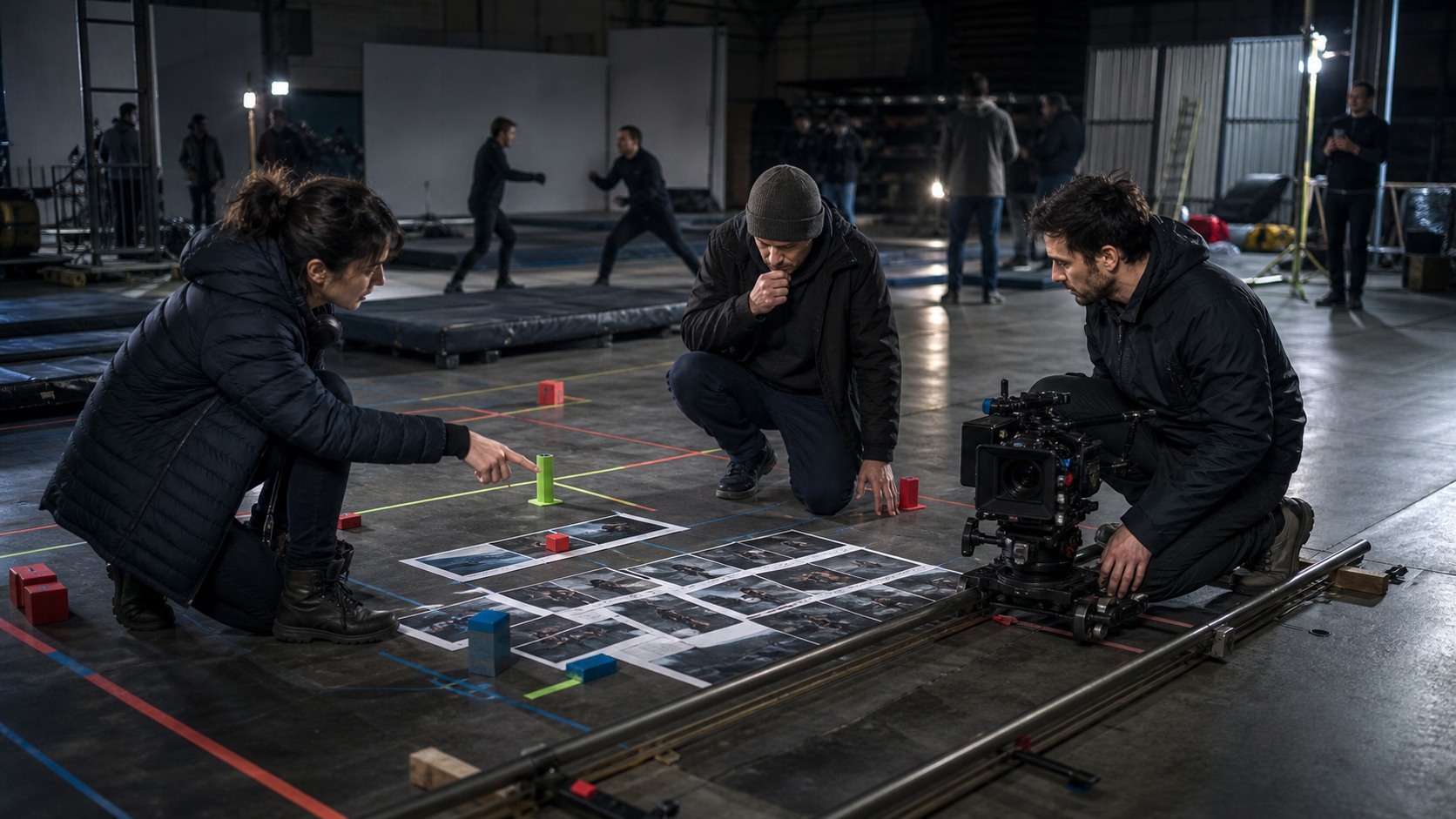
Department review turns boards into production knowledge. The cinematographer checks camera plausibility. The production designer checks set needs. The producer checks cost. The editor checks coverage. The stunt, VFX, or animation team checks technical requirements.
AI boards should be presented with labels. The team needs to know which frames are mood references, which are shot targets, and which are only exploratory. Clear labels prevent misunderstandings.
This stage often improves the boards. A department head may suggest a simpler shot, a missing insert, a safer blocking plan, or a more practical angle. The storyboard becomes stronger when the team challenges it.
Step Ten: Prepare the Production Handoff
The final handoff should be compact and useful. It may include the approved storyboard sequence, shot list, selected reference frames, blocking notes, animatic link, and any continuity warnings. The crew should not receive every AI experiment.
A clean handoff respects production reality. On set, people need clarity, not a giant folder of alternatives. The director can keep extra references privately, but the working crew should see the plan.
The handoff should also remain flexible. Storyboards guide production, but performances, locations, weather, time, and new discoveries can change the best choice. The workflow succeeds when it prepares the team to adapt without losing the scene’s purpose.
Step Eleven: Archive the Decision Trail
After handoff, archive the decision trail. Save the approved boards, rejected alternatives, prompt notes, references, animatic versions, and department feedback in a clear folder structure. This may feel administrative, but it protects the production when questions return later.
Archiving helps if a scene changes, a producer asks why a shot was chosen, or a department needs to revisit an earlier idea. It also helps future projects because the team can learn which prompts, references, and review steps actually worked.
The archive should not be a dumping ground. It should show the path from script question to approved board. That makes AI storyboarding accountable rather than chaotic.
Step Twelve: Revise After Reality Arrives
The workflow does not end when boards are approved. Locations, casting, budget, weather, and rehearsal can change the best version of a scene. AI storyboards should be revised when reality gives the team better information.
A revised board may be simpler than the first plan. It may use fewer shots, a different camera position, or a new reveal based on the real set. That is not a failure. It is the storyboard doing its job as a living planning tool.
Modern workflows should make revision easy. If the team keeps organized references and shot purposes, it can update the sequence without starting from zero.
How to Measure Workflow Success
The success of AI storyboarding is not measured by how many frames were generated. It is measured by whether the production became clearer. Did the team understand the scene sooner. Did the boards reveal missing shots. Did the animatic prevent a timing mistake. Did the handoff help the crew work faster.
These practical outcomes matter more than visual novelty. A modest board that prevents confusion is more valuable than a beautiful board nobody can use.
The workflow succeeds when AI reduces uncertainty and human review turns the result into a plan. That is the modern advantage.
How to Keep the Team From Drowning in Options
AI storyboarding can create too many options quickly. A modern workflow needs limits. Decide how many variations will be generated for each shot purpose, who reviews them, and when the team stops exploring. Boundaries protect the schedule.
A useful rule is to move from broad to narrow. Start with several directions, choose one, then generate only to solve specific gaps. Do not keep reopening decisions that have already been made unless new information changes the scene.
Option control is a creative skill. The team that can stop generating at the right moment will usually move faster than the team that keeps searching for a perfect frame.
Why the Workflow Needs Ownership
Someone must own the AI storyboarding workflow. That person may be the director, storyboard lead, previs supervisor, producer, or a small creative team. Ownership matters because files, versions, approvals, and references need consistent handling.
Without ownership, different collaborators may generate competing boards with different assumptions. The result can become confusing. With ownership, the workflow has a single source of truth and a clear review path.
Ownership does not mean one person makes every creative choice. It means someone keeps the process organized enough for collaboration to work.
How AI Boards Become Production Memory
Approved AI boards can become production memory. They record what the team decided before the pressure of the shoot. When questions arise later, the boards can remind everyone why a shot exists or what a scene is supposed to reveal.
This memory is useful only if the boards are kept clear and current. Outdated boards should be marked or removed from the active package. Otherwise, old ideas can return at the worst moment.
A good workflow leaves behind a clean trail of decisions. That trail helps the current production and teaches the team how to work better next time.
What Makes the Workflow Modern
The modern part is not simply that AI generates images. It is that visual planning can become faster, more iterative, and more collaborative. Script, boards, references, animatic, and production notes can influence one another earlier than before.
This speed needs discipline. Teams should save approved frames, document references, label outputs, and separate exploration from final planning. Otherwise, the workflow becomes messy and hard to trust.
AI storyboarding is strongest when it combines speed with traditional storyboard discipline. The model helps create options. Filmmakers build a sequence that crews can use.