AI Shot Planning Works Best When It Answers Specific Camera Questions
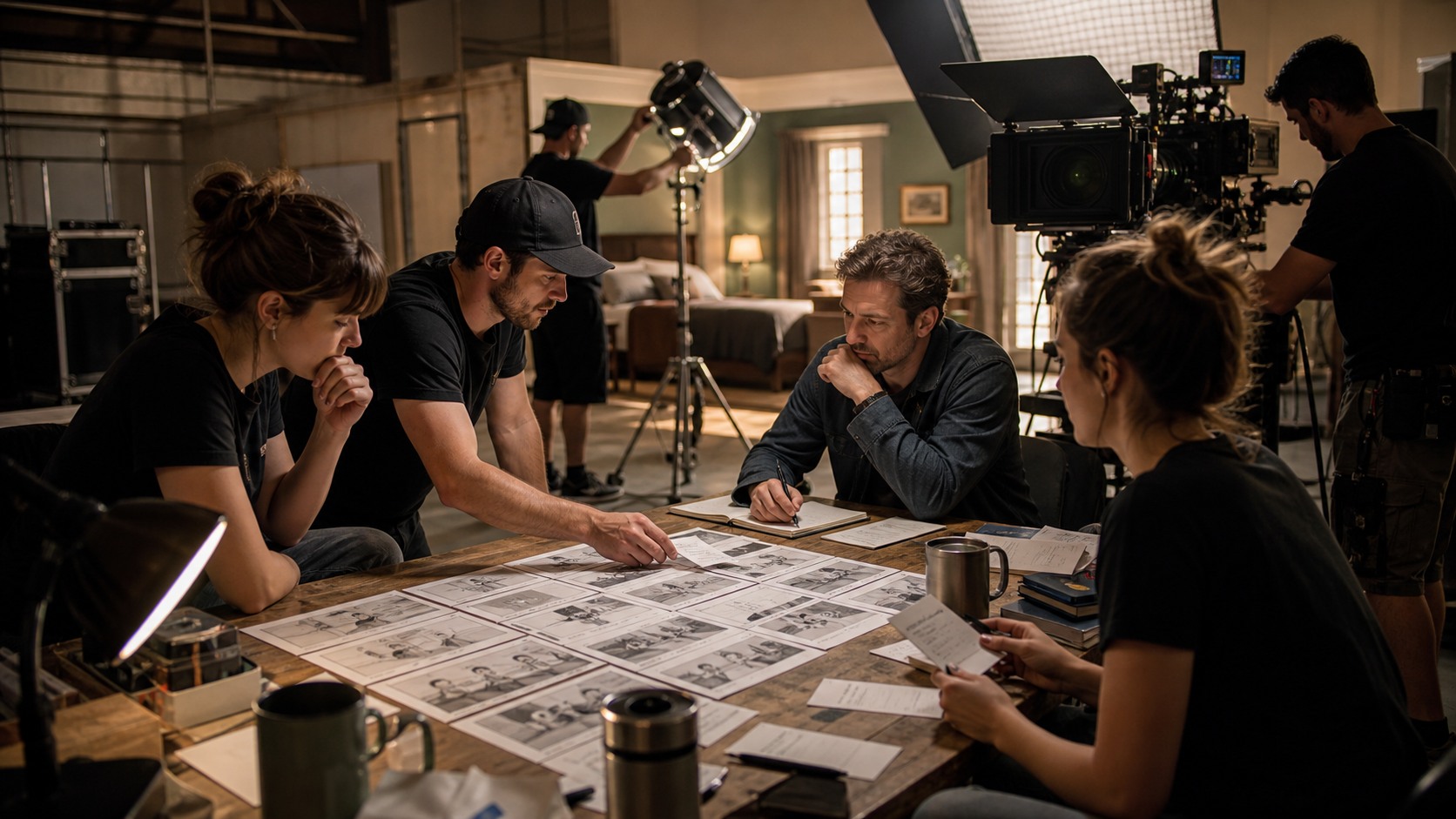
Filmmakers use AI to plan shots, scenes, and camera moves by turning script ideas into rough visual options before production. The strongest use is not asking AI for random cinematic frames. It is asking focused questions: where should the camera start, what should the audience see, how should the character move, and what kind of shot makes the scene clearer. AI can speed up exploration, but shot planning still depends on a filmmaker understanding story, blocking, geography, and edit rhythm.
Start With the Scene’s Purpose
Shot planning begins with the scene’s purpose. If the scene is about a discovery, the camera may need to hide information and then reveal it. If it is about conflict, the coverage may need to show distance, pressure, or a shift in power. AI can generate many camera angles, but only the scene purpose tells the filmmaker which angles matter.
A director should write the scene purpose before generating frames. This keeps AI from becoming a style machine. A beautiful shot is not useful if it misses the dramatic job. The question is not what looks cinematic, but what helps the audience understand the moment.
Once the purpose is clear, prompts can become more practical. Instead of asking for a dramatic room, the filmmaker asks for a wide shot that isolates the character at the door, or a close reaction that delays the reveal.
Plan Coverage by Shot Job
Coverage is the set of shots that allow a scene to be edited. AI can help compare coverage options, but the filmmaker should organize them by job. A wide shot orients the viewer. A medium shot shows action. A close shot carries emotion. An insert clarifies a detail. A transition moves the scene forward.
Planning by shot job prevents overgeneration. The team does not need fifty random images. It needs the shots that make the scene cut. AI can generate several versions of each job, and the director can choose the clearest option.
This method also helps editors later. If each generated frame has a purpose, the storyboard or previs sequence becomes easier to evaluate. The edit can be imagined before the camera arrives.
Use AI to Test Blocking
Blocking is where actors or subjects move in the scene. AI frames can help test whether blocking is readable. A generated image may show whether a character should stand near a window, cross behind a table, or remain trapped in a doorway. The frame becomes a question about staging.
However, AI may ignore practical movement. It can place people in positions that look good but cannot be reached naturally in the scene. Filmmakers should combine AI frames with simple overhead blocking sketches or location notes.
The goal is not to let AI dictate actor movement. The goal is to see whether a blocking idea communicates clearly and can be staged within the real production space.
Use AI to Compare Camera Positions
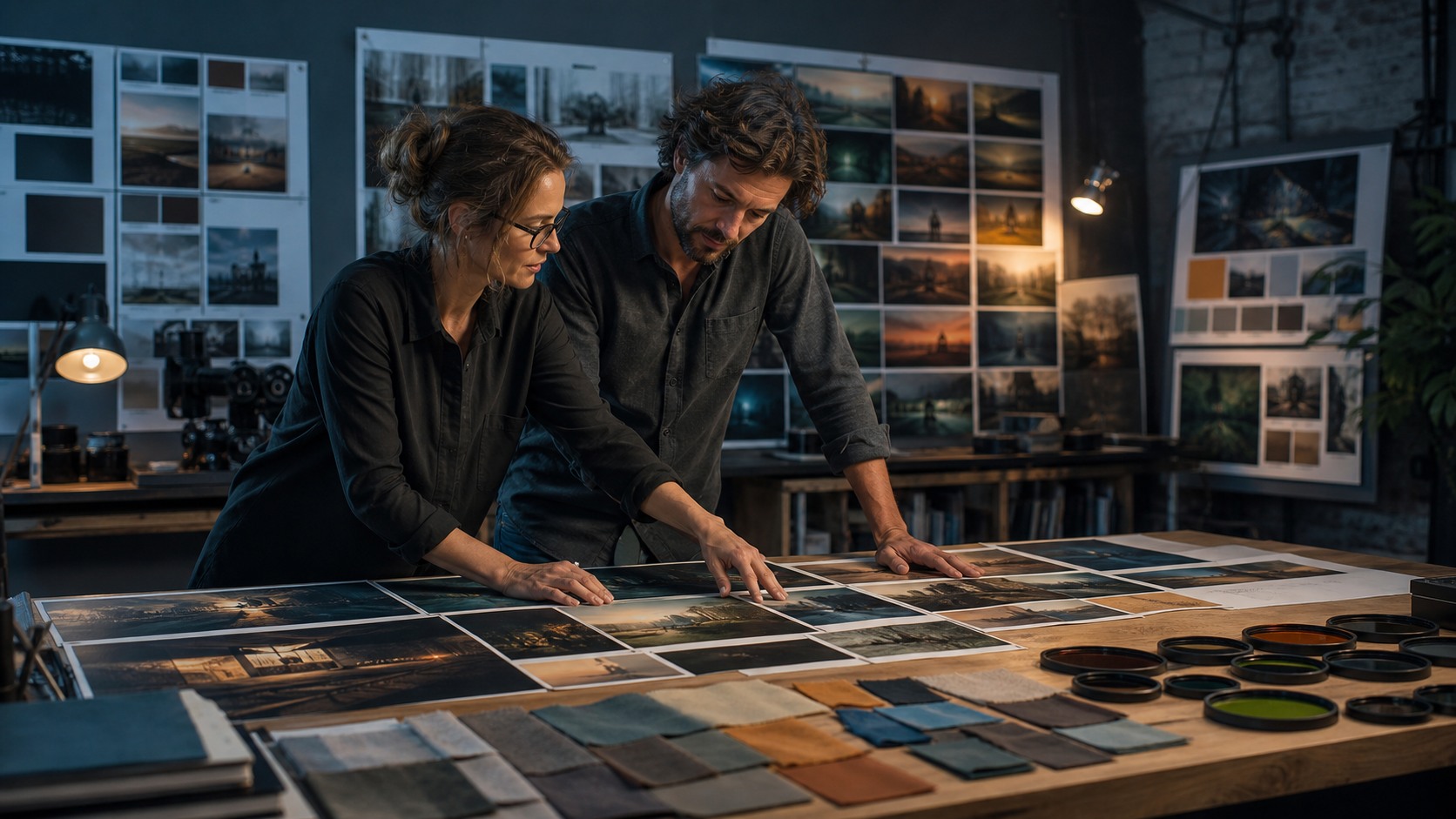
AI can help compare camera positions quickly. A filmmaker can test a low angle, high angle, over-the-shoulder frame, profile composition, or distant wide shot before choosing the coverage plan. Seeing options side by side can make the director’s intention clearer.
Camera position changes meaning. A high angle can make a character feel exposed. A close lens near the face can feel intimate or oppressive. A wide shot can make a person seem small in the environment. AI can show these possibilities, but the filmmaker must decide which meaning belongs.
The best comparison is purposeful. Test two or three positions that could actually serve the scene, not every possible angle. Too many options slow the decision.
Think About Camera Movement
Camera movement should have a reason. A push-in can focus attention, a lateral move can reveal geography, a handheld shift can add instability, and a locked-off frame can create tension through stillness. AI can help previsualize these choices, especially when image-to-video or video tools are available.
Beginners often assume movement makes a shot more cinematic. Sometimes it does. Sometimes it distracts. A quiet scene may need stillness. A reveal may need a slow move. A chaotic scene may need a camera that follows action without confusing it.
AI motion tests should be judged by clarity and emotion. Does the move guide the viewer’s eye. Does it reveal information at the right time. Does it create the feeling the scene needs.
Preserve Screen Direction
Screen direction is the viewer’s sense of left, right, forward, and back across cuts. AI-generated shot ideas can break screen direction if the filmmaker is not careful. A character may face one way in one frame and the opposite way in the next, making the scene feel disjointed.
Shot planning should include simple continuity notes. Which side of the room is the door. Which direction does the character move. Where is the other character standing. These notes help keep AI frames from becoming disconnected images.
If the sequence becomes confusing, the fix may be a clearer establishing frame or a stricter prompt. The filmmaker must protect geography because the model will not always do it automatically.
Create a Camera Map
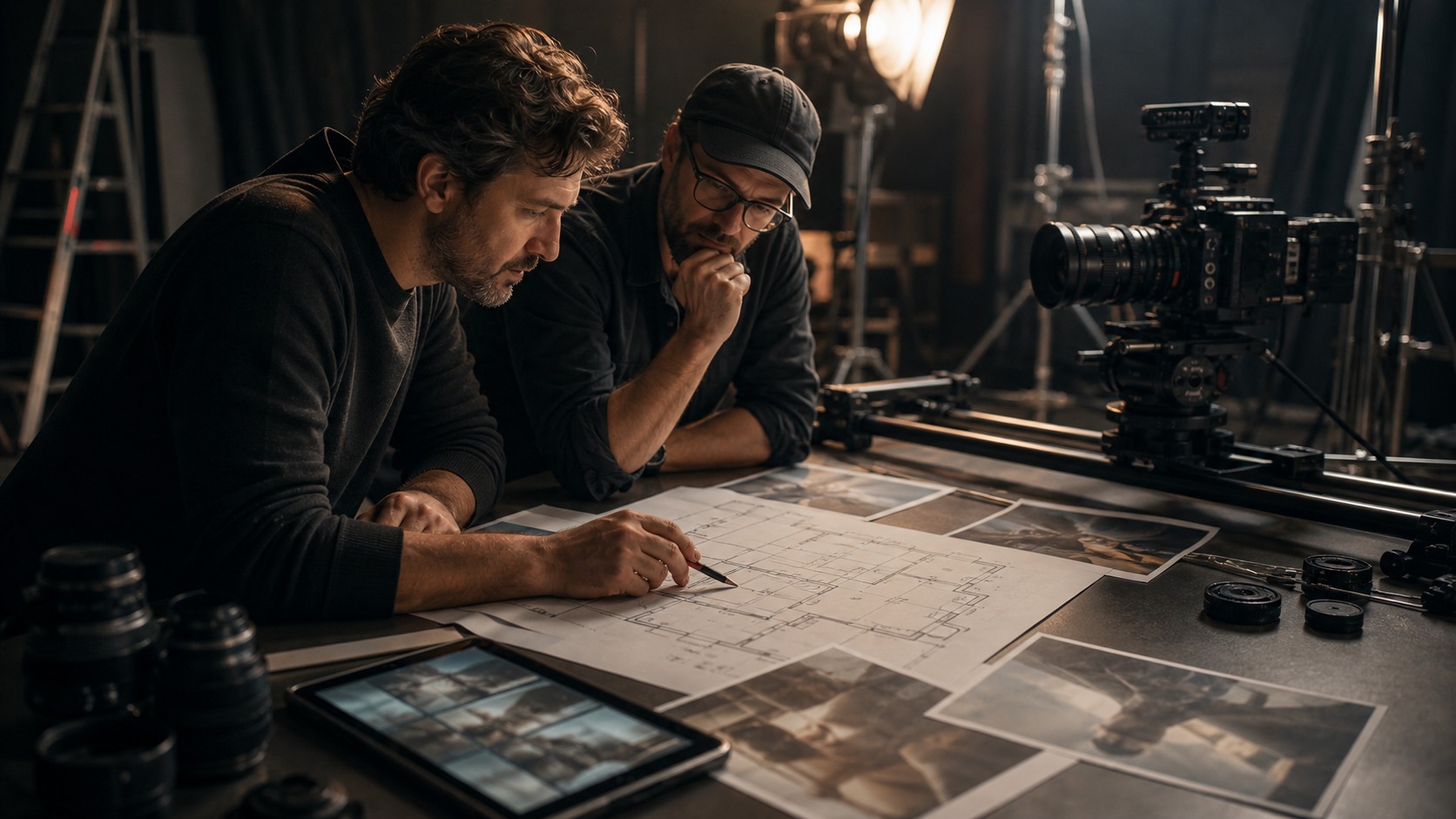
A camera map can be as simple as an overhead sketch with character positions and camera angles. AI frames become more useful when connected to this map. The team can see which generated shot corresponds to which camera setup.
A map also helps production. The cinematographer can judge whether the camera position is possible. The assistant director can understand setup order. The producer can notice if the plan requires too many locations or complex moves.
AI gives the team visual options, while the map keeps those options grounded in space. Together, they make shot planning more practical.
Use AI for Crew Communication
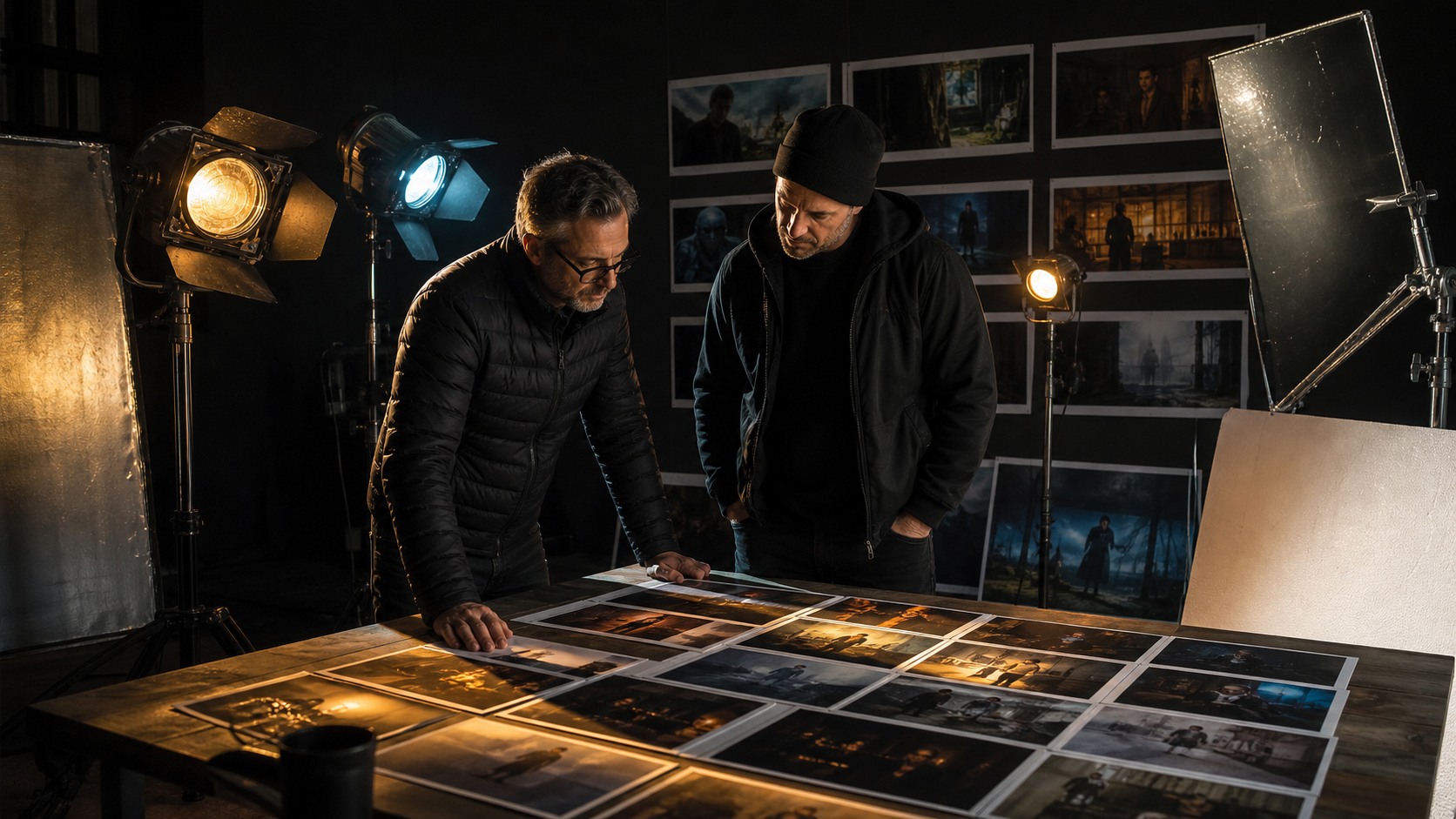
AI shot planning can improve crew communication when the outputs are selected carefully. A director can show the cinematographer the desired mood, show the production designer the framing priorities, and show the editor the planned sequence. Visual references reduce guesswork.
The references should be labeled clearly. A frame might be a mood reference, a camera angle, a blocking idea, or a final target. If the label is unclear, collaborators may misunderstand how seriously to take the image.
Good communication also invites critique. The cinematographer may explain why a camera move is impractical. The editor may suggest a missing reaction. The production designer may see that the frame requires a different set layout. AI planning is useful when it starts these conversations.
Avoid Planning Too Much
AI can tempt filmmakers to overplan. A director might generate every frame in advance and become rigid on set. That can hurt the film if actors, locations, or natural discoveries suggest a better solution. Shot planning should prepare the filmmaker, not trap the scene.
The best plans identify priorities. Which shot is essential. Which reveal must work. Which camera move is optional. Which frame is only a mood reference. This hierarchy helps the team adapt without losing the scene’s purpose.
AI planning should make the director calmer and more flexible. If it makes the director cling to impossible images, the workflow needs adjustment.
How Editors Can Shape the Plan
Editors can be valuable during AI shot planning because they think in cuts. A generated frame may look strong, but the editor can ask what comes before it and what follows it. That question often reveals whether coverage is missing.
An editor may suggest a reaction shot, an insert, or a simpler transition. They may also notice that two planned angles do the same job. This feedback can reduce production waste. The team can shoot what the scene actually needs rather than collecting redundant coverage.
Bringing editing logic into pre-production makes AI planning more practical. The goal is not only to create shots, but to create shots that can become a scene.
How Location Reality Changes the Plan
AI frames may imagine a space that does not match the real location. Once the team scouts or chooses a location, the shot plan should be updated. Door placement, window direction, ceiling height, available power, and camera access can all change the best angle.
This is where AI planning must become grounded. Use location photos, floor plans, or simple reference frames to revise prompts. The closer the inputs are to the real space, the more useful the planning becomes.
A shot plan should never fight the location without reason. If reality offers a stronger angle than the generated board, take the stronger angle. The scene matters more than the first plan.
How to Prioritize Under Time Pressure
Production days often run short, so AI shot planning should identify priority levels. Essential shots carry the scene’s meaning. Helpful shots improve coverage. Optional shots are useful only if time remains. This hierarchy helps the director make decisions under pressure.
AI-generated references can support this hierarchy if they are labeled clearly. A crew should know which frames are must-have setups and which are exploratory ideas. Without labels, the team may waste time chasing low-priority images.
A practical plan protects the scene when time gets tight. That is one of the most useful outcomes of AI-assisted preparation.
How Rehearsal Can Improve AI Plans
Rehearsal can reveal whether AI shot plans make sense with real actors or subjects. A generated frame might suggest a strong angle, but performance may work better from a different position. Rehearsal gives the director information the model did not have.
The shot plan should be updated after rehearsal when needed. If an actor finds a more natural movement, the camera may need to follow that choice. If blocking becomes simpler, the team may remove unnecessary coverage.
AI planning is strongest when it supports performance rather than forcing performance to match a generated image.
How to Use AI for Alternate Coverage
AI can help imagine alternate coverage before production. A director can prepare a simpler version of a scene in case time runs short, or a more ambitious version if the schedule opens up. These alternatives can reduce stress on set.
Alternate coverage should be planned with purpose. A backup frame should still communicate the scene beat. It should not be a random extra angle. The team needs to know why the alternative exists and when to use it.
This kind of preparation is practical, not decorative. AI helps the filmmaker think ahead about choices that may need to happen quickly.
Why Camera Plans Need Emotional Logic
Camera plans are not only technical. They carry emotional logic. A move toward a character can create pressure. A cut away can withhold feeling. A wide shot can make someone seem alone. AI can show these forms, but it cannot decide which emotion the scene deserves.
Filmmakers should name the emotional logic of important shots. If the camera moves closer, why. If the scene stays wide, why. These answers keep AI-generated plans connected to storytelling.
A technically possible shot is not automatically the right shot. The right shot is the one that makes the audience understand the moment.
The Practical Workflow
A practical AI shot-planning workflow begins with the scene purpose, breaks the scene into shot jobs, generates selected frames, tests blocking, compares camera positions, checks screen direction, builds a simple camera map, and then revises the shot list. This turns AI output into a production plan.
The workflow should end with decisions, not more images. A selected frame should tell the team something: where the camera goes, what the shot emphasizes, what needs to be built, or what can be simplified.
Filmmakers use AI well when they treat it as a visual planning partner. It proposes possibilities. The director, cinematographer, editor, and crew turn those possibilities into shots that can actually be made.