Storyboards Show the Shots; Animatics Test the Timing
AI storyboards and animatics are related, but they solve different filmmaking problems. A storyboard shows the planned shots as a sequence of panels. An animatic takes those panels and places them in time, often with temporary sound, music, or motion. AI can help create both, but the difference still matters. Storyboards help a team understand what the scene might look like. Animatics help the team understand how the scene might feel when time, rhythm, and sound are added.
What an AI Storyboard Is
An AI storyboard is a sequence of rough visual panels created or assisted by AI. The panels may come from prompts, script analysis, reference images, or a mix of human direction and generated frames. The goal is to show shot ideas before production.
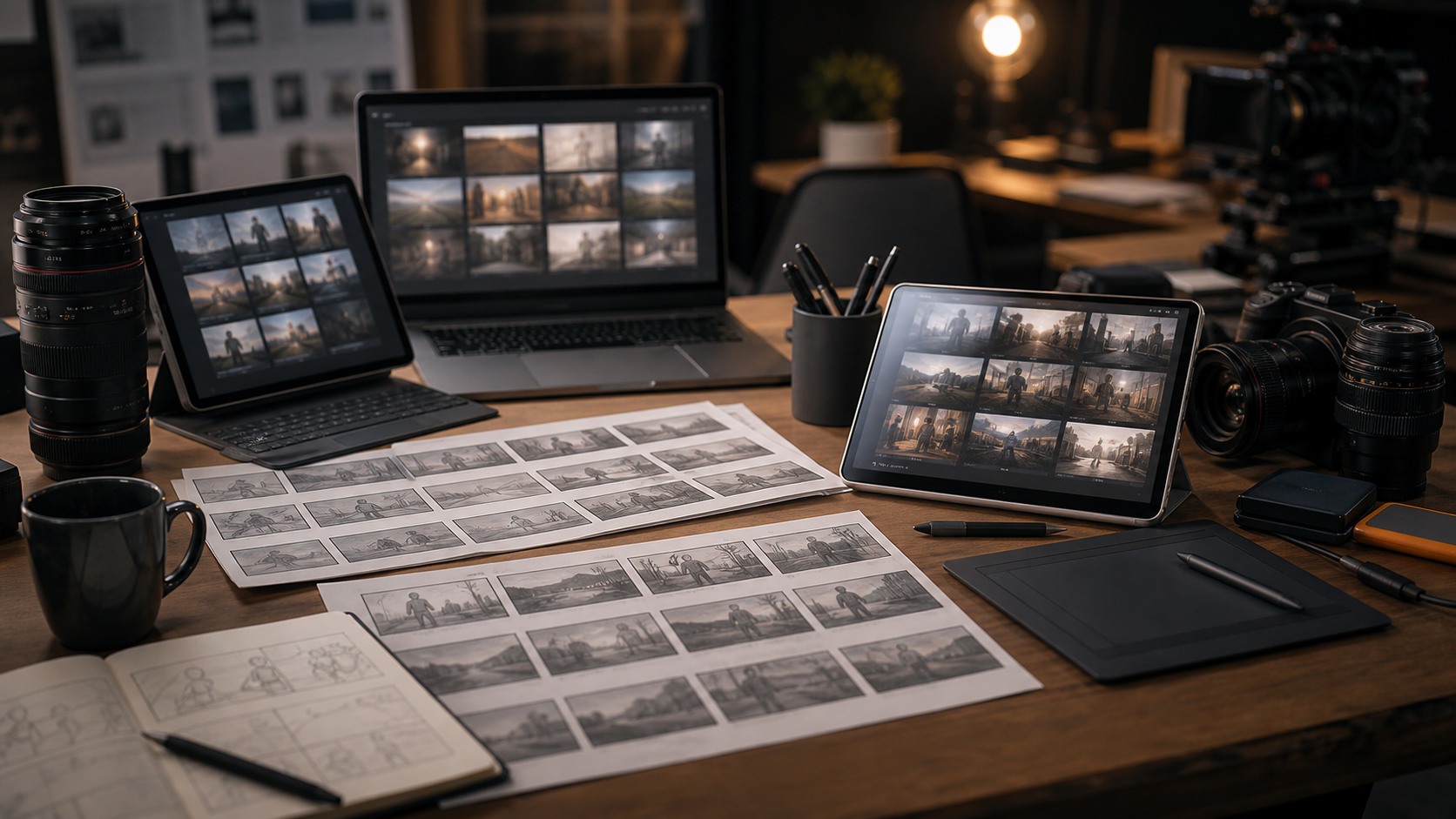
A storyboard focuses on composition, camera angle, subject placement, scene geography, and visual order. It does not have to show exact timing. A single panel can represent a moment that will last one second or ten seconds in the final edit.
AI can speed up this process by generating visual options, but the storyboard still needs human structure. The panels must show the right information in the right order.
What an Animatic Is
An animatic is a timed version of a storyboard or visual plan. It usually places still panels on a timeline, sets their duration, and may include temporary dialogue, sound effects, ambience, or music. Some animatics also add simple camera moves or rough motion.
The purpose is to test rhythm. A sequence that looks clear as panels may feel rushed, slow, confusing, or emotionally flat when timed. Animatics reveal those problems earlier than production.
AI can help by generating panels, creating rough motion, or assisting temporary sound ideas. The key is that the animatic asks a time-based question: how does this sequence play.
The Core Difference
The core difference is that storyboards are about visual order, while animatics are about visual order plus time. A storyboard asks what shots are needed. An animatic asks how long those shots should last and how they work together in motion or rhythm.
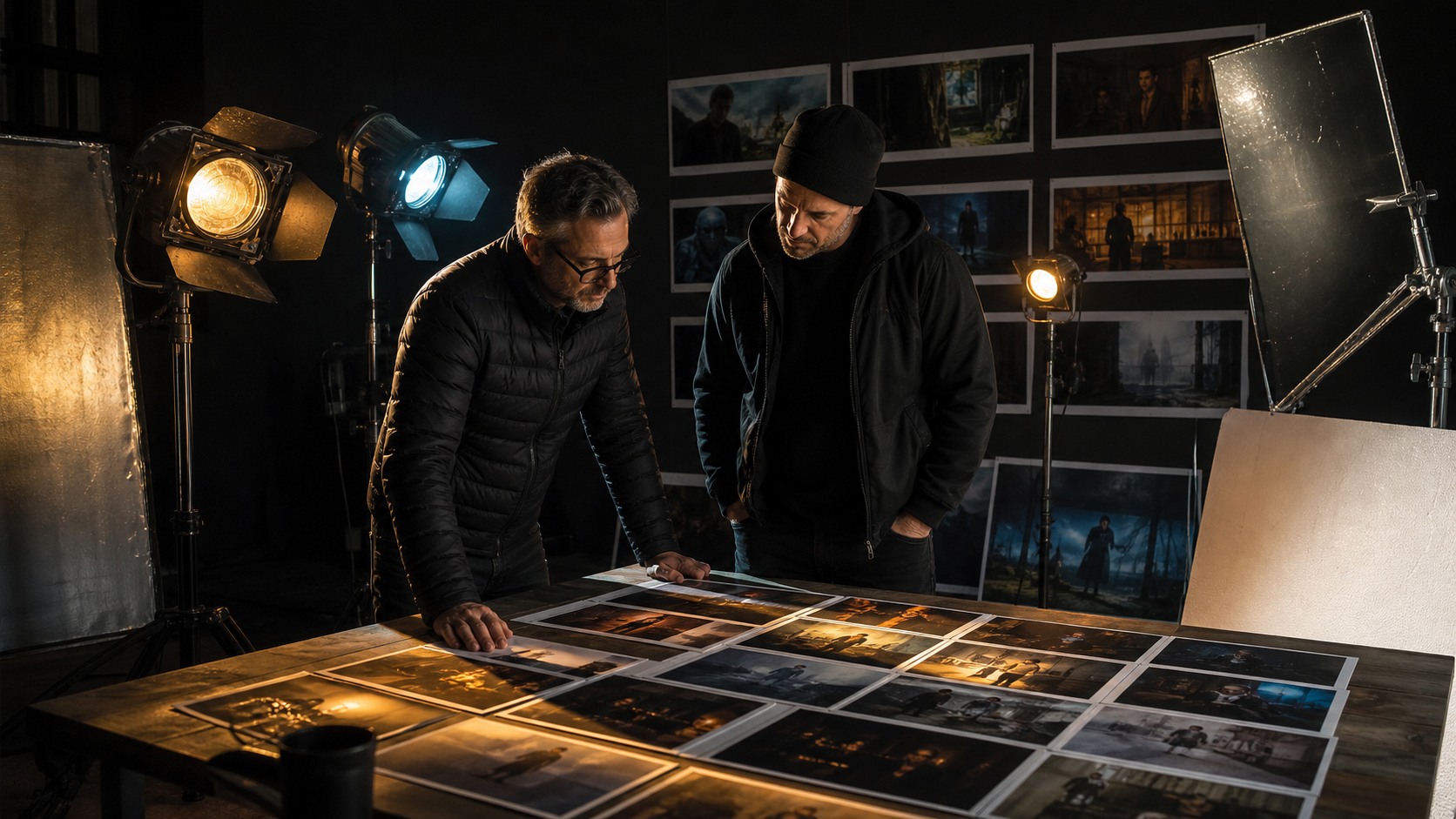
A storyboard can be reviewed on a table or wall. An animatic must be watched. That shift changes the kind of feedback a team gives. Viewers may notice missing reactions, awkward pauses, unclear reveals, or sound needs once the boards are timed.
For many scenes, the best workflow is storyboard first, animatic second. The storyboard clarifies the plan. The animatic tests whether the plan plays.
Where AI Helps Storyboards
AI helps storyboards by quickly generating rough frames for shot ideas. A filmmaker can compare compositions, moods, and staging choices before selecting a sequence. This can be especially useful when the scene is visually unusual or difficult to explain.
AI-generated boards can also help beginners who do not draw. They can start with rough visual thinking and then refine the sequence. The important step is critique. The filmmaker must ask whether each panel communicates a shot job.
The board should not be judged only by polish. A rough traditional sketch may be more useful than a detailed AI frame if it explains the shot better.
Where AI Helps Animatics
AI helps animatics when it provides frames, rough motion, temporary visual transitions, or sound concepts that can be tested in time. A simple timeline with generated panels can reveal whether a scene needs more coverage or fewer shots.
Image-to-video tools may animate selected panels, but motion should be used carefully. Adding movement to every frame can make an animatic feel busy. Sometimes a held still with the right sound is clearer.
The best AI animatics are practical. They help the director, editor, or producer understand timing before production. They are not meant to look like finished films.
When to Use a Storyboard Only
A storyboard may be enough when the scene is simple, the timing is obvious, or the production only needs visual references. For example, a short dialogue scene may need boards to clarify camera angles but not a full animatic.
Storyboards are also useful when a team is still exploring compositions. Timing too early can create a false sense of commitment. If the visual order is still changing, build the board first.
A storyboard-only approach is faster and lighter. It can be the right choice when the team needs clarity but not a timed test.
When to Build an Animatic
Build an animatic when timing matters. Action scenes, comedy beats, reveals, suspense sequences, music-driven scenes, visual effects shots, and animation often benefit from timing tests. The animatic shows whether the sequence breathes.
Animatics are also useful when cost is high. If a scene will require stunts, effects, animation, or complex setups, testing rhythm before production can save money. The team can discover missing shots before they are expensive to add.
An animatic helps when collaborators need to feel the sequence rather than only inspect it. Producers, editors, composers, and sound teams can respond to time-based choices more directly.
How Sound Changes the Test
Sound can completely change an animatic. Temporary ambience can make a location feel real. A pause can make a reaction work. A sound cue can clarify a reveal. Music can expose whether the pacing is too slow or too rushed.
Storyboards usually cannot test sound in the same way because they are still images. Once the panels become an animatic, the filmmaker can test how image and sound meet. That is often where the scene starts to feel like cinema.
Sound should remain temporary in early animatics, but it should be purposeful. Even a rough sound pass can reveal whether the scene has rhythm.
Common Confusions
One confusion is treating an animatic as a polished animation. It does not need to be finished. It needs to be useful. Another confusion is treating a storyboard as an art portfolio. A storyboard panel can be simple if it communicates the shot.
AI can increase both confusions because generated frames may look more polished than the plan deserves. A team may start judging surface quality instead of planning value. The question should always be what decision the material supports.
If the team is deciding shot order, use a storyboard. If the team is deciding pacing, use an animatic. If both questions matter, use both in sequence.
How Editors Read Animatics
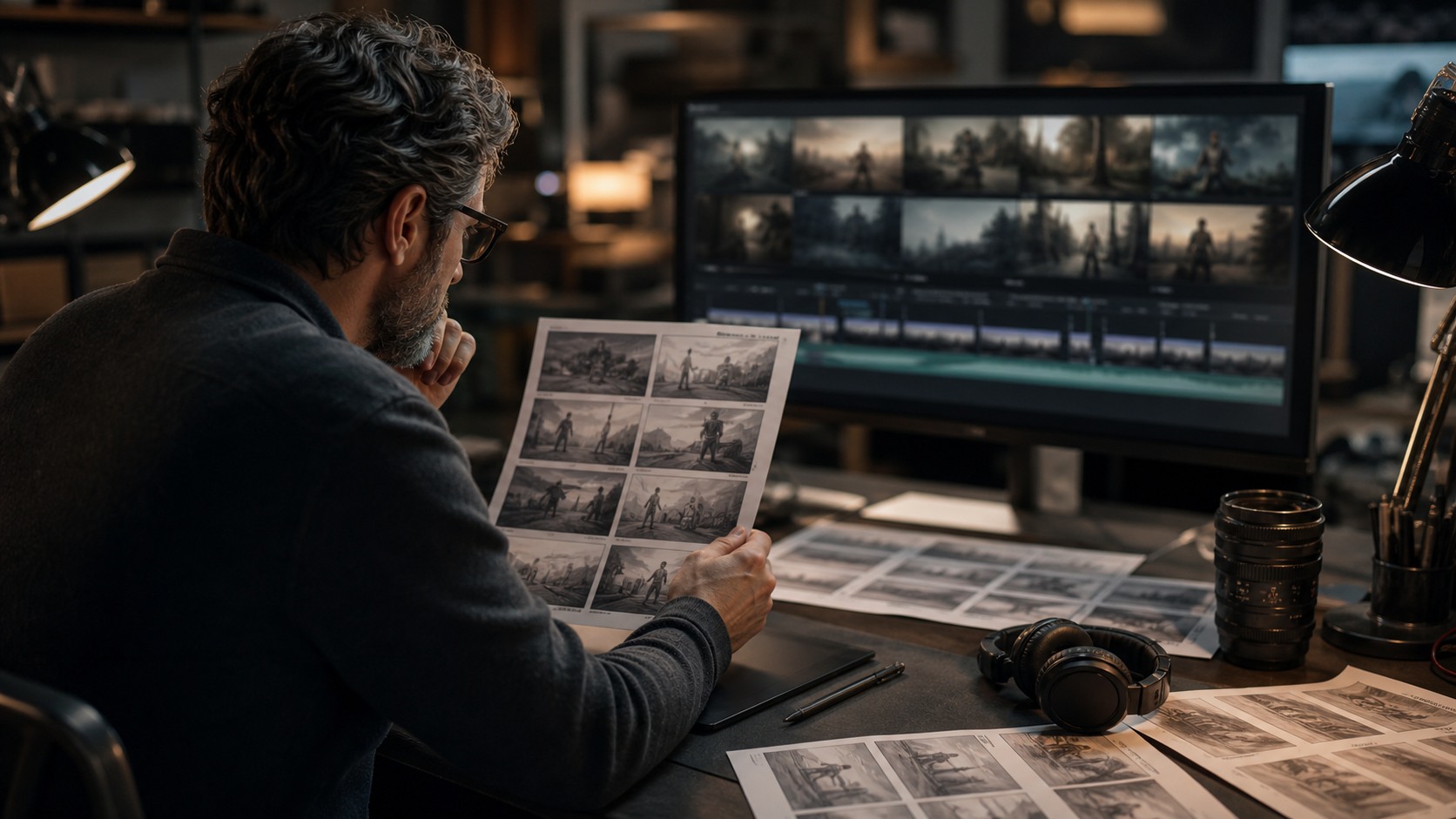
Editors read animatics differently from storyboard artists. They look for missing transitions, repeated information, unclear reactions, and timing that does not support the scene. A panel may look fine in a board but feel unnecessary once the sequence plays.
This editorial perspective is one reason animatics are useful. They reveal what the scene needs in time. A director may discover that a planned shot can be removed, that a close-up needs to hold longer, or that an insert is necessary for clarity.
AI-assisted animatics should welcome this kind of critique. The point is not to protect every generated panel. The point is to improve the cut before production.
When Motion Helps and When It Distracts
Motion can help an animatic when the scene depends on a camera move, action beat, or reveal. A slow push, quick pan, or simple character movement may show how the sequence should feel. In those cases, AI motion tests can be useful.
Motion distracts when it is added only because the tool can add it. Too much movement can make a rough animatic harder to read. It can also create false expectations about what the final shot will look like.
A good rule is to animate only the moments where timing or movement is part of the question. Held stills are often enough for the rest.
How Producers Use the Difference
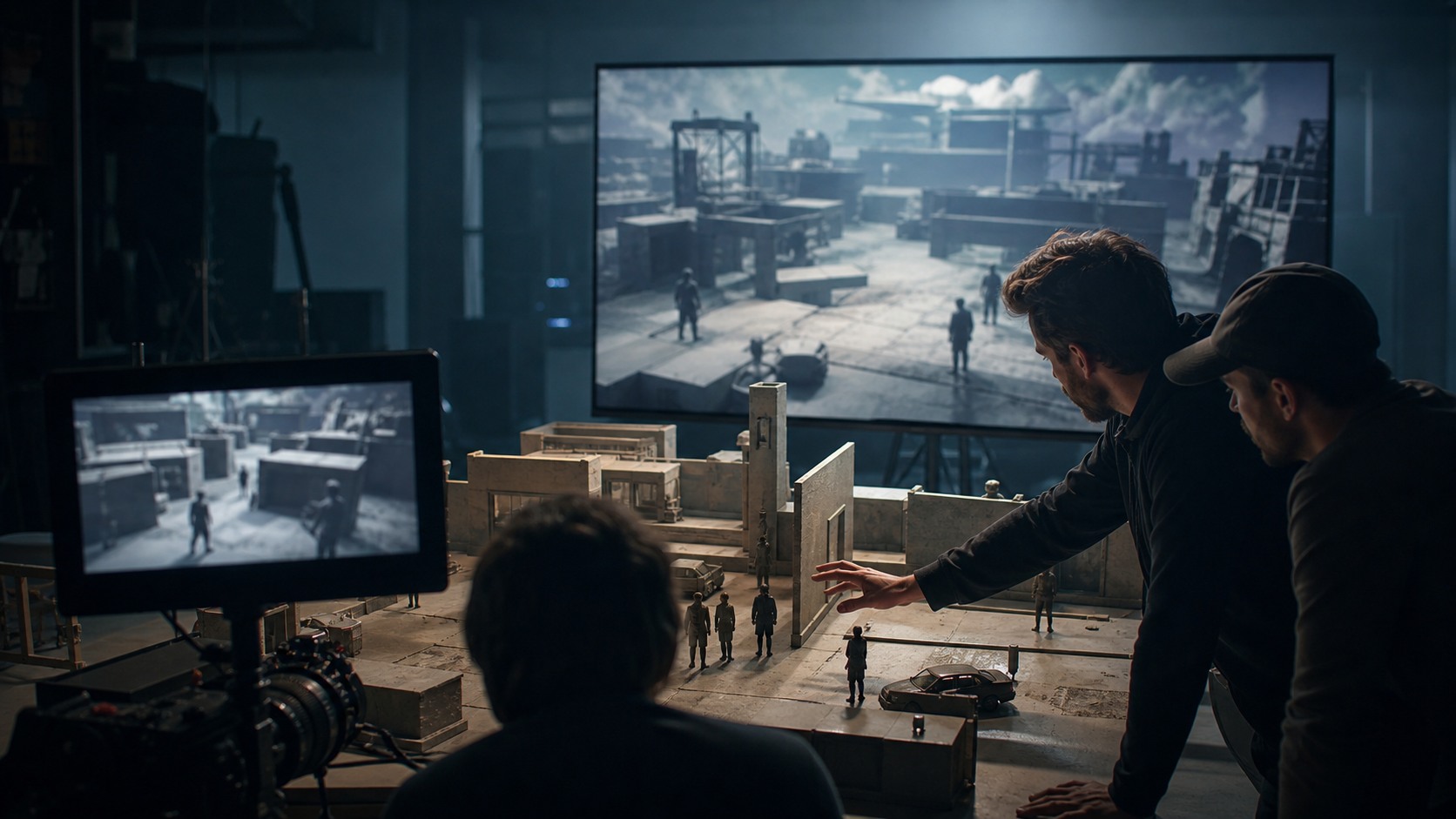
Producers can use storyboards to understand scope and use animatics to understand duration. A storyboard may show that a scene needs ten setups. An animatic may show that the scene runs too long or that an expensive shot lasts only a second.
This distinction helps budgeting. If a costly visual effect shot is barely visible in the animatic, the team may revise the plan. If a stunt beat is central to the rhythm, the team knows to protect it.
AI can make these materials faster to assemble, but producers still need to ask what each asset proves. A storyboard proves visual intent. An animatic tests time.
How Directors Use Both Together
Directors often need both tools because they answer different levels of the same problem. The storyboard helps the director decide what the viewer sees. The animatic helps the director decide how the viewer experiences that sequence in time.
A director may start with boards to compare coverage and then build an animatic from the selected panels. After watching the animatic, the director may return to the storyboard to add a reaction, remove a redundant angle, or change the reveal order.
This loop is healthy. Storyboards and animatics should inform each other. AI can speed up the loop, but the director still decides when the sequence is clear enough to move forward.
Why Timing Changes Story Meaning
Timing changes story meaning because the same image can feel different depending on duration. A quick cut to a face may feel like surprise. A long hold may feel like dread, grief, or suspicion. An animatic allows the team to test those differences before production.
AI storyboards alone cannot fully answer timing questions. They show what the scene might include, but not how long the audience should sit with each piece of information. Animatics turn those still decisions into a felt sequence.
For scenes built around suspense, comedy, action, or music, that timing test can be essential. The difference between almost right and right may be only a few seconds.
How to Keep Animatics Honest
Animatics should stay honest about what they can prove. They can test order, rhythm, and rough sound, but they may not prove final performance or final image quality. A team should avoid treating a rough animatic as if it guarantees the finished scene.
The animatic should also avoid hiding weak boards under music. Temporary sound can help, but it can also make a confusing sequence feel more exciting than it really is. Review the animatic once with sound and once without it.
Honest animatics make better production decisions. They reveal what needs work instead of disguising it, and they keep the team focused on solvable timing problems before production pressure begins.
A Practical Workflow
A practical workflow begins with script beats, then rough AI or human storyboard panels, then sequence review, then selected panels placed into an animatic. The animatic adds timing, temporary sound, and optional simple motion. The team reviews rhythm and revises the shot plan.
This workflow keeps each tool in its place. The storyboard clarifies what the viewer sees. The animatic clarifies when and how long the viewer sees it. AI can assist both steps, but it should not blur the purpose of either.
The difference matters because pre-production is about answering the right question at the right time. Storyboards answer the shot question. Animatics answer the timing question. Together, they help filmmakers make better choices before the shoot.