Generative Models Can Turn Storyboards Into Faster Visual Conversations
Using generative models for storyboarding films can help directors, cinematographers, writers, and producers see a sequence earlier. A storyboard is not just a collection of pretty frames. It is a visual plan for how a scene will unfold, what the audience will see, and how the camera supports the story. Generative models can create rough panels, explore shot options, test tone, and compare visual approaches quickly. The director still needs to choose the sequence, revise the boards, and translate them into a filmable plan.
What Generative Storyboarding Does
Generative storyboarding uses AI tools to create visual panels from prompts, script beats, references, or shot descriptions. The panels can suggest framing, mood, lighting, and action.
The goal is not to replace every storyboard artist. The goal is to help the team see and discuss visual possibilities earlier in the process.
Begin With the Scene Beat
The best generated boards begin with a scene beat. What changes in the scene. What does the audience need to understand. What emotional turn must the camera support.
If the beat is unclear, the model may generate attractive frames that do not tell the story. Storyboarding should begin with meaning, not decoration.
Prompting Individual Panels
Individual panels should be prompted with subject, action, camera angle, lens feeling, setting, and mood. A director can ask for a wide establishing frame, a tense close-up, or an over-the-shoulder reveal.
Specific prompts create panels that are easier to compare. They also help the team identify what each shot is supposed to do.
Building a Sequence
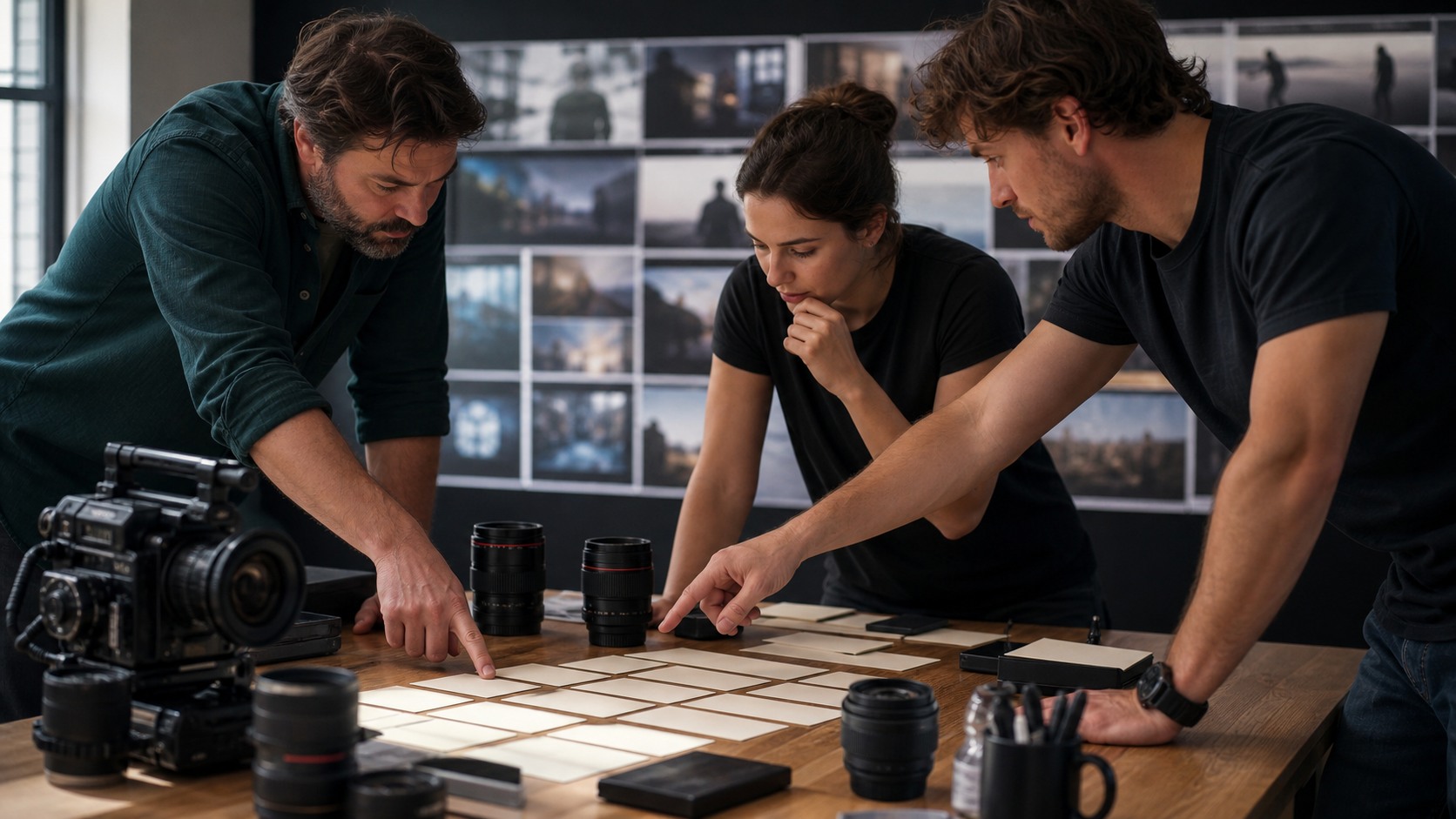
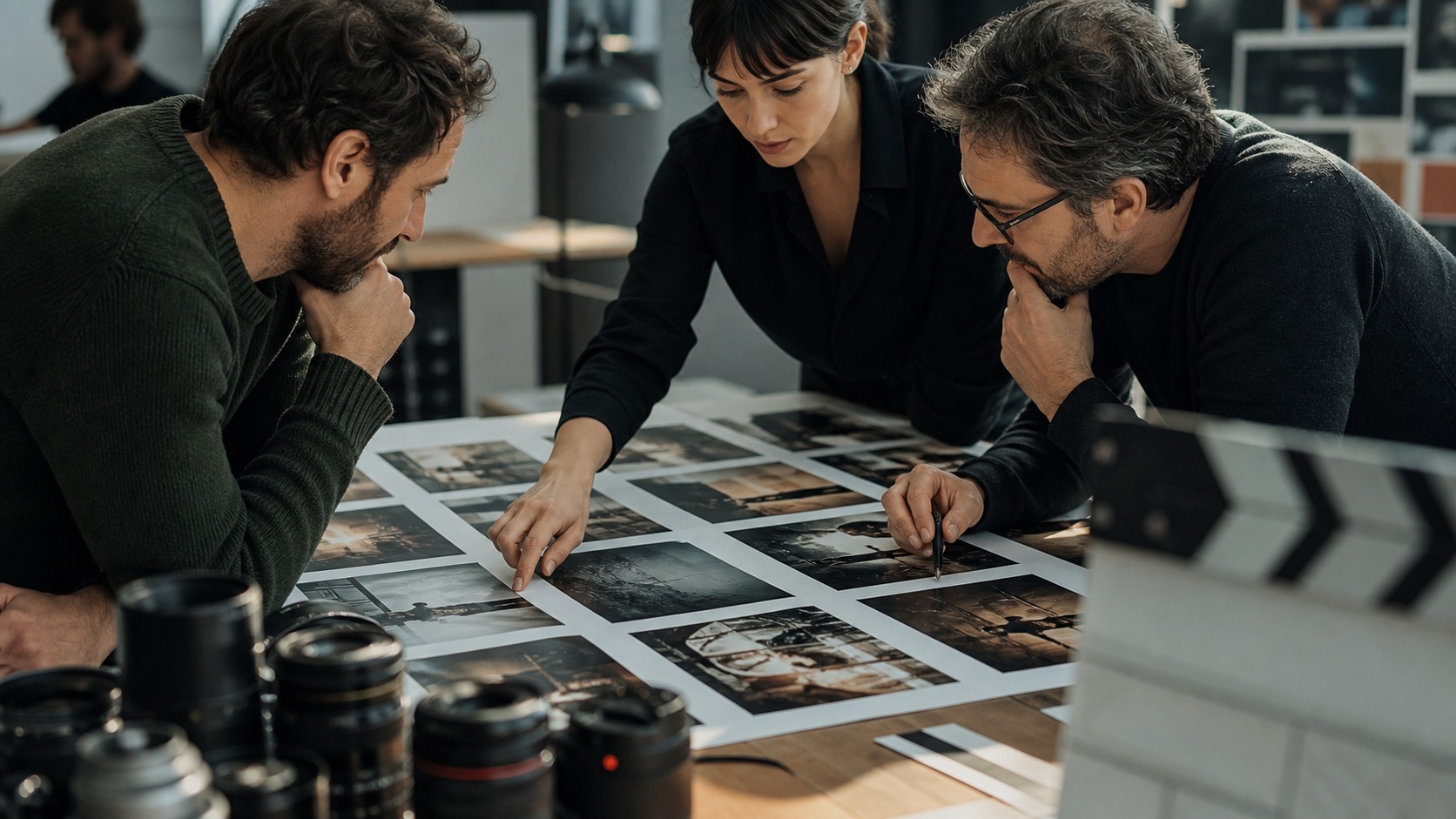
A storyboard becomes useful when panels are arranged in order. The team can see whether the scene has orientation, escalation, reaction, detail, and release.
Generated panels should be reviewed as a sequence, not as isolated images. A single strong frame may not connect to the next shot.
Testing Coverage
Generative models can help test coverage options. A scene might play in a wide master, alternating close shots, inserts, moving camera, or a restrained single setup.
Seeing rough options can help the director avoid overshooting or missing essential coverage. The editor's needs should be part of the review.
Visual Style Exploration
Storyboards can also test visual style. The team may compare warm naturalism, stark contrast, handheld realism, symmetrical framing, or more stylized compositions.
Style exploration should be labeled clearly. A panel may be about tone, not exact camera placement. Without labels, departments may misunderstand what is being approved.
Working With Storyboard Artists
Generative models can support storyboard artists by producing rough directions, mood tests, or alternate compositions. Artists can then clarify, simplify, and make the boards more readable.
The artist's value often increases because someone still has to turn raw visual output into a coherent sequence. AI can create panels, but it does not automatically create visual storytelling.
Avoiding False Precision
Generated storyboards can look more finished than the plan really is. A polished panel may imply that the shot has been approved, budgeted, and designed when it is still exploratory.
Directors should mark draft, approved, revised, and rejected boards clearly. This prevents the crew from treating experiments as final instructions.
Reviewing for Geography
Scene geography is one of the most important storyboard checks. The audience needs to understand where characters are, where they move, and how shots connect.
AI panels may ignore screen direction or reshape the location between shots. The director and cinematographer should review whether the sequence holds spatial logic.
Using Boards With Actors
Actors may benefit from seeing rough spatial references, especially in action, VFX, or complex blocking scenes. Boards can show where the camera will be and what the movement needs to communicate.
The director should not let boards trap performance. If rehearsal reveals a stronger emotional path, the visual plan should adapt.
Department Collaboration
Cinematography, production design, stunts, VFX, sound, and production all read storyboards differently. A generated board can raise questions about gear, light, props, safety, or schedule.
A good review meeting asks each department what the board implies. That turns generated panels into practical preparation.
Preparing the Handoff
The final storyboard handoff should include approved panels, shot priorities, notes, references, and any known changes. It should not include every generated experiment.
A clean package helps the crew move faster. It also protects the director's intent when the day becomes busy.
Using Boards to Find Missing Shots
Generated storyboards are especially useful for finding missing shots. Once panels are placed in order, gaps appear. A character may react without a setup, or a reveal may arrive without enough orientation.
The director should add panels only when they solve a visual problem. More images do not automatically make a better storyboard. The right image makes the sequence clearer.
Turning Panels Into a Shot List
A storyboard should eventually become a shot list. The director and cinematographer translate panels into setups, lens ideas, camera movement, subject focus, and priority levels.
This translation is where generated boards become production tools. Without a shot list, the boards may remain inspiring but impractical.
Keeping Versions Organized
Generative models make it easy to create many board versions. Version control becomes important quickly. Approved panels, alternates, rejected tests, and outdated references should be separated.
If versioning is messy, the crew may work from old ideas. A clean folder structure and clear labels protect the production from confusion.
Testing Rhythm With Animatics
Some generated boards should be placed into a simple animatic. Timing the panels with rough sound can reveal whether a sequence feels rushed, slow, confusing, or emotionally flat.
Animatics do not need polished motion to be useful. They need enough timing information to help the director and editor discuss rhythm before the shoot.
Adapting After Location Scouting
Storyboards should change after scouting. A real doorway, window, staircase, or hallway may create a better shot than the generated panel. The board should adapt to the location.
This is not a failure of AI. It is filmmaking. Generated boards prepare thinking, while real locations and collaborators improve the plan.
Respecting the Artist's Role
When storyboard artists are involved, generative models should support their process rather than erase it. Artists understand clarity, continuity, staging, and readable action in ways raw AI output often does not.
A good workflow lets artists refine the sequence and remove confusion. The final boards should communicate, not merely impress.
A Sequence Review Routine
A useful generated storyboard review moves in stages. First, read the sequence without the script and ask whether the action is understandable. Second, compare the panels to the scene beat. Third, check geography, screen direction, and emotional rhythm. Fourth, ask departments what the boards imply.
This routine prevents the team from being distracted by polish. A generated panel may look cinematic, but the sequence may still lack a reaction shot, a clear reveal, or a usable transition. Storyboarding is about what the viewer understands over time.
The routine also gives collaborators a shared language. Instead of arguing whether the boards look good, the team can ask whether they function.
Planning Coverage With Generative Panels
Generative panels can help directors compare coverage before production. One version may use a wide master and minimal cuts. Another may rely on close reactions. Another may build suspense through inserts and withheld information. Seeing these paths makes the coverage decision more concrete.
The director should still think like an editor. Does the scene have the shots needed to build rhythm. Is the geography clear. Is there a reaction where the audience needs one. Can the planned coverage survive schedule pressure.
Generated storyboards are most valuable when they lead to a smarter shot list. If they only create more images, they have not finished the job.
Using Boards for Budget Choices
Storyboards reveal cost. A generated panel may imply extras, vehicles, special effects, a complex location, or a lighting setup the production cannot afford. That is useful information if the team catches it early.
Producers should be part of the review when boards create obvious production demands. They can help the director identify which images are essential and which can be simplified.
This does not shrink ambition. It protects the shots that matter most by making tradeoffs visible before the shoot day.
Finalizing a Board Package
The final board package should be smaller than the exploration archive. It should contain approved sequence panels, shot priorities, movement notes, relevant references, and clear version labels. Everything else should be removed from the working packet.
A clean package is easier for the crew to use. It also helps the director stay calm when plans change. The essential visual logic is visible, and outdated experiments are not competing for attention.
That clarity is the difference between generative image output and a real storyboard workflow.
Aligning Boards With the Script
Generated boards should be checked against the current script draft. If the script changes but the boards do not, the visual plan can start solving an old version of the scene. This is especially risky when AI creates polished panels that people remember strongly.
A simple script-to-board review can prevent that drift. The director compares each panel to the current beat, action, and emotional turn. Panels that no longer fit should be revised or retired.
This keeps the storyboard connected to the film rather than to the tool session that produced it.
Planning for On-Set Flexibility
A storyboard should prepare the shoot without freezing it. Real actors, light, locations, weather, and time pressure may reveal a better version of the scene. Generative boards should give the director a clear plan and a clear reason for changing it when needed.
This is why shot priorities matter. Essential shots protect the scene's meaning. Helpful shots improve coverage. Optional shots are captured only if the day allows. The board package should make that hierarchy visible.
When everyone understands the hierarchy, adaptation becomes easier. The team can change the plan without losing the scene.
Using Boards After the Shoot
Generated storyboards can also help after production. Editors may compare the planned sequence to the footage, noticing which ideas survived and which were replaced by better discoveries on set.
This review helps directors learn. It shows whether generative boards saved time, created confusion, missed important coverage, or helped departments prepare. The next storyboard workflow can then become sharper.
A storyboard is not only a pre-production artifact. It can become a record of visual intention and a tool for improving future planning.
The Practical Takeaway
Generative models are useful for storyboarding when they make visual planning faster, clearer, and more collaborative. They can create panels, compare coverage, test style, and support early sequence thinking.
They do not replace directing judgment. The director still decides what the scene needs, how shots connect, and which boards are worth carrying forward.
Use generative storyboards as a visual conversation, then refine them into a plan the crew can actually film.
The best boards make decisions visible. They show what must be captured, what can change, and what the audience needs to understand as the sequence unfolds. That clarity helps the crew move from images to action with less confusion on set today.