Generative Models Make Predictions, Filmmakers Make Choices
AI filmmaking becomes much easier to understand when generative models are treated as prediction systems, not magic cameras. A model studies patterns in media and learns how images, motion, sound, and language often relate to one another. When a filmmaker gives it a prompt, reference image, or clip, the model predicts a new output that fits the request. That output can look cinematic, but it still needs human judgment. The filmmaker decides what to ask for, what to keep, what to revise, and whether the result actually serves the scene.
The Basic Idea Behind Generative Models
A generative model is trained to create new material that resembles patterns it has learned. For AI filmmaking, that material may be a still image, a moving shot, a sound idea, a script variation, a voice reference, or a visual concept. The model does not remember a movie the way a person remembers a scene. It learns relationships among shapes, textures, lighting, words, motion, and other signals.
When a user enters a prompt, the model turns that instruction into mathematical guidance. It then builds an output step by step, trying to satisfy the request according to its learned patterns. This is why prompts can produce impressive results and strange mistakes at the same time. The model understands pattern, not intention.
The filmmaker's role is to bring intention back into the process. A prompt may create an image, but the filmmaker decides why that image exists. The technology generates options. The craft begins when those options are judged against a story purpose.
What the Model Learns From Training
Training teaches a model what visual and audio patterns commonly look like. It may learn that a close-up often emphasizes a face, that backlight can create drama, that a city street has repeating architectural cues, or that a slow push-in suggests attention. These are statistical relationships, not film-school lessons.
Because training is pattern-based, the model can combine ideas in flexible ways. A creator can ask for a quiet science-fiction hallway, a handmade fantasy village, or a documentary-style observation of a fictional event. The system produces a new approximation rather than retrieving a finished shot from a shelf.
This also explains why outputs can feel generic. If the prompt only asks for broad cinematic drama, the model may lean on common visual habits. Specificity matters. Filmmakers get better results when they define character, action, setting, emotional pressure, and constraints instead of relying on vague style words.
How Prompts Shape the Output
A prompt is a creative brief for the model. It tells the system what subject, setting, action, mood, and visual treatment to attempt. In filmmaking, a useful prompt often includes the shot's job: establishing a location, revealing a character, showing a threat, or carrying an emotional beat.
Prompts are not commands in the same way directing a crew is a command. The model may ignore parts, overemphasize others, or add unwanted details. That is why prompt writing is iterative. A filmmaker tests, reviews, adjusts, and tries again until the output moves closer to the intended shot.
References can make prompts stronger. A still image, storyboard frame, approved character design, or previous generated frame can help anchor the result. Even then, the model needs supervision, especially when consistency matters across multiple shots.
Why Video Is Harder Than Images
Generating a single image is easier than generating a convincing video shot because video must stay coherent over time. A face, hand, prop, background, or camera move has to remain believable from frame to frame. Small errors that hide in a still image become obvious when the picture moves.
Video also needs physical and emotional continuity. If a character turns, the movement should feel weighted. If a camera travels through a room, the space should remain understandable. If a shot follows a dramatic moment, the motion should match the scene's energy.
This is why many AI filmmaking workflows begin with images. Creators generate key frames, choose the strongest ones, and then animate or extend them. Starting with approved frames gives the filmmaker more control than asking for a complete scene in one leap.
What Inputs Filmmakers Can Use
Generative film tools can accept different kinds of inputs. Text prompts are common, but filmmakers may also use reference images, storyboards, rough sketches, existing footage, masks, camera notes, or sound descriptions. The input tells the model what to preserve and what to invent.
Text is flexible but less precise. Images can anchor composition and design. Existing footage can guide motion or style, depending on the tool. Masks and controls can limit where changes happen. Each input type gives the creator a different balance of freedom and control.
The best input depends on the task. Early brainstorming may only need text. A final-looking shot may need reference frames, continuity notes, and several review passes. Filmmakers should choose inputs based on the amount of control the scene requires.
Common Limits and Failure Points
Generative models can struggle with consistency, exact text, complex hands, clear geography, precise props, and multi-step action. A shot may look beautiful while quietly failing the story. The character may not match the previous shot, the object may change, or the movement may not make physical sense.
The model can also misunderstand importance. It may spend detail on background atmosphere while missing the emotional reason for the shot. It may create a polished image that feels familiar rather than specific. These failures are not always technical; some are creative.
Review is the defense. A filmmaker should check each output for story function, continuity, rights, artifacts, and usefulness in the edit. Good AI filmmaking is less about accepting the first impressive result and more about disciplined selection.
Why the Same Prompt Can Produce Different Results
Many generative systems include randomness, sampling, or other variation controls. That means the same prompt can produce different outputs across attempts. For filmmakers, this can be useful because it creates options, but it can also be frustrating when a previous result cannot be repeated exactly.
A practical workflow treats strong outputs as assets to preserve. Save the frame, prompt, tool settings, and any reference material. If the result becomes important, it should be documented before more experiments bury it.
This habit matters during collaboration. A director may approve a generated look, only to discover later that the team cannot recreate it cleanly. Good records reduce that risk.
How Beginners Should Practice
Beginners should start with simple tests. Generate a still mood frame, then a second version with a clearer action, then a short motion test. Compare what changed. This teaches more than trying to create a full film immediately.
It also helps to practice rejection. Choose one output and write why it fails. Maybe the camera angle is wrong, the face lacks purpose, or the lighting does not match the scene. Learning to diagnose weak outputs is one of the fastest ways to become better with AI filmmaking tools.
How Models Fit Into a Film Pipeline
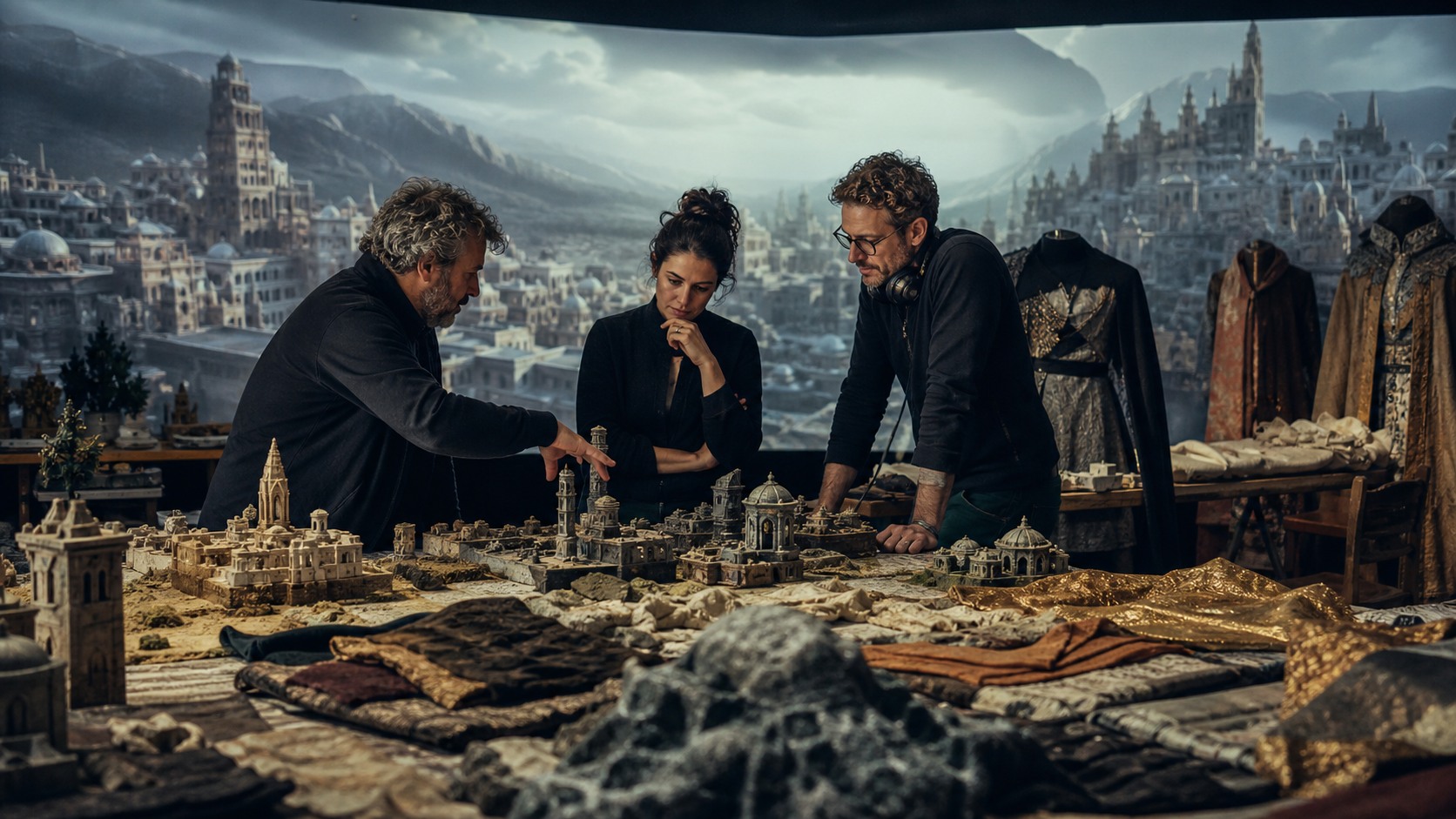
A generative model can sit at several points in a film pipeline. In development, it can help imagine tone and world. In pre-production, it can support references, boards, and pitch material. During production, it may help solve visual planning questions. In post, it can assist cleanup, extension, or temporary ideas.
The standards change at each point. A private development image can be messy if it teaches the team something. A public final shot needs stronger quality, rights, and continuity review. Beginners often get into trouble when they treat every output as if it belongs in the final film.
Thinking in pipeline stages makes the technology less overwhelming. The question becomes simple: is this output a sketch, a reference, a test, a temporary element, or a final asset. Each answer tells the filmmaker how carefully to review it.
Why File Organization Matters
AI filmmaking can create a surprising number of files. Prompts, reference frames, variations, accepted clips, rejected clips, audio drafts, and edit versions can pile up quickly. Without organization, the creator may lose the best output or forget why a version was chosen.
A simple folder and naming system helps. Separate references from generated outputs. Mark approved frames. Keep notes on which prompt created which result. This may feel administrative, but it protects the creative process.
Organization also helps when collaborators join. An editor, producer, or designer can understand the decision trail without asking the creator to remember every experiment.
How to Think About Control
Control in AI filmmaking is not all-or-nothing. A filmmaker may have loose control during brainstorming, moderate control with references, and tighter control through masks, approved frames, or hybrid finishing. The right amount depends on the scene.
Trying to control every detail too early can slow experimentation. Leaving everything open too late can make the final scene unstable. Good workflows move from open exploration toward stricter selection.
That gradual tightening is familiar to filmmakers. Development is open, production is specific, and post-production is precise. Generative models fit best when they respect that movement.
What Review Looks Like in Practice
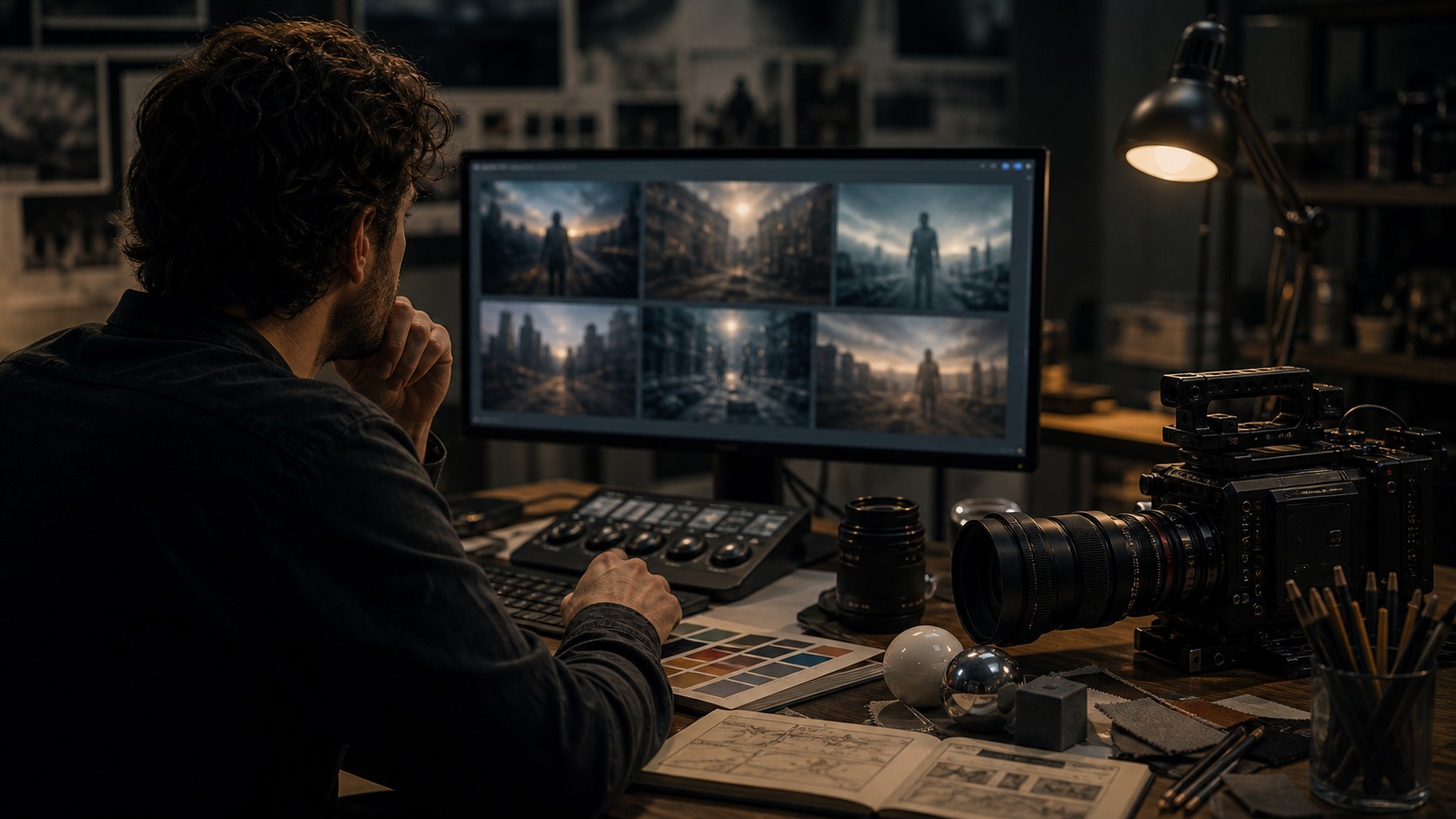
Review should be practical, not mystical. Pause the clip and look for broken details, then play it at normal speed and watch whether the illusion holds. Check whether the camera move makes sense, whether the subject stays recognizable, and whether the shot still communicates after the novelty wears off.
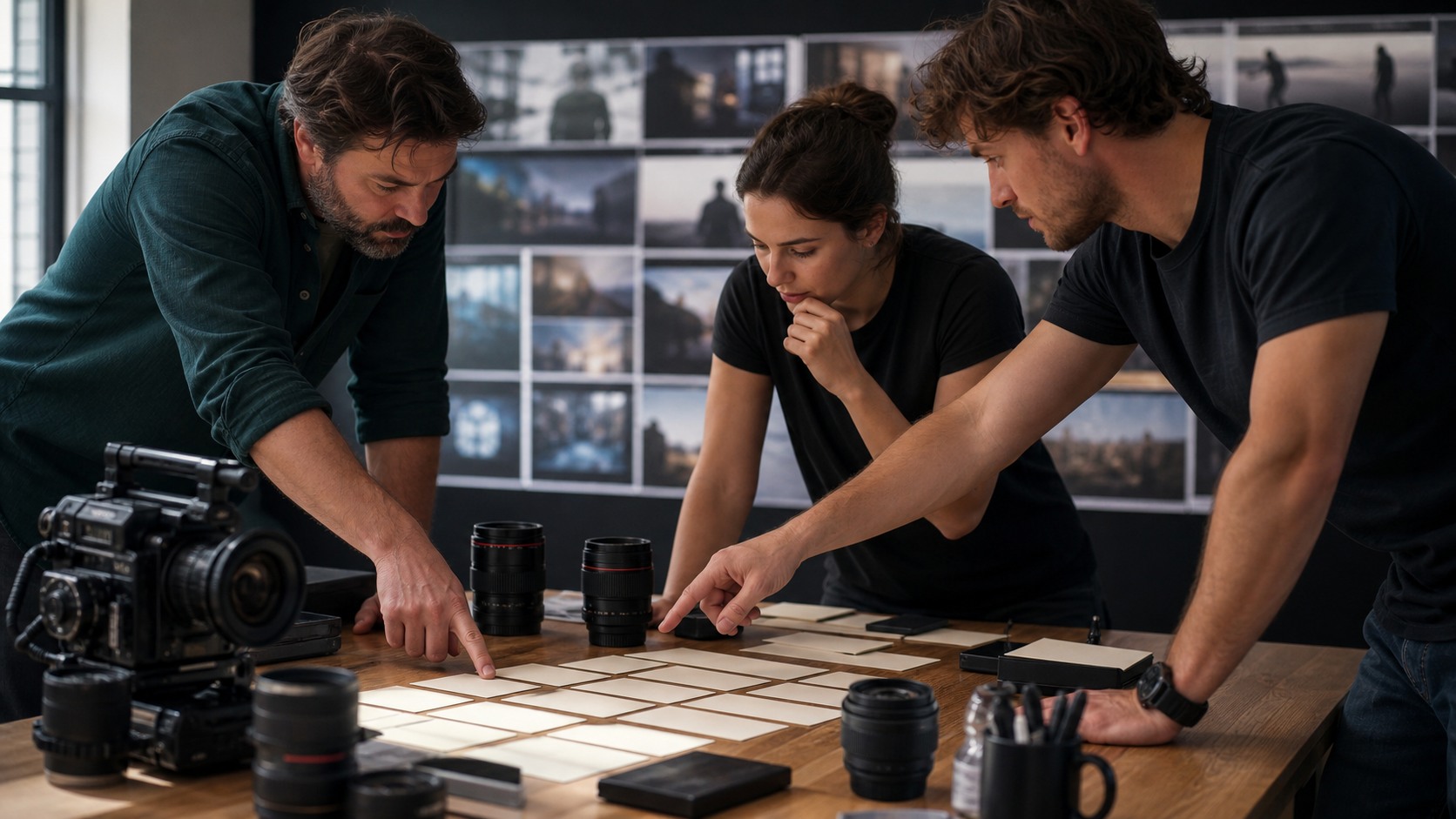
Then place the output beside the shots around it. Many AI mistakes only become visible in sequence. A character may look acceptable alone but wrong after the previous shot. A background may seem rich until it contradicts the scene geography.
The final test is usefulness. If the output cannot be edited into the scene, it is not ready, no matter how impressive it looks as a standalone generation.
Why Simple Language Helps
Beginners often overload prompts with style terms because the tools seem to reward elaborate language. In practice, simple visual instructions are often easier to revise. A clear subject, action, setting, camera distance, and constraint can outperform a long string of cinematic adjectives.
Simple language also makes collaboration easier. If a prompt is understandable, another creator can improve it, adapt it, or diagnose why it failed. AI filmmaking becomes less solitary when the creative brief is readable.
What Makes the Basics Useful
The basics are useful because they keep expectations grounded. A creator who understands prediction, references, variation, and review is less likely to treat every output as a miracle or a failure. They can see the tool as a system with strengths and limits.
That mindset leads to better experiments. Instead of asking the model to solve the whole film, the filmmaker asks it to solve one visual problem at a time. Progress becomes measurable, and the workflow becomes easier to improve.
How Human Direction Fits In
Human direction begins before generation and continues after it. The filmmaker decides the scene's purpose, writes the prompt, selects references, reviews outputs, protects continuity, shapes the edit, adds sound, and decides what the audience should feel. Those choices are the filmmaking.
Generative models can accelerate exploration. They can help small teams see ideas early, compare visual directions, and test scenes that would otherwise be expensive to prototype. But acceleration is not authorship by itself. The work still needs taste, restraint, and responsibility.
The simplest way to understand AI filmmaking is this: the model proposes media, and the filmmaker turns selected media into meaning. Once creators understand that relationship, the tools become less mysterious and much more practical.