Creating a Scene From Scratch Starts With Direction, Not a Prompt
Filmmakers can use AI to create entire scenes from scratch, but the strongest results rarely begin with a vague prompt. They begin with direction: what the scene is about, who or what the audience follows, what changes emotionally, what the world looks like, and how the final sequence should feel. AI can generate images, motion, backgrounds, voices, sound ideas, and visual variations, but the filmmaker still has to design the scene, control continuity, edit the pieces, and decide whether the result works. The scene may be synthetic, but the filmmaking choices remain human.
Start With the Scene Purpose
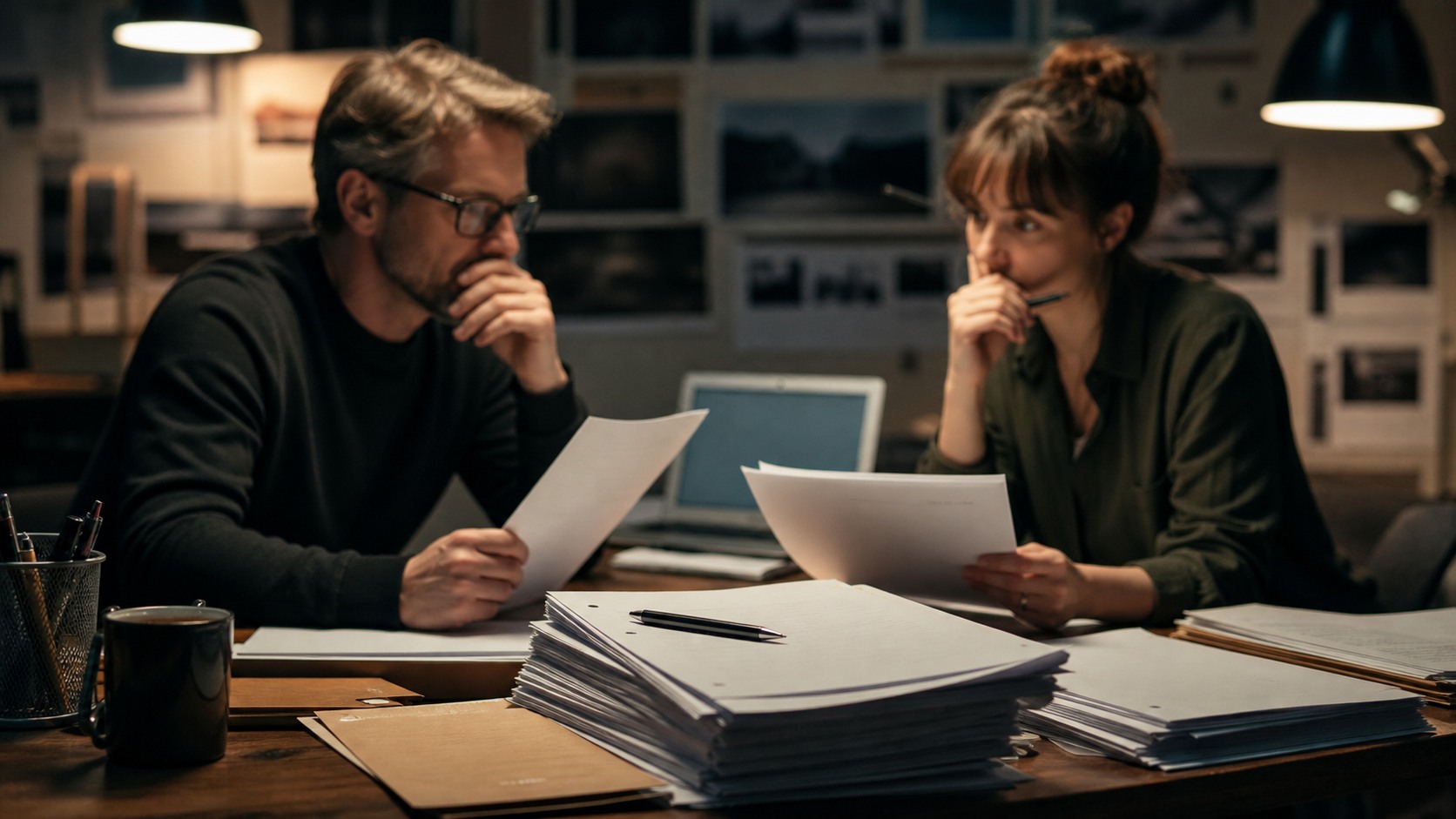
Before using AI, a filmmaker should define the scene's purpose. Is it a reveal, an escape, a quiet discovery, a transformation, or a moment of suspense. Without that purpose, the generated material may look cinematic but feel empty. The prompt should serve a dramatic job.
A useful scene brief includes character, setting, action, emotional tone, visual style, and constraints. It should also say what the audience needs to understand by the end. This gives the AI system a target and gives the filmmaker a standard for judging the output.
The clearer the purpose, the easier it becomes to reject weak generations. If a beautiful shot does not serve the scene's change, it should not survive.
Build Visual References
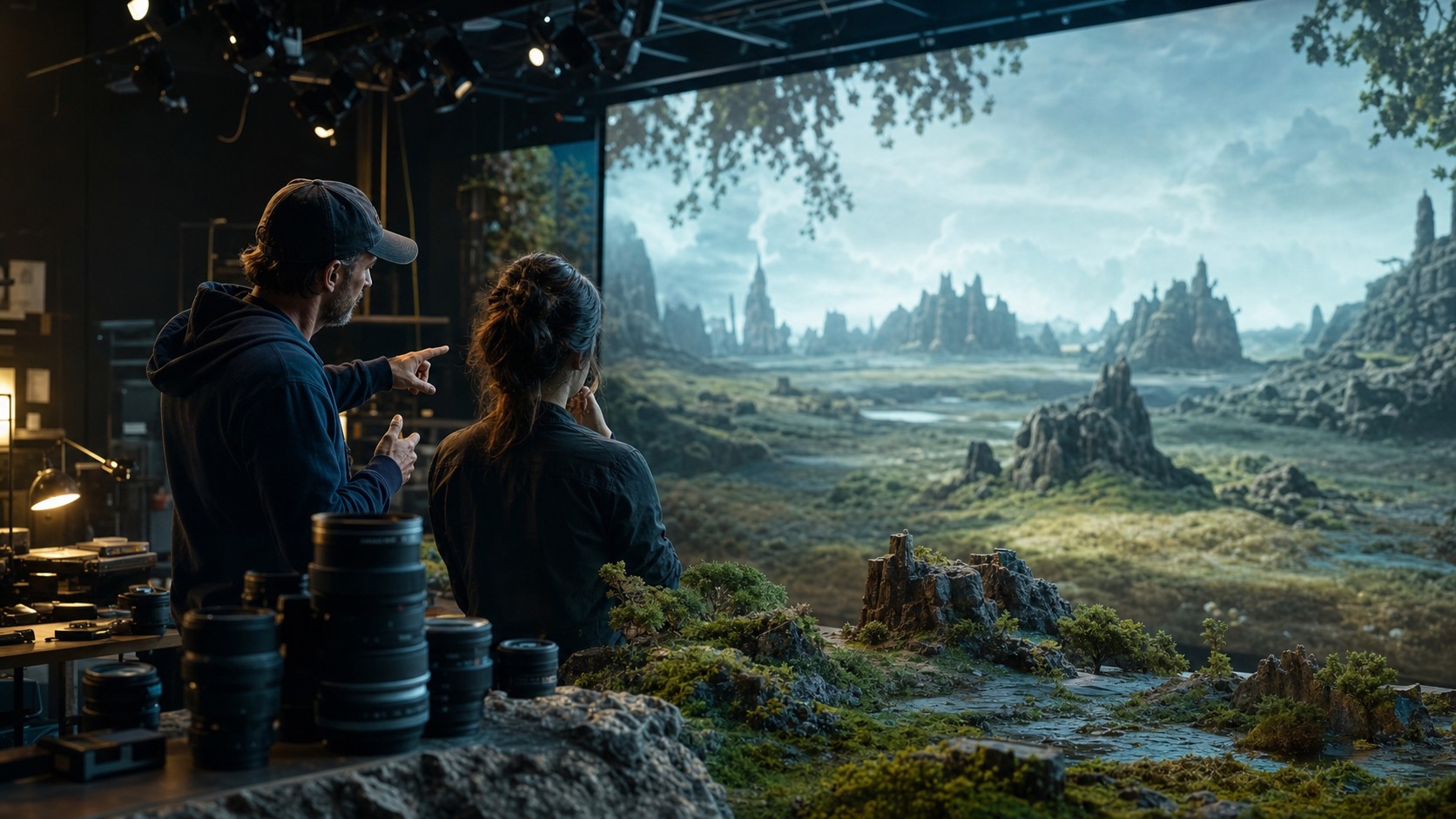
Many filmmakers begin by generating mood frames or concept images. These references define lighting, setting, wardrobe, atmosphere, and camera distance. They also help the creator discover what the scene should avoid. A reference pass is exploratory, not final.
References should be organized by function. Some images describe the world. Some describe a character's emotional state. Some describe a camera angle or lighting idea. Mixing all references together can make the workflow confusing.
When a reference works, the filmmaker should write down why. Maybe it captures the loneliness of the space, the harshness of the light, or the scale of the environment. That reason helps guide later generations.
Generate Shot Candidates
Once the visual direction is clear, the filmmaker can generate shot candidates. These may include wide establishing shots, character-focused images, action beats, inserts, transitions, or environment details. Each shot candidate should have a role in the sequence.
AI video tools may produce clips directly, or image tools may create still frames that are later animated. The creator may need several attempts to get usable motion, framing, and continuity. Prompting is only part of the job. Selection is the harder part.
It helps to generate in small groups. Instead of asking for a whole scene at once, create pieces that can be reviewed. This keeps the filmmaker in control and makes errors easier to catch.
Manage Continuity
Continuity is the main challenge when creating scenes from scratch. Characters can change, props can drift, lighting can shift, and the geography of the location can become inconsistent. A scene made from disconnected generations may feel unstable even if each shot looks good.
Filmmakers can reduce drift by using consistent references, repeated descriptions, approved character frames, and strict shot notes. They can also design scenes that embrace stylization or fragmentation when perfect continuity is not possible.
The edit will reveal continuity problems quickly. If the audience cannot understand where they are or what changed, the scene needs revision.
Shape the Scene in the Edit
Editing turns generated clips into a scene. The editor chooses order, duration, rhythm, transitions, and emphasis. A generated shot may be shortened, repeated, reframed, or discarded. The timeline decides whether the scene has tension and clarity.
Sound is especially important. Ambience, music, effects, and silence can make synthetic images feel more grounded. A weak generated shot may work better with the right sound cue, while a strong image may fail if the sound feels generic.
The editor should watch for visual sameness. AI-generated scenes can fall into a pattern of equally pretty shots. Editing needs contrast: wide and close, motion and stillness, noise and silence, expectation and surprise.
Review Rights, Quality, and Audience Trust
A scene created from scratch still needs rights review. If it uses synthetic likeness, voice, protected references, or brand-like imagery, the creator needs permission and documentation. Private tests are different from public releases.
Quality review should happen in motion and in sequence. Hands, faces, edges, backgrounds, and physics may fail when the clip plays. The scene should be checked as a whole, not only as a collection of good frames.
Audience trust also matters. If the scene is presented as documentary truth, synthetic generation raises different issues than if it is presented as fiction or stylized art. Context changes the responsibility.
When to Stop Generating
One difficult skill is knowing when to stop. AI tools make it tempting to keep asking for variations because another version might be better. At some point, more output becomes noise. The filmmaker has to decide when the scene has enough material to edit.
Stopping does not mean settling. It means switching from generation to construction. The creator reviews the strongest shots, identifies gaps, and makes targeted requests instead of broad experiments. This keeps the workflow from becoming an endless search for a perfect clip.
A useful stopping point is when every shot has a job. If the sequence already has orientation, action, reaction, transition, and resolution, the next generation should solve a specific missing piece. Otherwise, it may only delay editing.
How Small Teams Can Use the Method
Small teams can benefit from AI scene creation because they can prototype ideas that would otherwise be out of reach. A two-person team can test a stormy coastline, a damaged spacecraft, or an impossible dream sequence without waiting for full funding. That can help them pitch, plan, or decide whether the concept is worth pursuing.
The limitation is capacity. Small teams still need time to review outputs, manage files, edit sound, check rights, and fix continuity. AI reduces some production barriers, but it does not remove the work of finishing.
How to Plan Shot Coverage
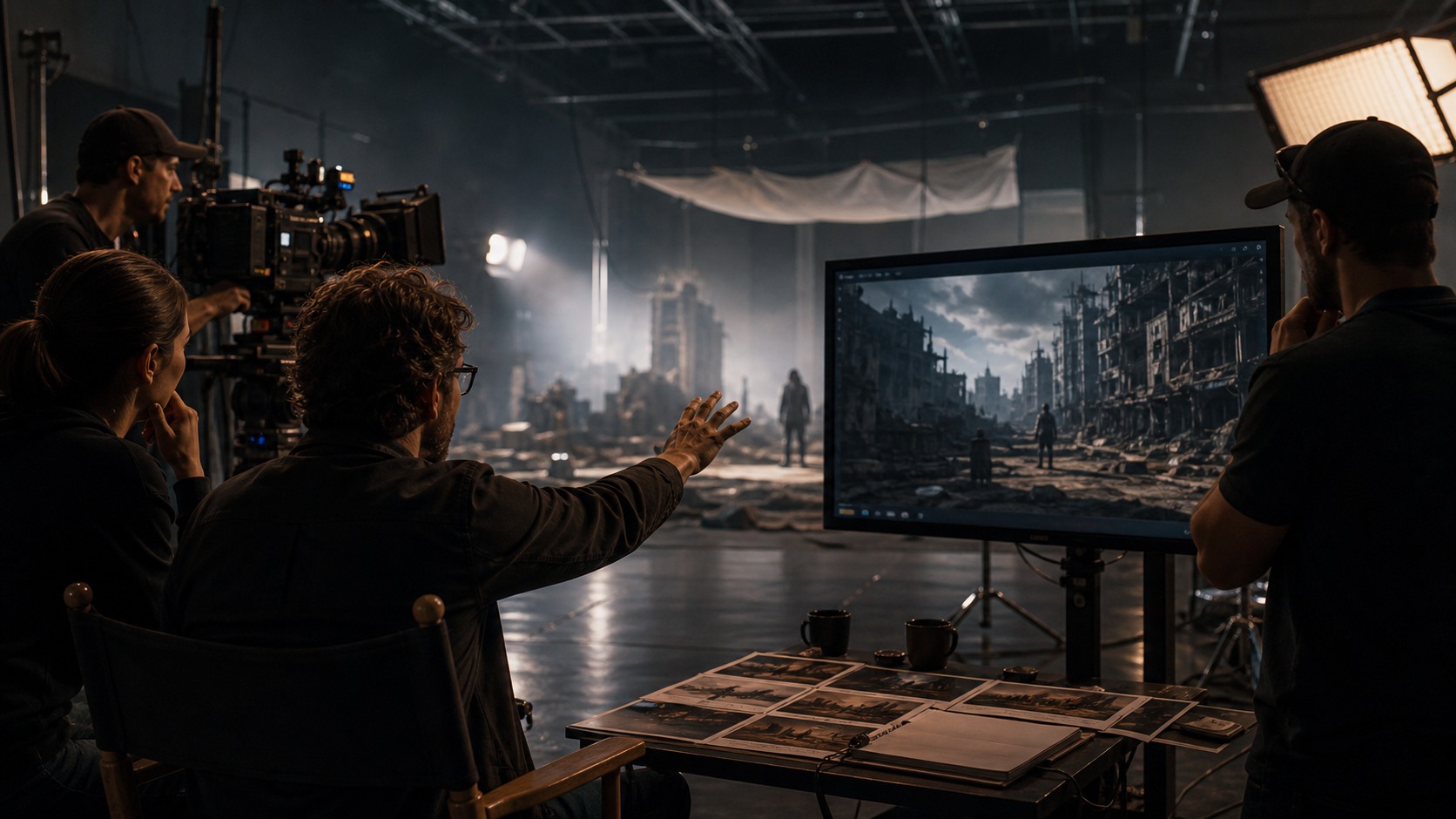
Shot coverage matters even when the scene is generated. A filmmaker still needs enough angles and details to make the edit work. A wide shot can orient the viewer, a medium shot can show action, a close shot can carry emotion, and an insert can clarify an object or change.
AI makes it easy to generate attractive isolated shots, but a scene needs coverage that cuts together. If every clip has the same dramatic camera move or the same distance from the subject, the edit may feel flat. Planning coverage before generation helps the creator ask for shots that serve different jobs.
A simple coverage list can prevent waste. Name the opening image, the action beat, the reaction, the detail, the transition, and the final image. Then generate toward those needs instead of collecting unrelated clips.
How to Keep Characters Recognizable
Character consistency is one of the hardest parts of creating scenes from scratch. The filmmaker may need approved reference frames, repeated wardrobe notes, clear facial features, and a list of details that must not change. Even then, every output needs review.
Some creators solve the problem by designing scenes where the character is partly obscured, stylized, silhouetted, masked, or seen from a distance. That can be a creative choice rather than a flaw. The scene's design can work with the tool's limits.
When a scene needs close emotional performance, the standards rise. A face that changes slightly between shots can break the audience's connection. Those scenes may require extra generation, compositing, performance capture, or a different production method.
How to Use Sound as Structure
Sound can hold an AI-created scene together when the visuals are assembled from separate generations. A continuous ambience can make disconnected shots feel like one place. A repeated sound motif can guide attention. A pause can make a synthetic image feel intentional rather than accidental.
Music should be used carefully. It can add emotion, but it can also hide weak pacing for a moment without fixing the scene. Sound effects, room tone, and silence often do more practical work than a heavy score.
A good sound pass asks what the viewer needs to feel and understand. The sound should support the scene's structure, not simply decorate the generated images.
How to Review a Scene Before Publishing
Before publishing, the filmmaker should watch the scene several ways. Watch once for story clarity, once for continuity, once for motion artifacts, once for sound, and once for rights or resemblance issues. Each pass catches a different problem.
It also helps to show the scene to someone who has not seen the workflow. They will not know which shot was hardest to generate or which image looked impressive in isolation. They will only know whether the scene makes sense. That outside response is valuable.
If the viewer is confused, the answer is not always another generated clip. Sometimes the scene needs a shorter edit, a clearer opening shot, a different sound cue, or a simpler final beat.
Why Scene Design Should Match the Tool
Some scene ideas fit current AI tools better than others. Dream sequences, stylized memories, abstract transitions, distant landscapes, and surreal environments may tolerate visual looseness. Dialogue-heavy scenes, precise choreography, and close emotional continuity can be much harder.
A smart filmmaker designs around the available strengths. That does not mean lowering ambition. It means choosing a form where the synthetic qualities become part of the language rather than a constant flaw.
This is the same thinking used in low-budget filmmaking. Creators shape scenes around the resources they have. AI is another resource, with its own strengths and limits.
How to Decide What Needs a Reshoot
Even synthetic scenes can need a version of a reshoot. If a shot confuses the geography, breaks a character, or damages the emotional turn, the creator should regenerate or replace it. The fact that the shot took time to produce is not a reason to keep it.
A targeted reshoot list helps. Instead of reopening the whole scene, name the exact missing pieces: one clean reaction, one clearer establishing shot, one steadier transition, or one insert that explains the object. Specific requests make the next generation round more useful.
The goal is not to make every frame flawless. The goal is to remove the errors that stop the scene from working.
Why the Final Pass Matters
A final pass protects the work from small failures that viewers notice immediately. It gives the filmmaker one more chance to remove drifting details, tighten timing, and make sure the scene feels intentional rather than assembled in a hurry.
A Practical Workflow
A practical workflow is brief, reference, generate, select, edit, sound, review, revise. The filmmaker begins with a scene brief, creates references, generates shot candidates, selects usable material, edits the sequence, designs sound, reviews for rights and quality, then revises.
This workflow may sound close to traditional filmmaking because it is. AI changes how some material is created, but it does not remove the need for planning and taste. A scene still has to communicate.
The best AI-created scenes feel directed. They do not feel like a folder of outputs. They feel like someone made choices.